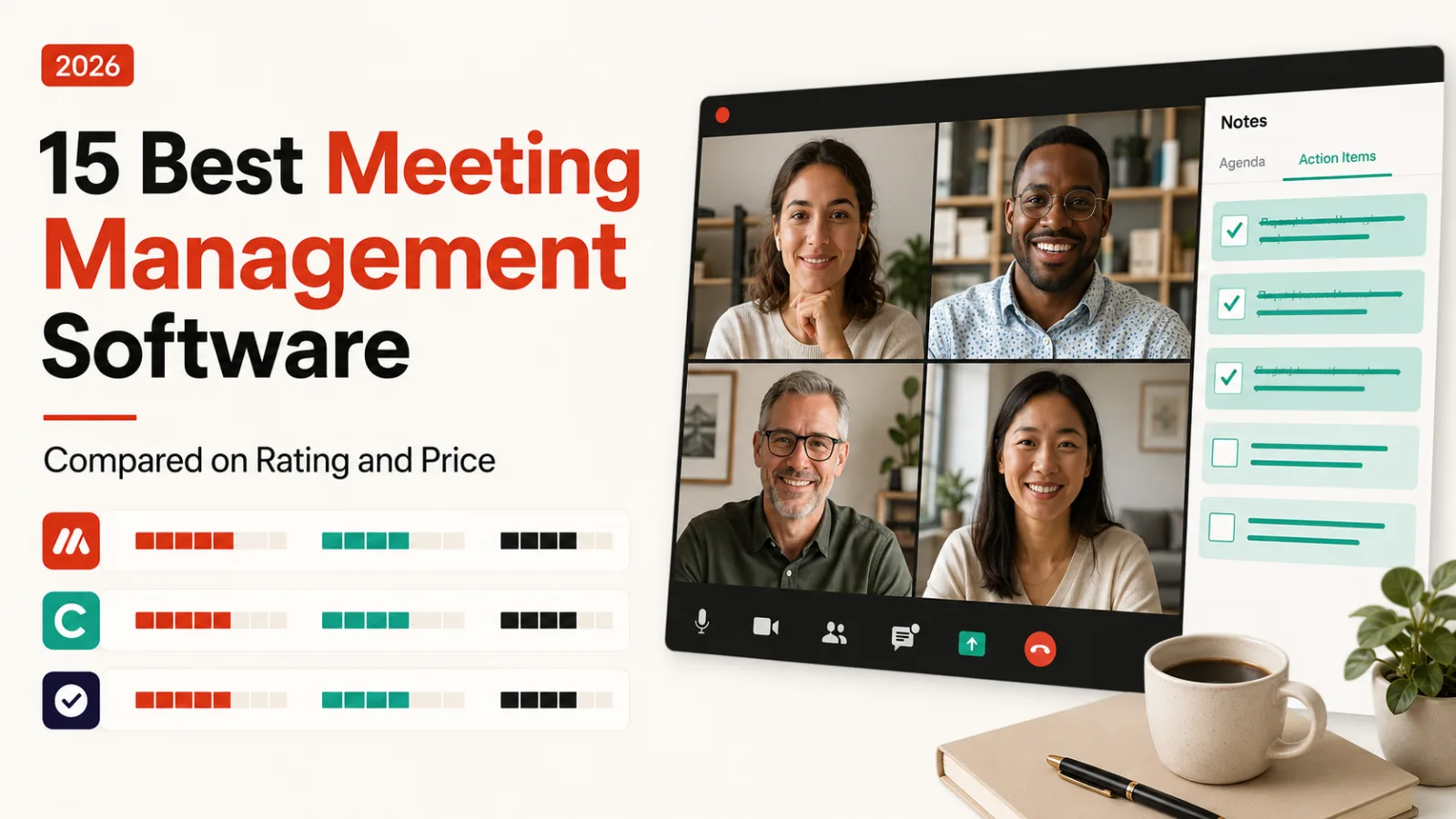
The best free meeting management software here is Fathom, whose site advertises unlimited recordings on a free-forever tier. The cheapest paid entry is Fellow at $7 per user per month.
Fourteen of these fifteen tools have a free plan. The decision that separates them is whether a bot joins your call, and whether the tool runs the agenda or only writes down what happened.
How this list is ordered, and what it leaves out
Ordered by our editorial rating, then by free-plan availability, then by starting price. The rating is editorial, drawn from published feature, plan and pricing data. Every listing is verified live before publishing and carries a last-reviewed date.
Two products people expect here are deliberately absent. Gong is revenue intelligence at $1,300 a month, a different buyer entirely, and we compare the two in Avoma vs Gong.
Pure dictation and file transcription sit in our transcription roundup instead. Everything below is built around a meeting that has a start time, participants and a follow-up.
Two jobs hiding under one name
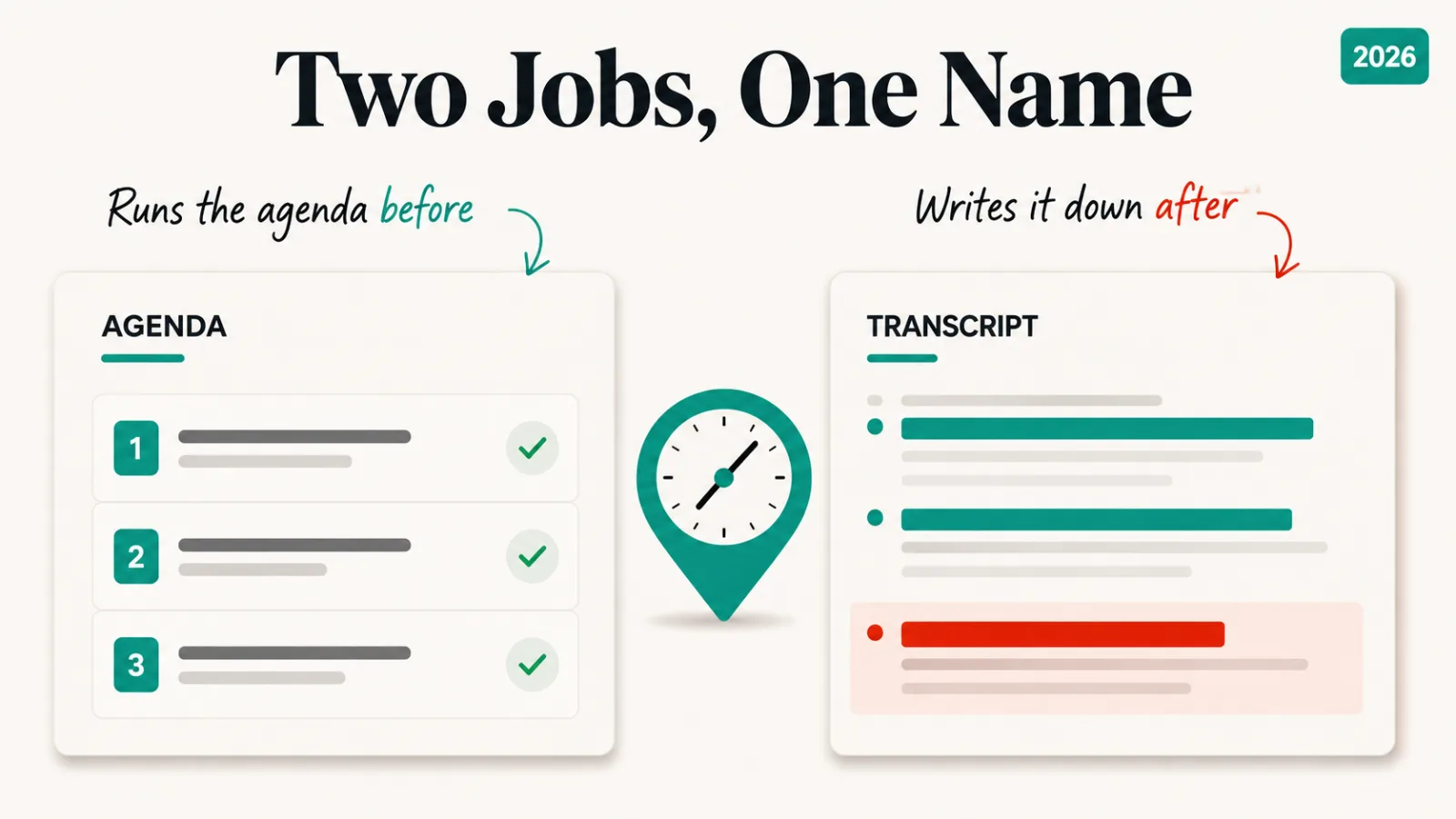
Most of this list is notetakers. They capture the call, transcribe it, and produce a summary with action items afterwards. The meeting itself is unchanged; what improves is the record of it.
A smaller group works before the meeting starts. Fellow and Nyota build the agenda, carry items forward from last time, and give the meeting a shape it would not otherwise have.
That distinction decides which half of this list you should be reading. A team whose meetings are already tight needs a better record. A team whose meetings sprawl needs an agenda, and a transcript won’t fix it.
Bot or no bot, and why it matters
The older assumption is that a notetaker dials into your call as a visible participant. That is still common, and it has a side effect: external guests see the bot in the participant list, and some organisations block unknown attendees outright.
Four tools here advertise working without one. Fathom’s banner announces bot-free capture and tl;dv carries a no bot required badge. Grain lists bots optional beside its free tier, and Granola calls itself notes and actions without a meeting bot.
If your calls involve clients, procurement or candidates, check this before price. A bot that cannot join is a tool that records nothing.
The 16 tools, compared
| Tool | Rating | Free plan | From |
|---|---|---|---|
| Fathom | 4.5 | Yes | Free, $20 paid |
| Fireflies.ai | 4.5 | Yes | $10 |
| Granola | 4.5 | Yes | $14 |
| Fellow | 4.4 | Yes | $7 |
| Notta | 4.4 | Yes | $8 |
| Grain | 4.4 | Yes | $15 |
| tl;dv | 4.4 | Yes | $18 |
| Avoma | 4.4 | Trial | $19 |
| Nyota | 4.3 | Yes | $15 |
| MeetGeek | 4.3 | Yes | $15 |
| Otter.ai | 4.3 | Yes | $17 |
| Supernormal | 4.3 | Yes | $18 |
| Read AI | 4.3 | Yes | $20 |
| Circleback.ai | 4.2 | Yes | About $21 |
| Laxis | 4.1 | Yes | Free |
| Krisp.ai | 4.5 | Trial | $8 |
1. Fathom, rated 4.5, free
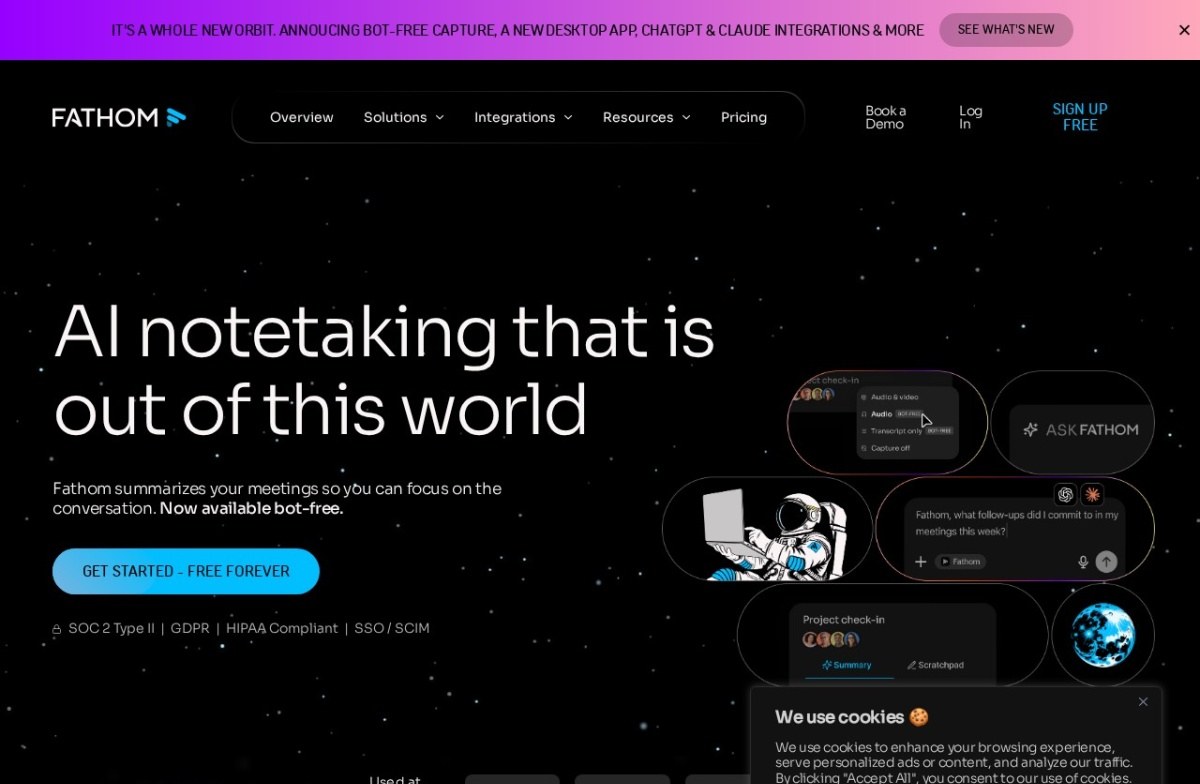
Fathom is the strongest free option here. Its site advertises unlimited recordings and transcriptions on a free-forever tier, with Premium at $20 a month, and the header now announces bot-free capture.
Its footer lists SOC 2 Type II, GDPR and HIPAA compliance alongside SSO and SCIM. That is a short checklist for a security team to sign off.
One thing to know: the product moved domain, and fathom.video now redirects to fathom.ai. Old bookmarks and older comparison articles still point at the previous address.
2. Fireflies.ai, rated 4.5, from $10
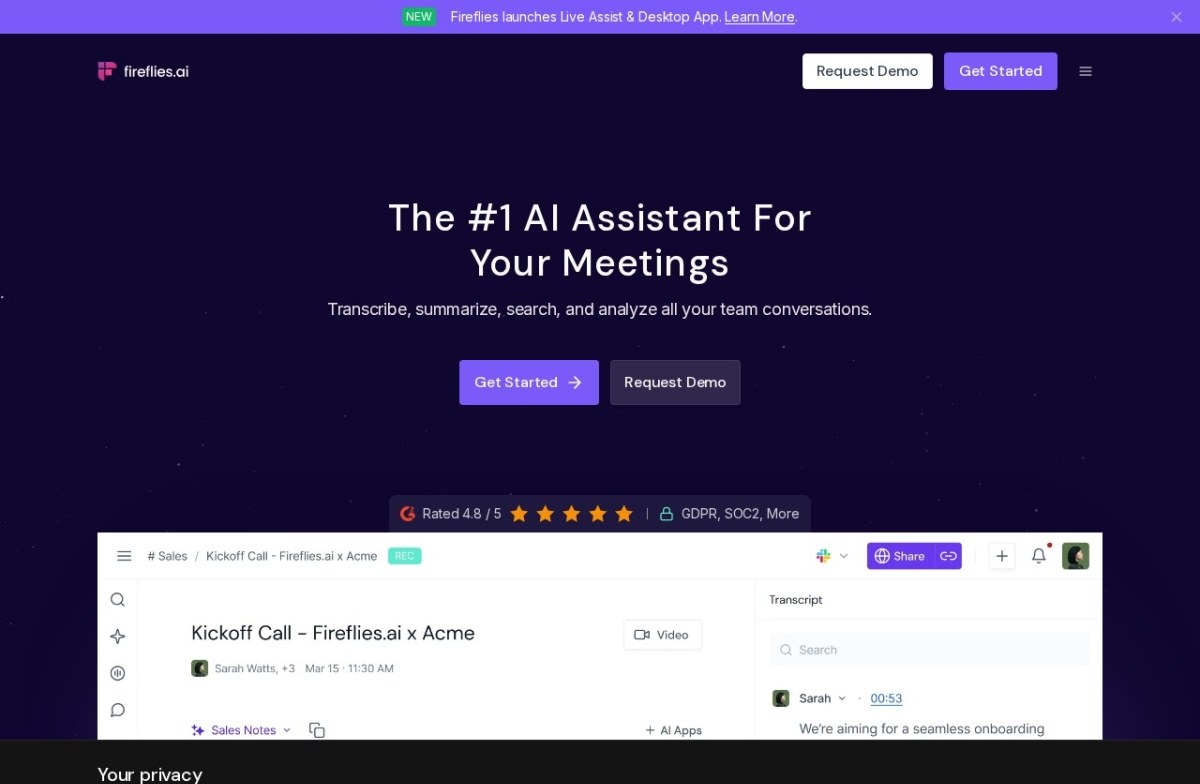
Fireflies.ai is the cheapest of the three top-rated tools once you leave the free tier. It positions itself around search across past conversations rather than a single meeting’s notes, which suits teams that have recorded for a while.
Its page advertises GDPR and SOC 2, and it has been shipping a desktop app and ChatGPT and Claude integrations.
3. Granola, rated 4.5, from $14
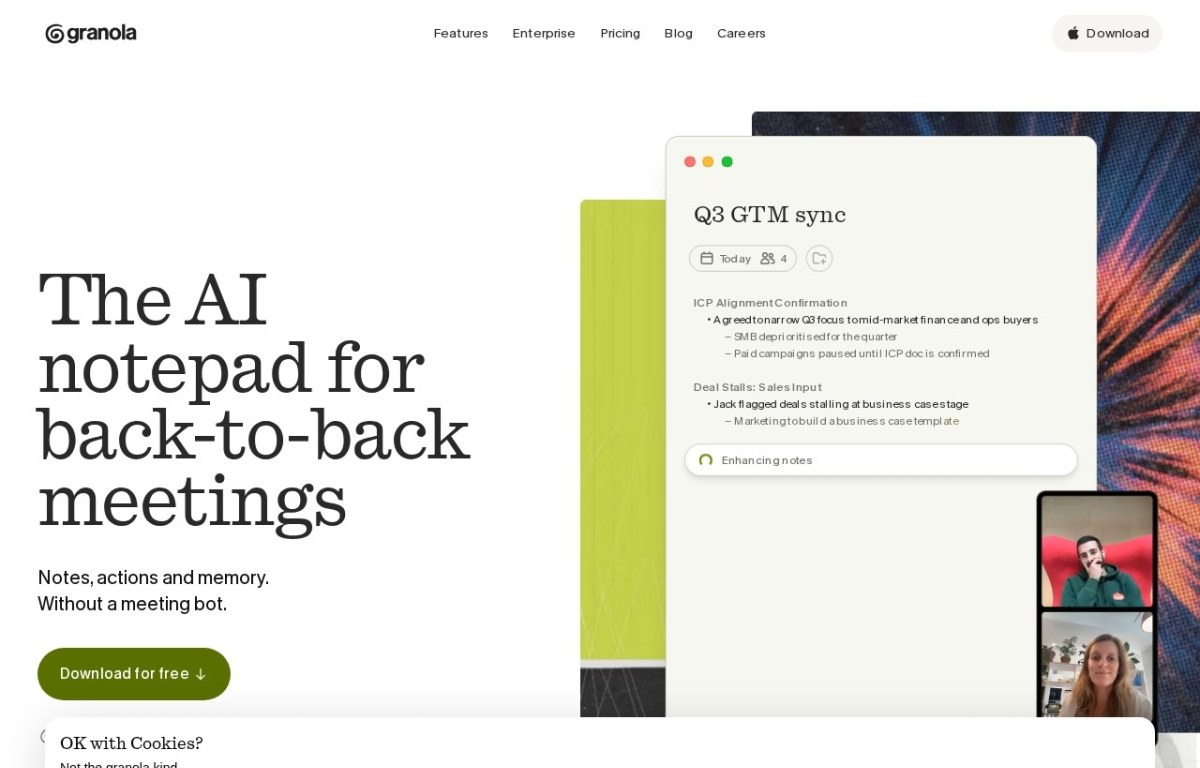
Granola works differently from the rest. It runs on your own machine and enhances the notes you’ve typed yourself, describing itself as notes, actions and memory without a meeting bot.
Its pricing page shows Basic free, Business at $14 per user per month, and Enterprise at $35. That middle tier is where unlimited notes and the integrations live.
4. Fellow, rated 4.4, from $7
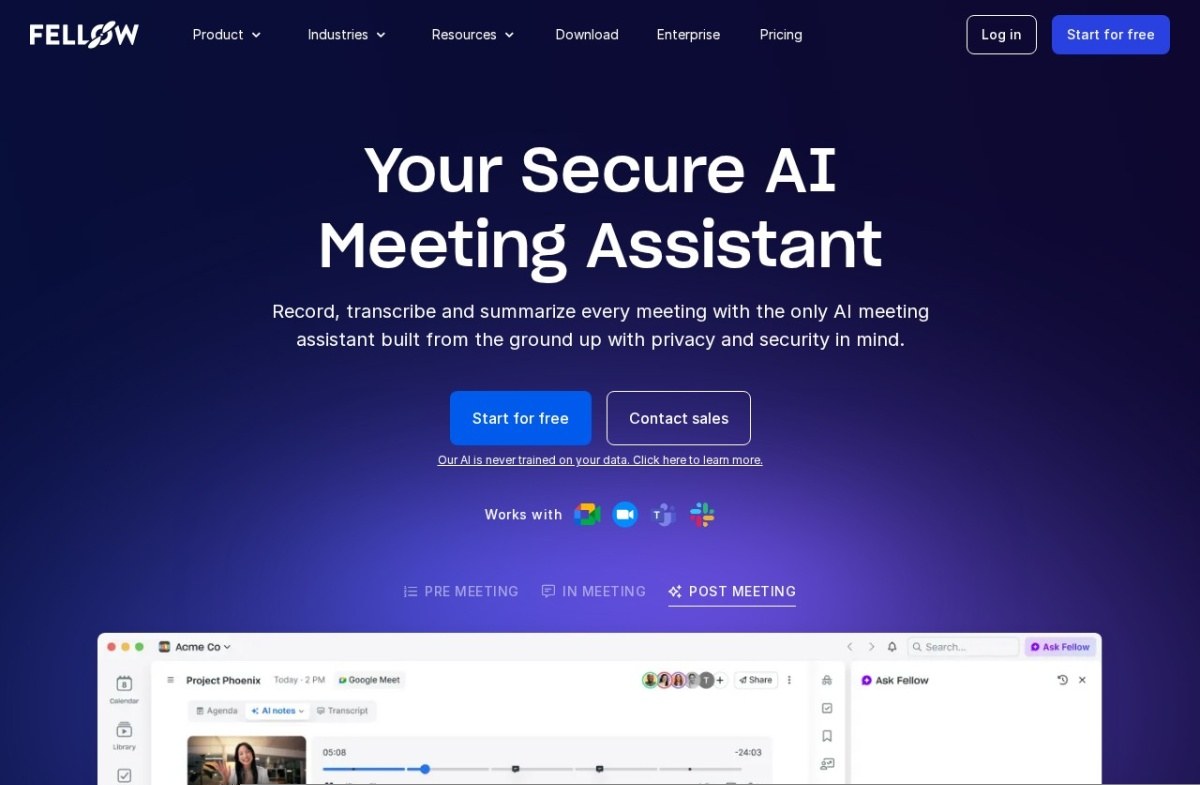
Fellow is the cheapest paid plan on this list and one of the few built around the agenda rather than the recording. Its site organises the product into pre-meeting, in-meeting and post-meeting, which is the shape of the problem it solves.
It also states that its AI is never trained on your data, which is worth noting given how many tools leave that as an opt-out.
5. Notta, rated 4.4, from $8
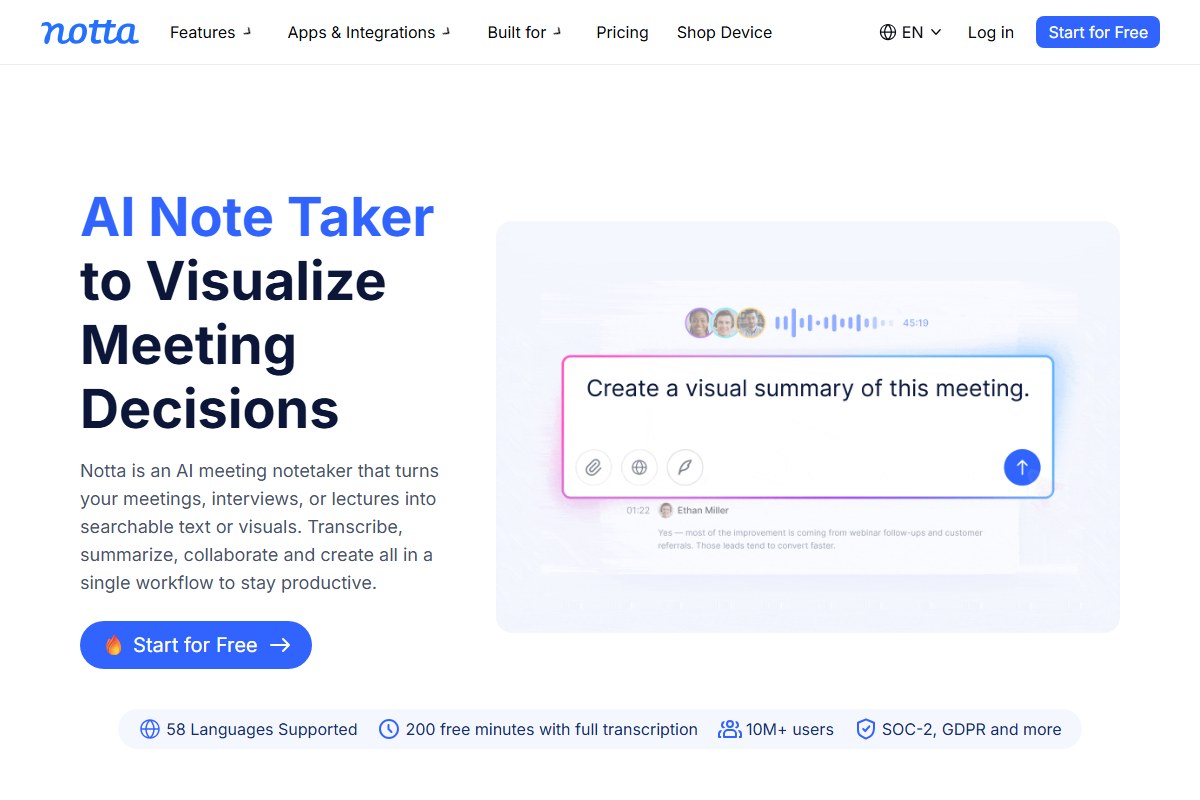
Notta leans harder on languages than most of this list, which matters if your calls are not all in English. Its site carries a language switcher in the header and frames the product around turning meetings into searchable text or visuals.
6. Grain, rated 4.4, from $15
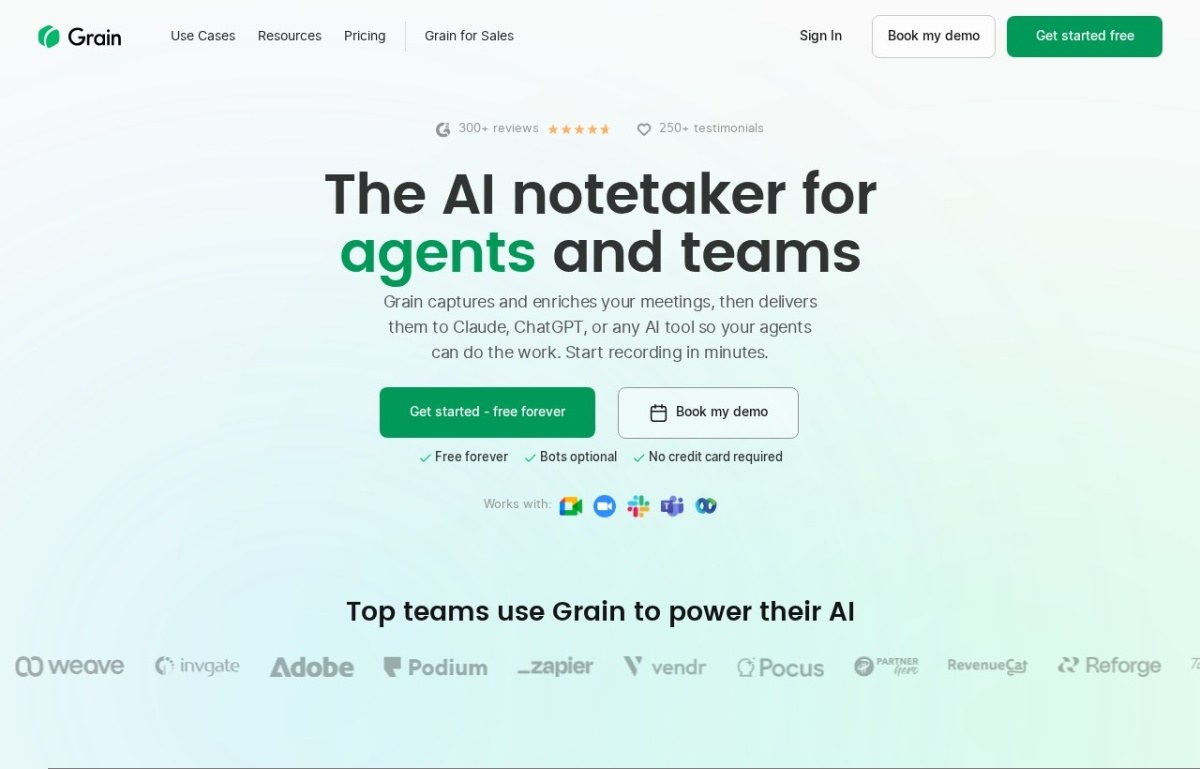
Grain is aimed at teams that want clips and coaching out of calls, not only text. Its free tier is advertised as free forever with bots optional and no card required.
7. tl;dv, rated 4.4, from $18
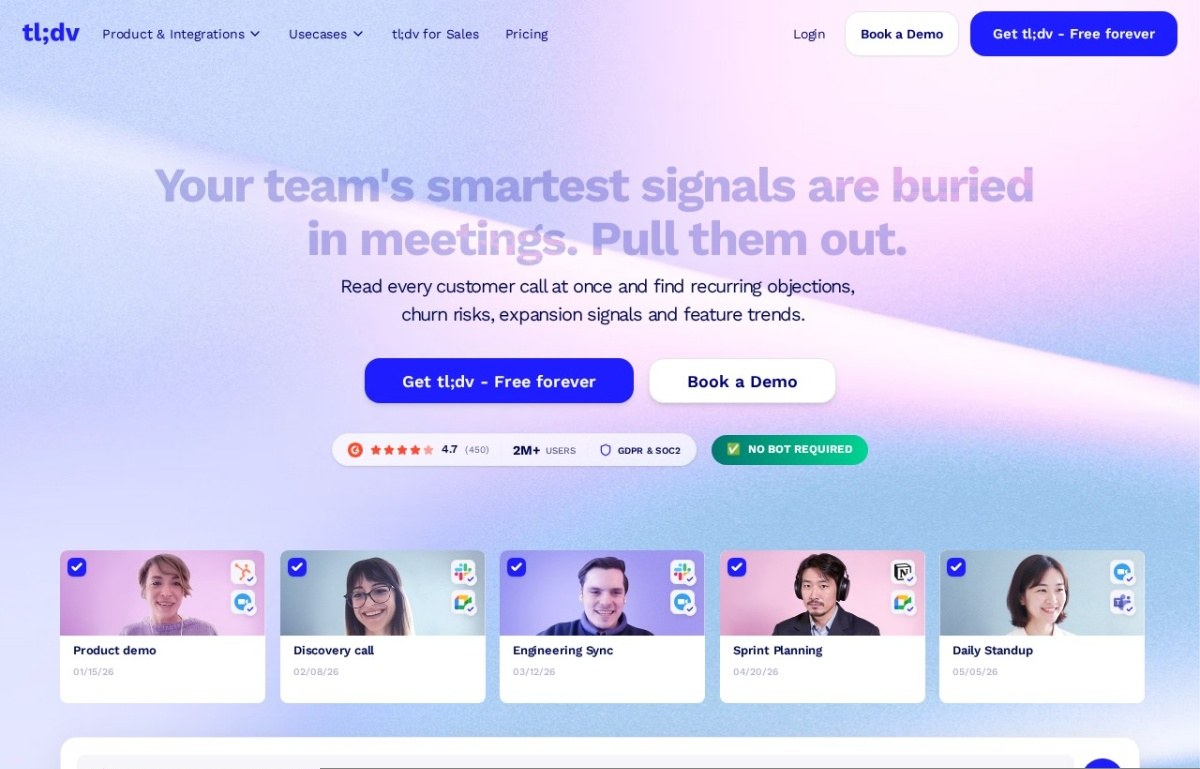
tl;dv positions itself around patterns across many customer calls rather than one meeting: recurring objections, churn risk, feature trends. It carries a no bot required badge and lists GDPR and SOC 2.
8. Avoma, rated 4.4, from $19
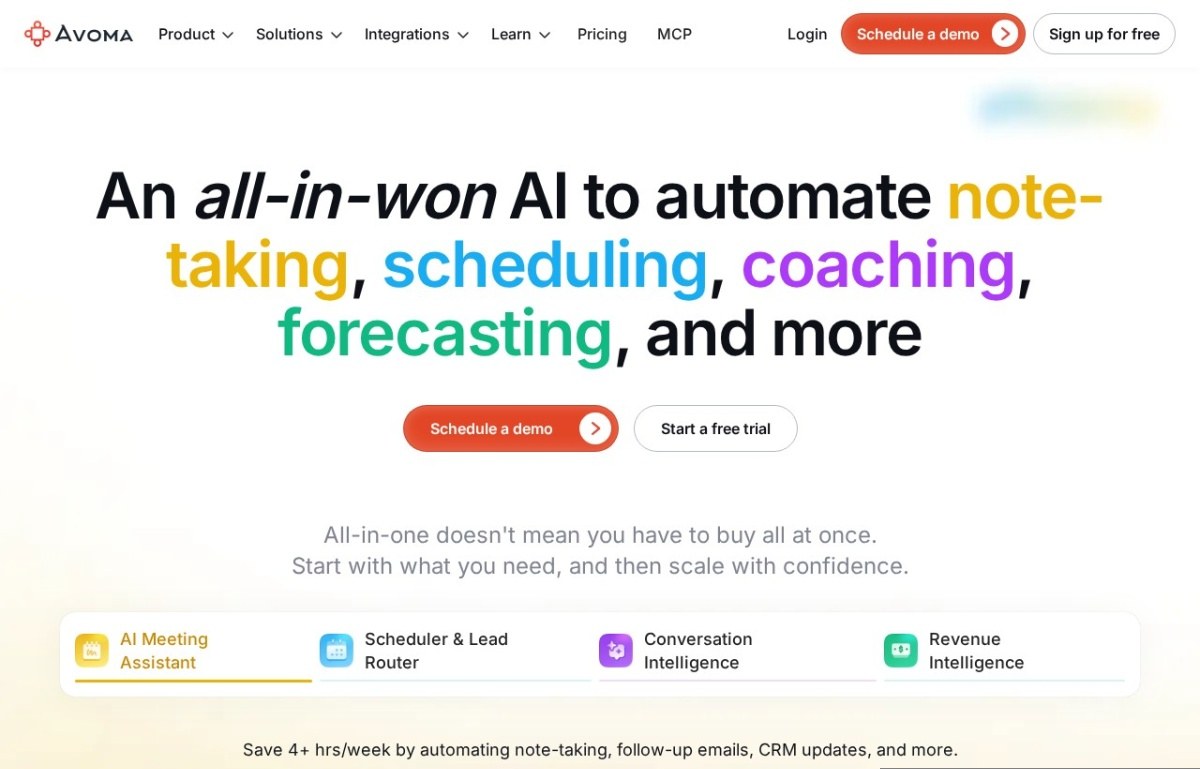
Avoma is the widest product here, covering note-taking, scheduling, coaching and forecasting in four modules. That breadth is what you’re paying for and the reason it suits revenue teams rather than a single department.
Our listing records no free plan for Avoma, while its own site offers a free trial and a sign-up. Treat the trial as an evaluation window, not a free tier you can sit on.
9. Nyota, rated 4.3, from $15
Nyota sits on the agenda side of the split alongside Fellow, at $15 per user per month.
10. MeetGeek, rated 4.3, from $15
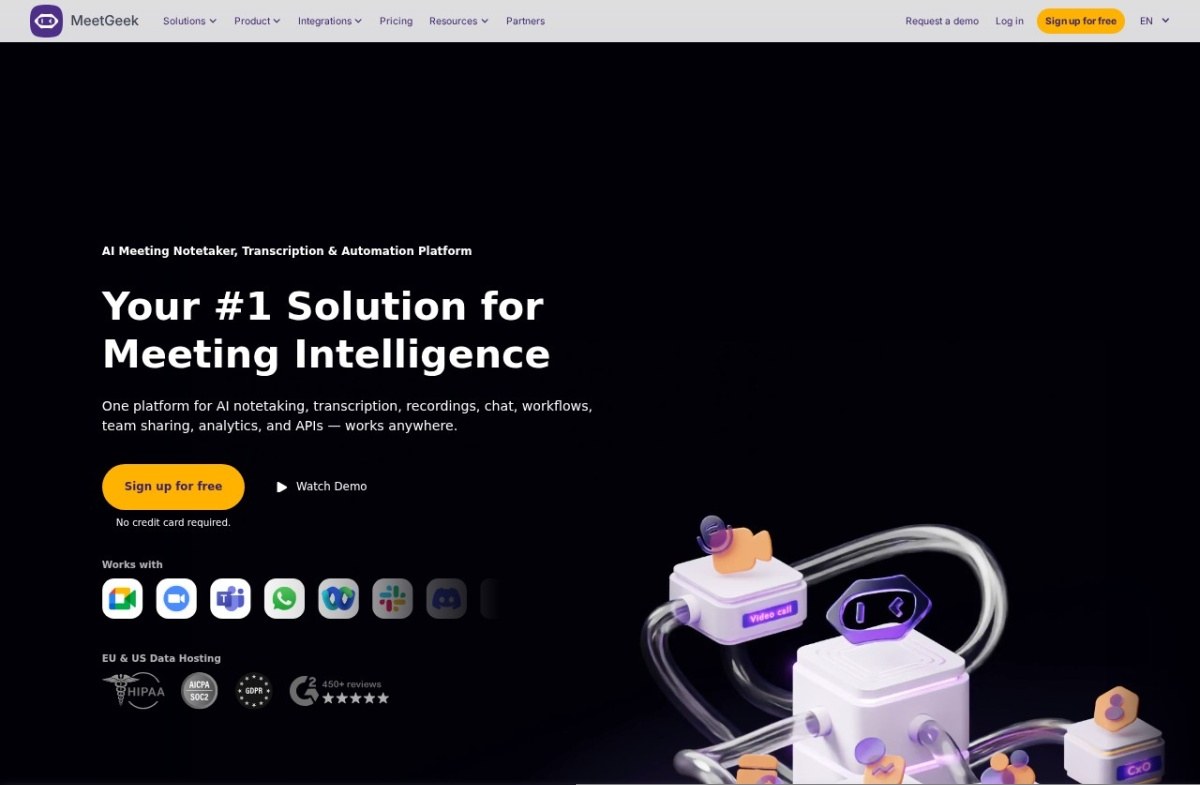
MeetGeek frames itself as meeting intelligence rather than notes, bundling transcription, recordings, workflows and analytics in one place. Its page advertises sign-up with no card required and offers EU and US data hosting, which matters if data residency is a requirement.
11. Otter.ai, rated 4.3, from $17
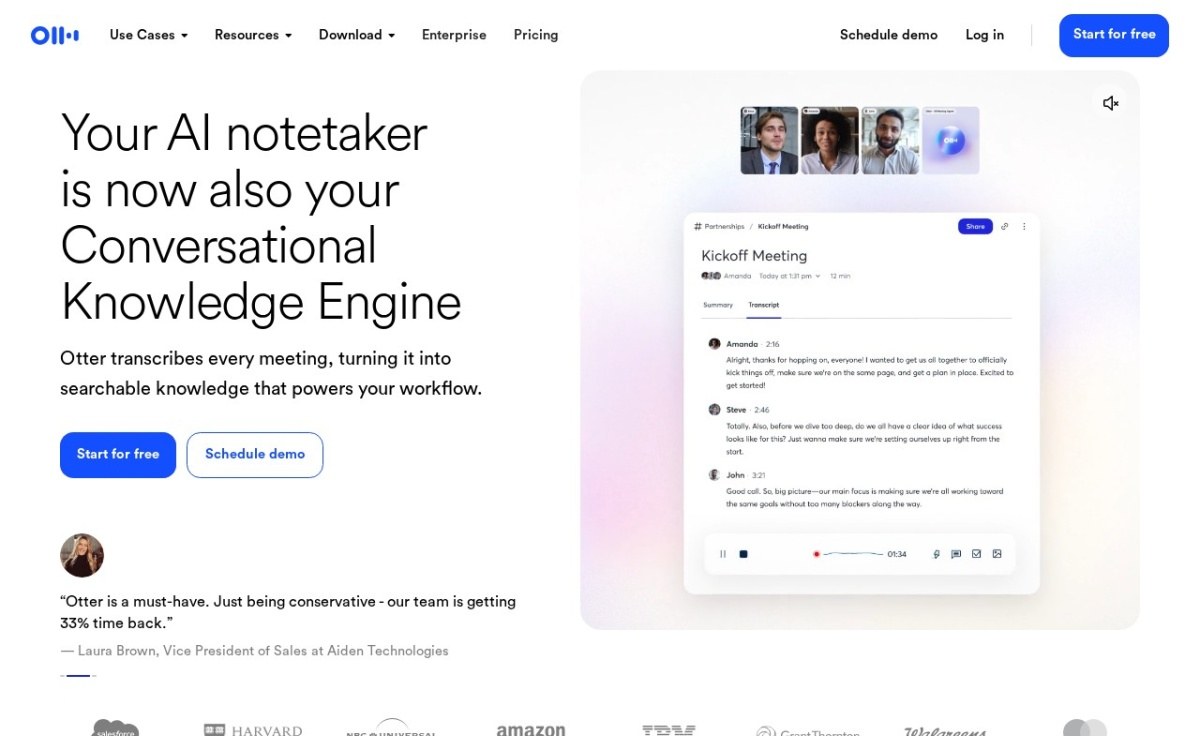
Otter.ai is the name most people arrive already knowing. Its current positioning has moved past transcription toward a searchable knowledge layer across every meeting you have recorded.
12. Supernormal, rated 4.3, from $18
Supernormal is $18 per user per month with a free plan, sitting mid-table on both rating and price.
13. Read AI, rated 4.3, from $20
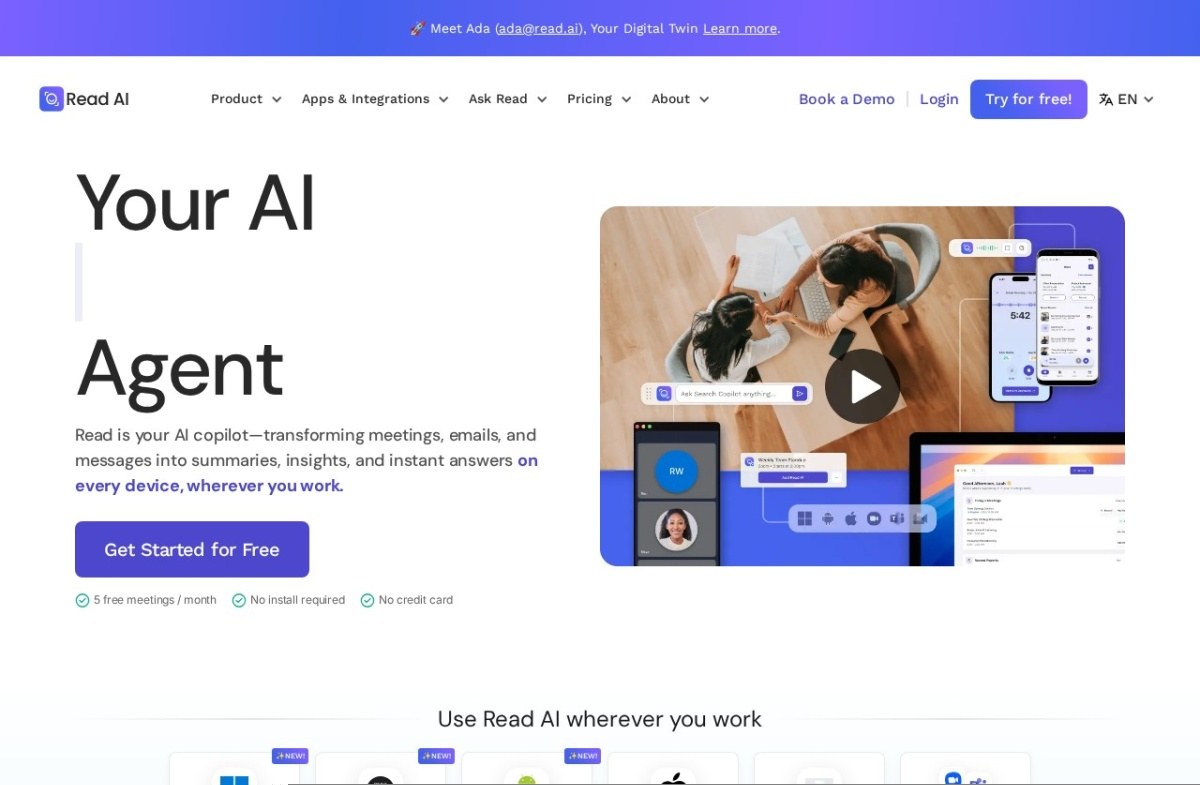
Read AI is the most expensive of the 4.3 band and now presents itself as an agent spanning meetings, email and messages rather than a meeting tool alone. Its free tier is advertised as five meetings a month with no install and no card.
14. Circleback.ai, rated 4.2, about $21
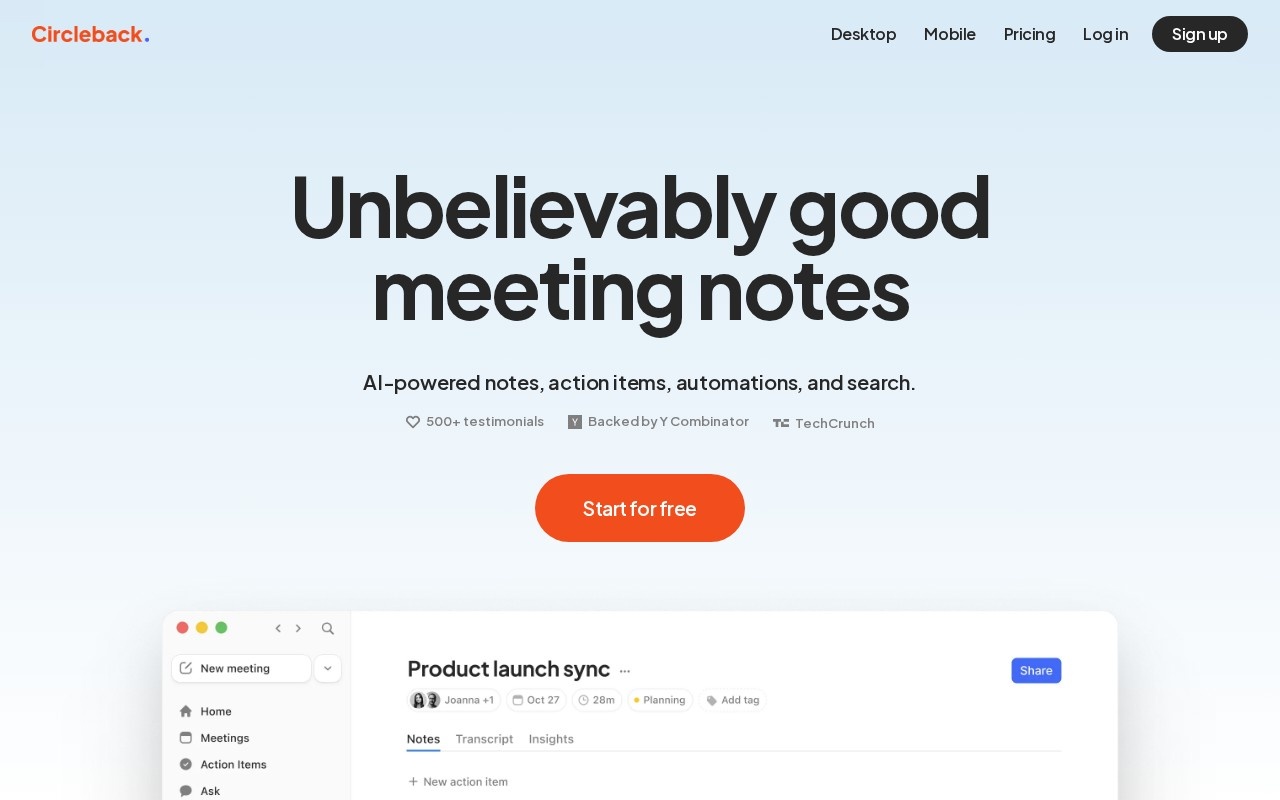
Circleback.ai has the highest entry price on this list and concentrates on what happens after the meeting: notes, action items, automations and search. Judge it on the follow-up rather than the transcript.
15. Laxis, rated 4.1, free
Laxis is the lowest-rated tool we list here and the second with a free entry point. It’s worth a look if the budget is zero and Fathom does not fit your stack.
16. Krisp.ai, rated 4.5, from $8
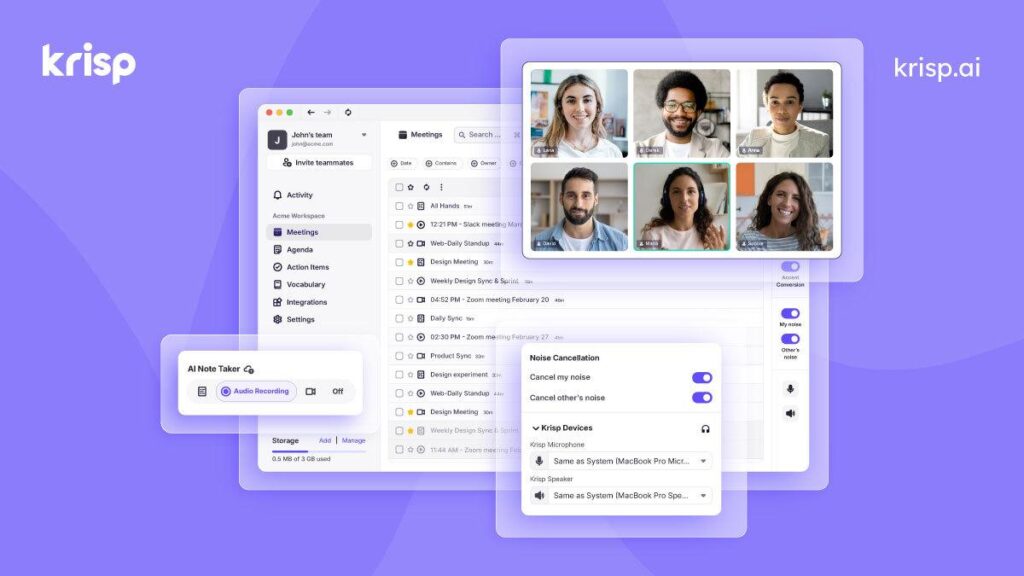
Built for remote teams and privacy-conscious professionals, this all-in-one AI note taker is designed to enhance the entire meeting experience and boost productivity. By combining noise cancellation, accent conversion, accurate transcriptions, and automated action items, it ensures every conversation is clear, captured, and actionable.
What sets Krisp apart from other call-tracking tools is its bot-free experience. There’s no need to introduce a virtual assistant into your meetings—Krisp runs quietly in the background through a desktop app. While it may not offer deep CRM integrations like some sales-focused platforms, it delivers enterprise-grade security (SOC 2, GDPR, and HIPAA compliant) and consistently crystal-clear audio for everyone on the call.
Best features:
- Eliminate background noise, room echo, and unwanted voices on both ends of the call
- Convert accents in real time for clearer communication
- Generate highly accurate live transcriptions with synced audio recordings
- Automatically capture meeting summaries and action items—no bots required
- Integrate seamlessly with Zoom, Microsoft Teams, Google Meet, Slack, and more
- Pricing: Free version available. Pro plans start at $8 /user/mo.
What the free plans buy
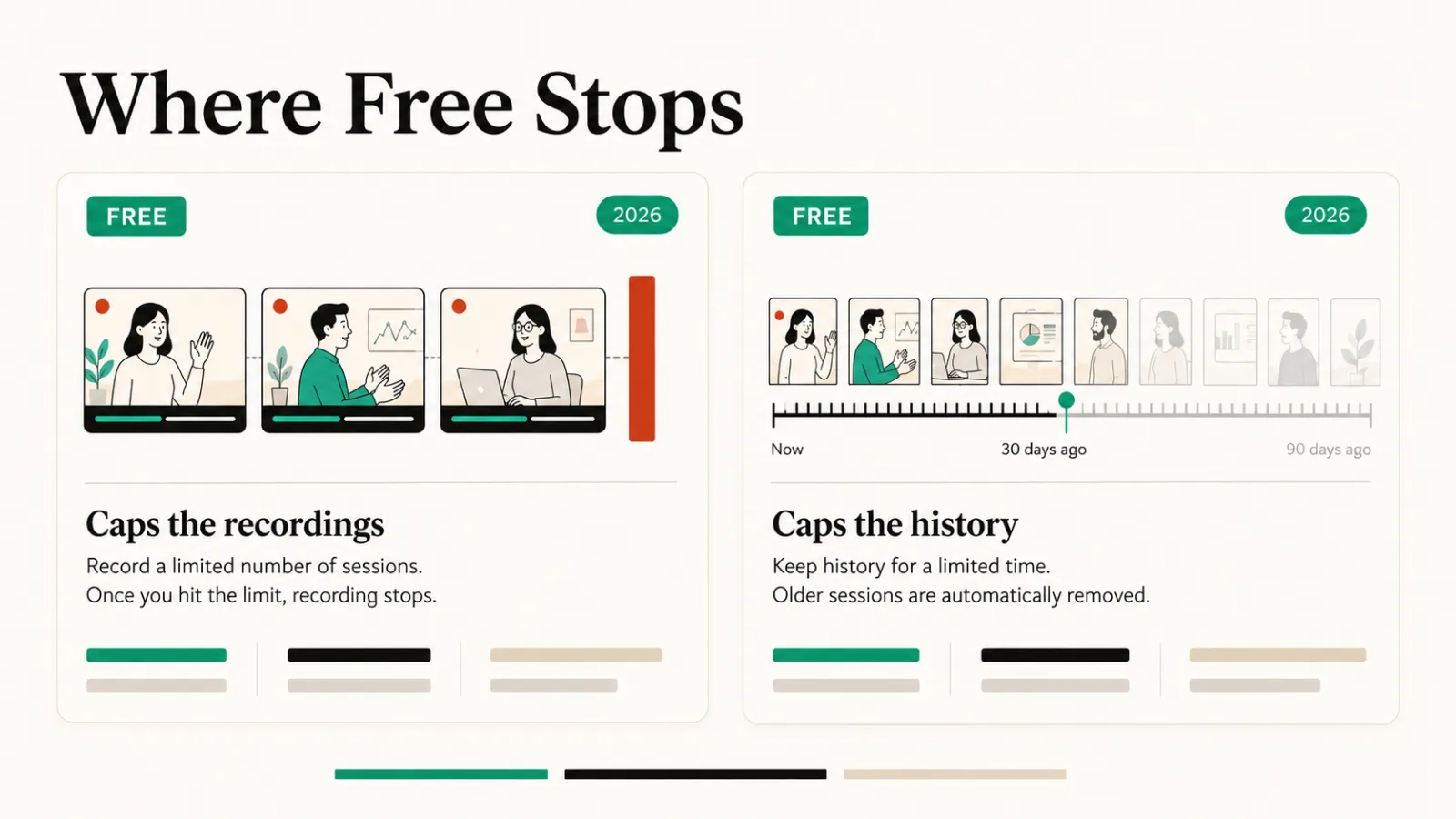
Fourteen of fifteen have a free plan, so “has a free tier” separates almost nothing. What separates them is where the free tier stops.
Fathom advertises unlimited recordings and transcriptions free, which is unusual. Read AI caps at five meetings a month instead. Granola’s free Basic plan limits meeting history, so its ceiling arrives later rather than at the point of recording.
Check the ceiling before the price. A plan that caps recordings suits occasional calls. One that caps history suits daily use until you’re looking back.
Consent and retention, before you roll one out
Every tool here records other people speaking. Recording consent law varies by country and by state, and some places require everyone on the call to agree, not only the person who started it.
A visible bot announces the recording by itself. The four bot-free options remove that signal, which is convenient and shifts the disclosure onto you.
Retention is the second question. Ask how long transcripts are kept, who in your workspace can search them, and whether the vendor trains models on your calls.
Fellow states outright that it does not; Granola’s plan page lists a training opt-out. Check whether yours is on by default.
None of this is legal advice. It’s the part buyers discover after rollout, when a recorded call turns out to hold something it shouldn’t.
How to choose
To pick one quickly, match your bottleneck to the line below.
- Budget is zero: Fathom, then Laxis.
- Guests or clients on the call: Fathom, tl;dv, Grain or Granola, all of which can work without a bot.
- Meetings lack structure: Fellow at $7, or Nyota at $15.
- You type your own notes: Granola, which augments rather than replaces them.
- Sales calls and coaching: Avoma, or Grain if you want clips.
- Calls in more than one language: Notta.
- Data residency matters: MeetGeek, which offers EU and US hosting.
If scheduling rather than recording is the bottleneck, our scheduling and task management roundup covers that side. The full category sits in Productivity.
Common questions
Is meeting management software the same as a transcription tool?
No. A transcription tool turns speech into text. Meeting management software adds the agenda, the summary and the action items, and most of the tools here do both.
Do these tools join the call as a participant?
Eleven of the fifteen do, and everyone on the call can see them. Fathom, tl;dv, Grain and Granola all advertise working without a bot, which matters when external guests are present or your organisation blocks unknown attendees.
Which one is cheapest for a small team?
Fellow at $7 per user per month is the lowest paid price here. If free works, Fathom advertises unlimited recordings without payment.