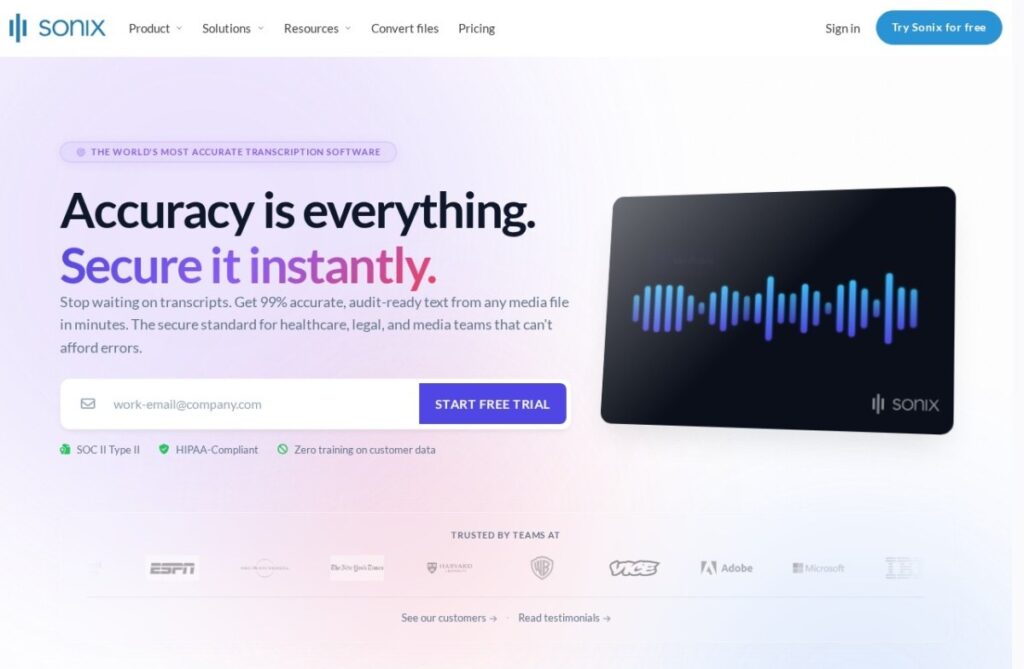
Sonix, operating since 2017, focuses specifically on transcription and subtitling for video rather than broader audio editing or production. Its browser-based editor follows a text-first approach similar in spirit to Descript, edit the transcript text and the underlying timing adjusts, but Sonix stays scoped to transcription and captions rather than expanding into full audio and video editing.
Strong multi-language support is a specific strength: transcription and translation span a wide range of languages, useful for media companies and research teams working with non-English source audio or needing translated subtitle exports for international distribution. Export formats cover the specific subtitle standards video platforms and broadcasters require.
There's no free tier; pricing starts around $10 a month based on transcription minutes. For a video production or research team that specifically needs accurate multi-language transcription and broadcast-ready subtitles, rather than a general-purpose audio and video editor, Sonix's narrower scope keeps it focused on doing that one job well.
Key features
Text-based transcript editing
Broad multi-language transcription and translation
Broadcast-standard subtitle export formats
Browser-based, no software installation
Speaker identification and timestamps
Focused scope on transcription and subtitling
Screenshots & demo
Demo video
Screenshots
Pricing
Sonix is a paid tool, with plans that start at $10/mo.
Pricing is provided as a guide. Check the official site for the latest plans.
Is Sonix expensive?
Sonix starts at $10, which is right at the Audio median of $10 a month across the 87 priced tools we list in that category.
The cheapest paid option in Audio starts at $0.13 and the most expensive at $249.
67% of Audio tools in the directory offer a free tier, which this one does not.
Compared against every priced listing in Audio, recalculated as the catalogue changes. Method and the full market breakdown are in our AI tool pricing study.
Pros & cons
Pros
Strong multi-language transcription and translation support
Broadcast-ready subtitle exports built in
Text-based editing speeds up transcript correction
Long operating history in transcription specifically
Cons
No free tier to test before paying
Scope stays narrower than full audio/video editing suites
Accuracy on heavily accented audio still needs manual review
Transcription and subtitling service from the Netherlands with machine-made speech-to-text in 90+ languages, human-reviewed transcripts and subtitles, a speech-to-text API and the Amber Notes AI meeting notetaker.
Real-time speech-to-text web service from WellSource that adds live captions and translation to meetings and events, with speaker identification, free during its alpha.