Contact for Pricing

Swifly

AI voice keyboard that turns speech into polished writing in any app on Mac, Windows and iOS, with Android planned, using press-and-hold dictation.

3.6 Productivity
3.6 Good 3.6
Works in any app, not only one editor Plan prices could not be confirmed from the site
Reviewed by Challenging Voice Editorial · Updated Oct 2026 How we rate
PricingContact for Pricing
Free planNo
CompanySwifly
PlatformsiOS, Mac, Windows
CategoryProductivity
Last reviewedOct 2026
Ask AI about Swifly ChatGPT Claude Perplexity

Overview

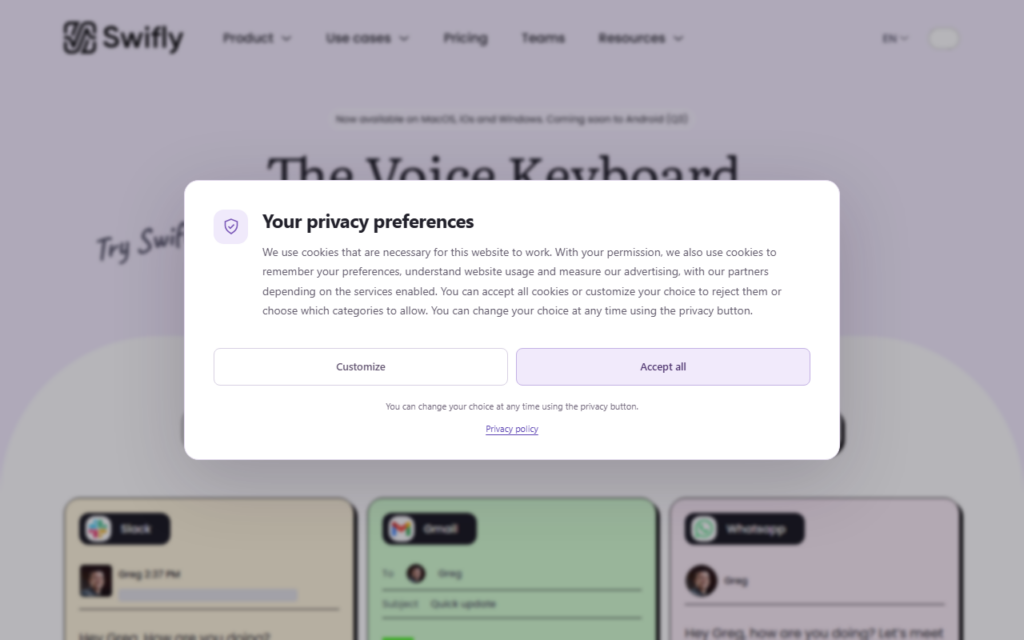
Swifly is a voice writing tool that turns speech into cleaned-up text wherever the cursor is. The user presses and holds a key, or clicks, speaks, and the AI returns polished writing rather than a raw transcript, for example resolving a spoken correction such as changing a meeting time mid-sentence.

It is available on macOS, Windows and iOS, with an Android version listed as coming in the third quarter. The site compares it with built-in dictation, arguing for cleaner text and less editing, and lists use cases for leaders, creators, customer support, students, lawyers, sales and real estate agents, plus an accessibility angle. It also mentions a patent.

The homepage invites a free download for macOS. A pricing page link exists but returned an error when checked, so plan costs are not listed here.

The details on this page come from Swifly’s own website, read on 7 October 2026. Plans, limits and features change, so confirm the current terms on the vendor’s site before you pay.

Key features

  • Press-and-hold voice dictation in any app
  • AI cleanup of spoken text and corrections
  • Mac, Windows and iOS apps
  • Use-case setups for sales, support, legal and students
  • Android version planned

Screenshots & demo

Swifly screenshot 1

Pricing

Swifly uses custom pricing. Contact their team for a quote based on your needs.

  • Pricing modelContact for Pricing
  • Starting priceCustom
  • Free planNo
Visit Swifly

Pricing is provided as a guide. Check the official site for the latest plans.

Pros & cons

Pros

  • Works in any app, not only one editor
  • Free macOS download advertised
  • Output is polished text instead of a raw transcript

Cons

  • Plan prices could not be confirmed from the site
  • Android is not released yet
  • Voice data handling should be checked on the privacy page

How it compares

ToolRatingFreeFromBest known for
Swifly (this tool)3.6No—Press-and-hold voice dictation in any app
Voibe4.0No$7.5/moPush-to-talk dictation into any application
Auri3.5YesFreeAI keyboard working inside any app
Mumble Note3.8Yes$10/moVoice capture converted into structured notes

Alternatives to Swifly

4 tools matched to Swifly on what they do, their category and their price.

Auri

3.5

AI keyboard and system-wide dictation for Apple devices – improve text in any app, on iPhone, iPad, Watch and Mac.

Freemium Productivity

Caret

3.5

A macOS background app that reads on-screen context and finishes sentences in any application when a user presses Tab.

Frequently asked questions

What is Swifly?
Swifly is a voice writing tool that turns speech into cleaned-up text wherever the cursor is.
Is Swifly free?
Swifly does not offer a free plan.
What are the best Swifly alternatives?
The closest matches in the directory are Voibe, Auri, and Mumble Note, compared side by side above.

Reviews

3.6 Editorial rating No reviews yet

Write a review

More tools like Swifly

Audio Diary

3.8

Voice journal app for iOS, Android, macOS and web that turns spoken entries into transcripts with AI summaries, goal suggestions, dream analysis and custom tags.

Freemium Productivity

Oxolo

3.5

Voice assistant for construction sites – dictate on site and it produces transcripts, extracts tasks and fills the documentation.

Freemium Productivity

Evernote

4.0

Note-taking and organization app, now owned by Bending Spoons, with AI Transcribe, AI Rewrite, AI Text To Speech, an AI Meeting Note Taker, AI Diagrams, an AI Assistant and semantic search.

Freemium Productivity