
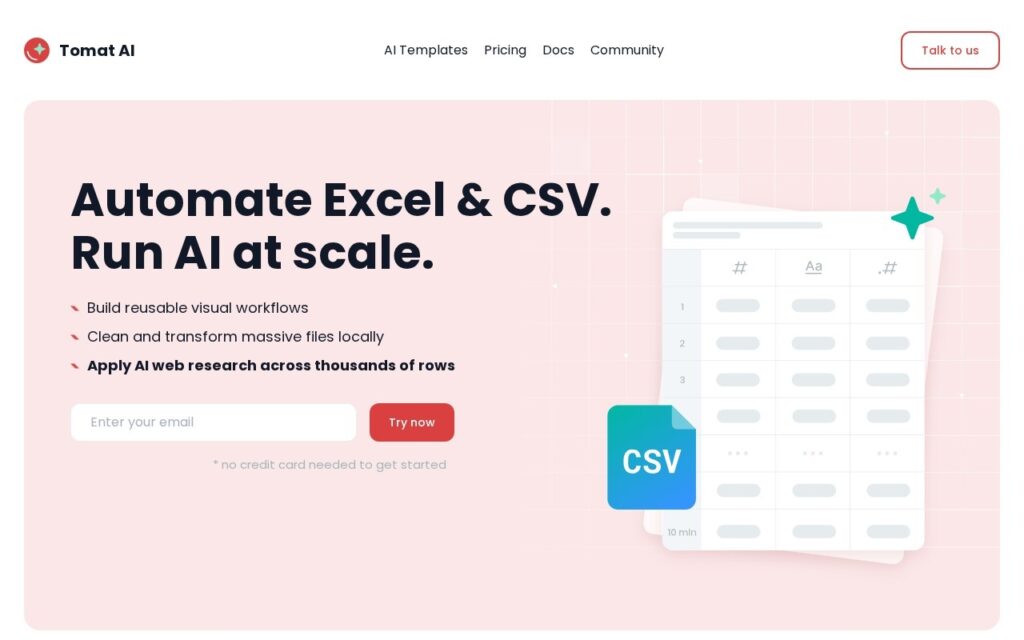
Tomat.AI is a desktop application for exploring and analysing CSV files with AI assistance, and the desktop part is the point rather than an implementation detail.
Two constraints make large CSVs miserable in the usual tools. Spreadsheets hit row limits and grind to a halt well before the file does, and cloud analysis tools require uploading the data – which is often exactly what you cannot do with an export containing customer records. Processing locally sidesteps both: no row ceiling, and nothing leaves the machine.
AI assistance sits on top for exploring and querying without writing code, which suits the analyst who knows the question but not the pandas syntax. The trade against a notebook is flexibility, and against a cloud platform it is collaboration – local files are private precisely because they are not shared.
Key features
Desktop CSV exploration with no spreadsheet row limits
Local processing – data never uploaded
AI-assisted querying without writing code
Handles files that stall spreadsheet applications
Filtering, sorting and aggregation over large files
Free tier available
Screenshots & demo
Pricing
Tomat.AI offers a free plan, with paid upgrades for higher limits and more features.
Pricing is provided as a guide. Check the official site for the latest plans.
Is Tomat.AI expensive?
Tomat.AI has no advertised paid tier. Among the 55 priced tools we list in Data and Analytics, the median entry price is $25 a month.
39% of Data and Analytics tools in the directory offer a free tier, and this is one of them.
Compared against every priced listing in Data and Analytics, recalculated as the catalogue changes. Method and the full market breakdown are in our AI tool pricing study.
Pros & cons
Pros
Local processing suits exports you are not permitted to upload
No row ceiling, unlike spreadsheet applications
AI querying without needing pandas or SQL
Cons
Desktop only – no collaboration or sharing
Less flexible than a notebook for complex analysis
Tomat.AI is a solid data and analytics tool, best known for desktop CSV exploration with no spreadsheet row limits. It offers a free plan.
What makes it different: Tomat.AI stands out for desktop CSV exploration with no spreadsheet row limits.
How we score it
Overall3.7
Value for money4.7
Feature depth4.9
Popularity3.7
Best forProfessionalsTeamsCreatorsCurious learners
Frequently asked questions
What is Tomat.AI?
Tomat.AI is a data and analytics tool listed in the Challenging Voice directory. Desktop CSV explorer with AI – opens large data files locally, no spreadsheet row limits and no upload to anyone's cloud.
Is Tomat.AI free?
Yes, Tomat.AI offers a free plan. Paid plans unlock more features and higher usage limits.
What are the best Tomat.AI alternatives?
Popular alternatives to Tomat.AI include Zigpoll, Stylumia, and Ripcord. Browse them all in the Data and Analytics category.
Is Tomat.AI any good?
Tomat.AI scores 3.7 out of 5 based on our editorial review.
"Deterministic AI" grounded in your structured data – reliable, hallucination-free answers, plus 24/7 anomaly detection that alerts you before problems hit.
Connect 350+ data sources into one pipeline, then ask Claude or ChatGPT anything about your data directly – answers in seconds, no dashboard-building required.