
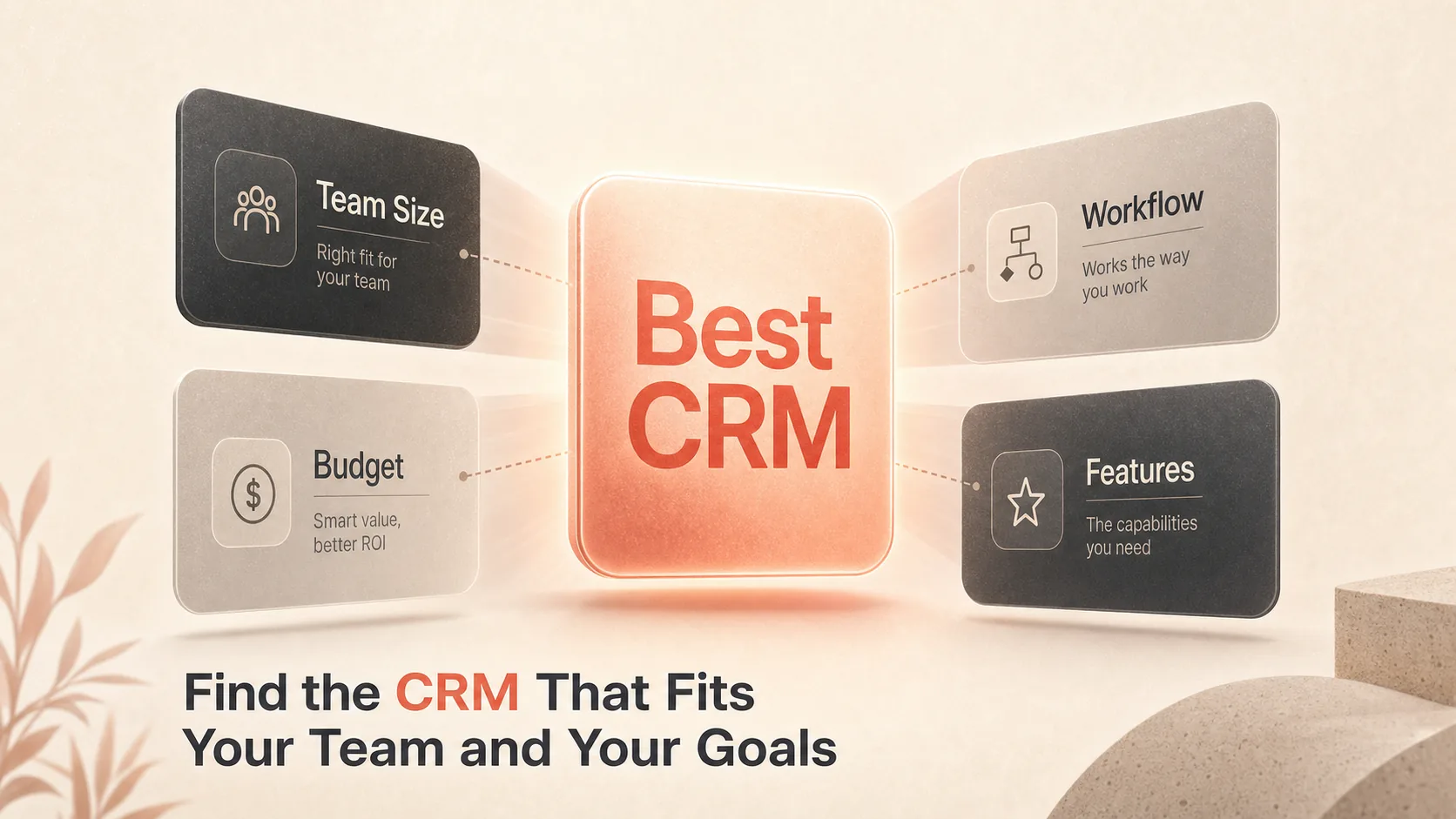
The Best CRM software is the one your team will actually use, with the right mix of pricing, automation, and integrations for your workflow. CRM software, short for customer relationship management software, is the system that stores your contacts, tracks your deals, and runs the follow-up that turns leads into customers. There is no single winner here, because a solo founder testing a free plan and a 200-person sales org need different things. This guide ranks 10 strong options by the job each one wins: best overall, best for small business, best for sales teams, best for marketing, best for customization, best for Microsoft users, best free plan, best for beginners, best for AI automation, and best for enterprise scale.
What Buyers Actually Need From CRM Software
Most people shopping for a CRM are not comparing feature lists for fun. They are weighing setup friction, whether the tool fits their existing stack, and whether the free or entry plan is genuinely usable before money changes hands.
The real decision usually comes down to five things: how easy the tool is to learn, how deep its automation runs, how clearly it reports on your pipeline, what it connects to, and what it costs once you outgrow the starter tier. A CRM that nails four of those and fumbles the fifth can still be wrong for you if that fifth is the one your team leans on daily.
This list covers different buyer types on purpose. The biggest brand is not automatically your answer, and the cheapest plan is not either. Each pick below names one clear use case it wins and one honest tradeoff, so you can shortlist fast instead of reading ten full reviews.
How We Picked the Best CRM Software
We chose tools that show up repeatedly across CRM buyer research and that each own a distinct use case, so the list helps you decide rather than padding it with near-duplicates.
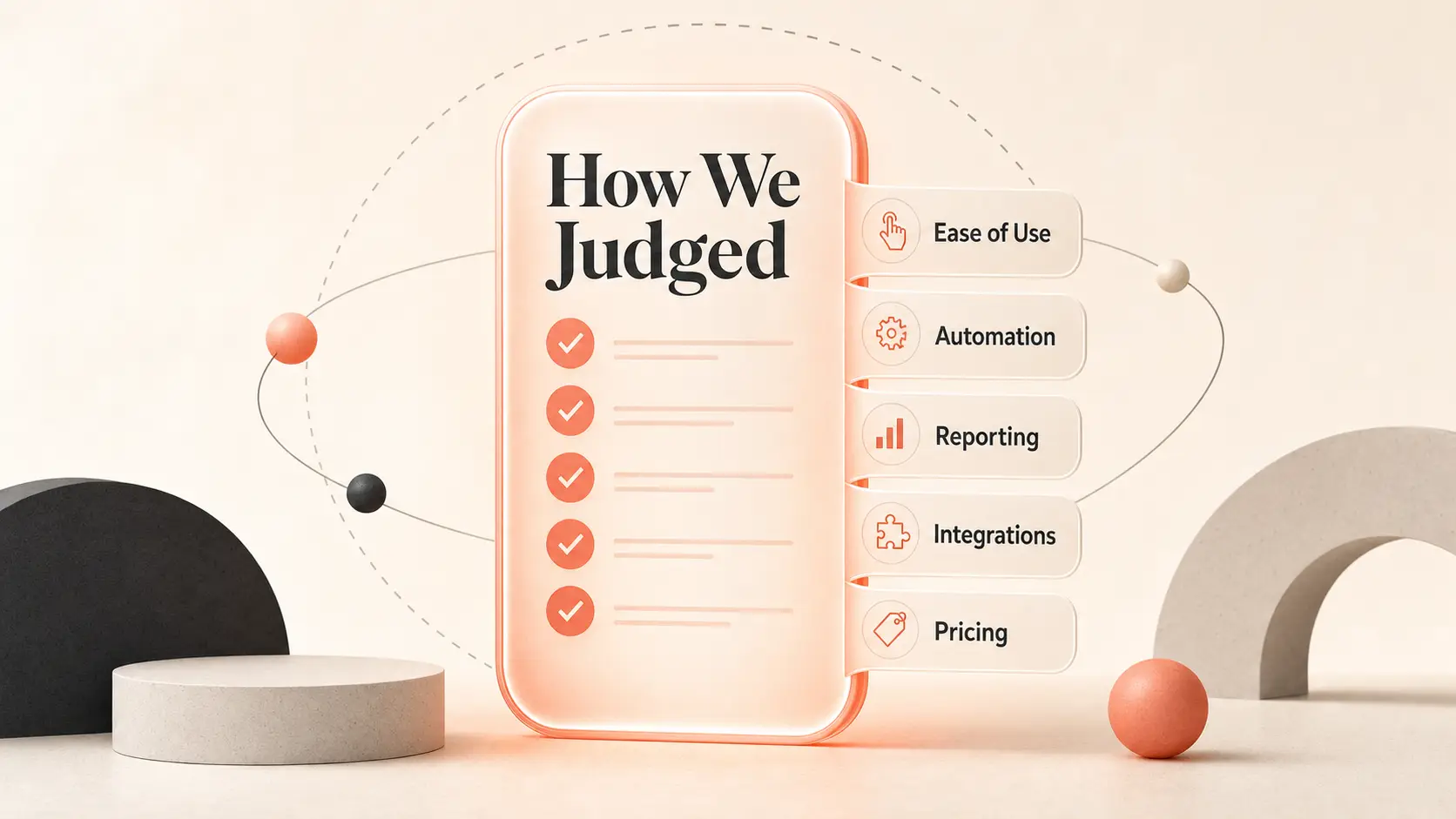
Here is the framework we applied to every tool:
- Ease of use and how fast a non-technical team can adopt it
- Core sales features like contact management and pipeline tracking
- Automation depth and any AI that cuts manual work
- Reporting and analytics that show pipeline health
- Integrations with the apps you already run
- Mobile access for teams working away from a desk
- Pricing transparency and whether the free or entry tier is real
Every pick had to clear two bars: one clear job it does better than the rest, and one honest limitation a buyer should know before committing. Pricing transparency and a meaningful free tier carried extra weight here, because you are comparison shopping and a vague price is a hidden cost.
Best CRM Software for Most Buyers, Small Teams, and Sales Teams
Start here if you have not narrowed your search yet. Most CRM buyers decide between a broad all-rounder, a low-cost value pick, and a sales-first tool before they look at anything more specialized. These three cover that ground.
1. HubSpot CRM: Best Overall
HubSpot CRM Is the strongest all-around pick for teams that want a free starting point and a foundation that covers both sales and marketing. It centralizes contacts, pipeline activity, and campaign tools in one place, then lets you add deeper functionality through separate hubs as you grow.
What earns it the top spot is reach. You get AI-powered marketing tools and a native integration library that connects to almost anything you already use, which keeps HubSpot from becoming an island in your stack. The honest catch is its structure: the free plan caps you at two users, and HubSpot’s product is split across hubs that each carry their own subscription, so pricing can get confusing as your needs spread.
- Best for: Teams that want a free entry point with room to scale into sales and marketing
- Standout feature: AI-powered marketing tools plus nearly 1,000 native integrations
- Starting price: Free plan; paid plans from $10 per user per month
- Free tier: Yes
2. Matiyas Solutions: Best for Integrated ERP and CRM
Matiyas Solutions is a suitable option for businesses looking to connect customer relationship management with their broader business operations. Its ERPNext implementation and customization services help businesses manage leads, sales opportunities, customer interactions, and sales workflows while connecting these processes with inventory, accounting, purchasing, and other business functions.
Compared with standalone CRM tools, Matiyas focuses on integrating customer and sales management with day-to-day business operations. This can be particularly useful for manufacturing, trading, distribution, and retail businesses that want better visibility across departments and less manual data entry.
- Best for: Businesses that want integrated ERP and CRM capabilities in one system
- Standout feature: Connected lead management, sales pipeline tracking, and cross-department workflows
- Starting price: Contact Matiyas Solutions for a customized quotation
- Free tier: Depends on the selected implementation and service package
3. Zoho CRM: Best for Small Businesses
Zoho CRM Is the value pick for small businesses that want a low-cost system with genuine room to grow. It handles contacts, email outreach, and telephony, then connects out to more than 1,000 third-party apps, so a small team rarely hits a wall early.
Against HubSpot, Zoho is the more practical choice when budget and built-in call handling matter more than polished packaging. The tradeoff sits in the free plan: it only supports three users, and storage limits run low with backups that can cost extra. For a growing team that wants telephony and a long integration runway at a modest price, that is an easy compromise.
- Best for: Small businesses wanting a low-cost CRM with telephony and growth headroom
- Standout feature: Email and telephony support plus 1,000-plus integrations
- Starting price: Free plan; paid plans from $14 per user per month
- Free tier: Yes
4. Pipedrive: Best for Sales Teams
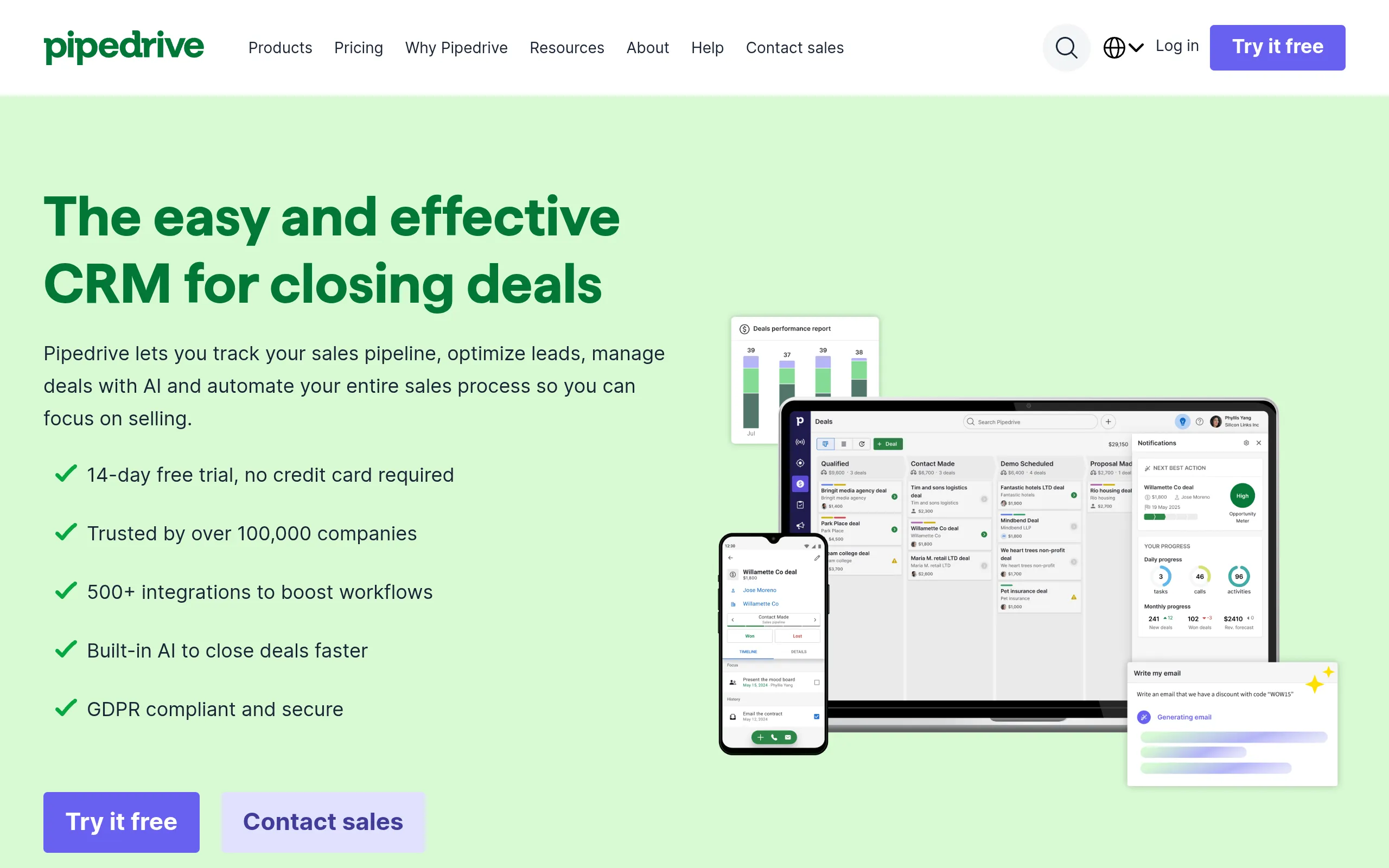
Pipedrive Is built for sales teams that live inside deal stages and want tight pipeline visibility. It turns your opportunities into a visual pipeline where reps drag deals from stage to stage, backed by a drag-and-drop email builder, templates, and AI-assisted selling.
Where Salesmate leans into broad customization, Pipedrive stays pipeline-first, which keeps reps focused on the next action instead of admin. The honest limitation: there is no free plan, and the platform can run pricier than alternatives with similar core sales features. If pipeline discipline is the thing your team needs most, that focus is the point.
- Best for: Sales teams that want pipeline visibility and a deal-closing workflow
- Standout feature: Drag-and-drop email builder, templates, and AI-assisted sales tools
- Free tier: No
Best CRM Software for Marketing, Customization, and Microsoft Workflows
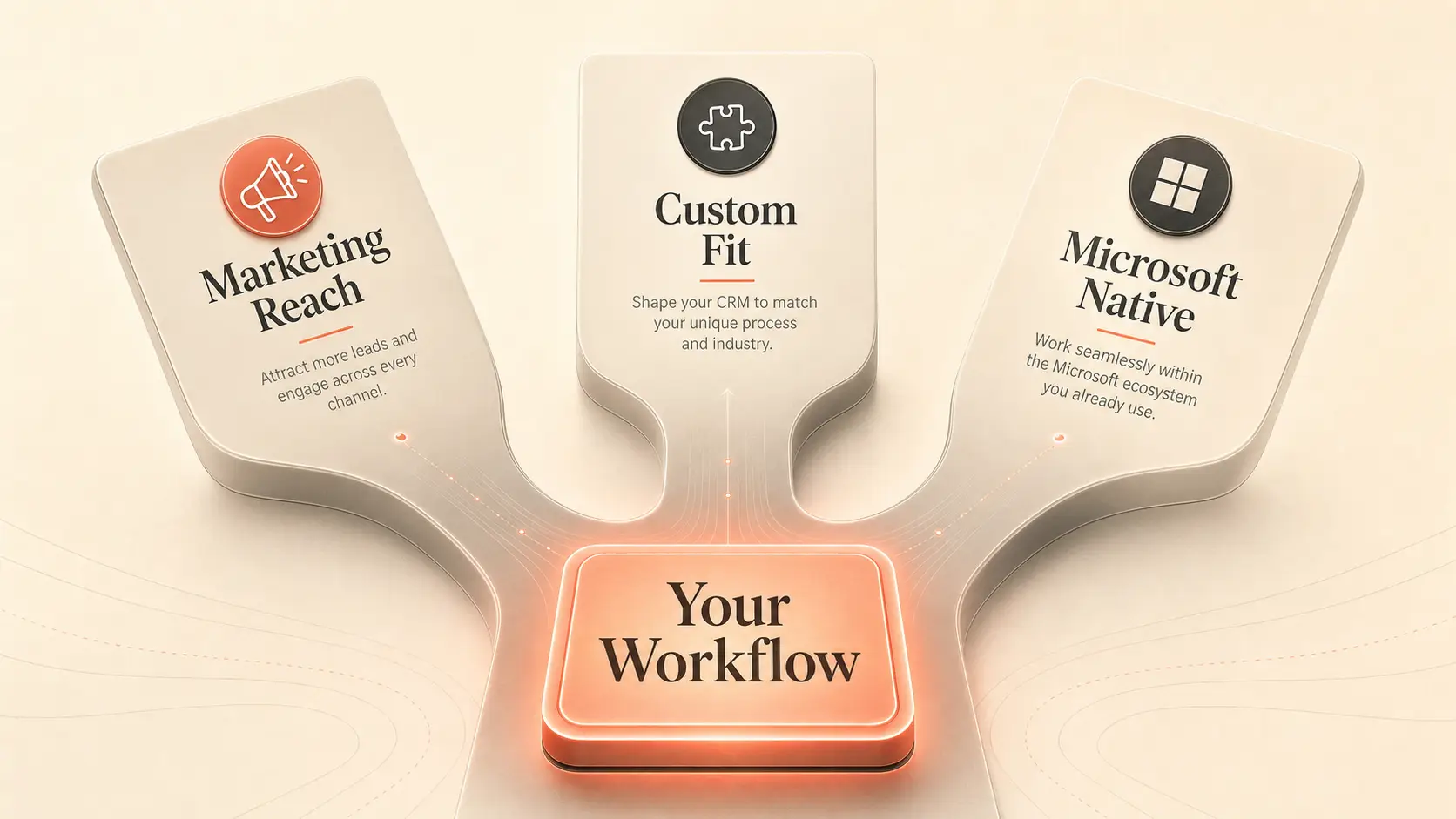
The next three win when a specific need outweighs general fit: marketing reach, interface control, or living inside the Microsoft ecosystem. CRM selection often comes down to whether the tool matches your existing stack and the way your team already works, not raw feature count. For organizations working with older systems, a legacy software modernization company can help modernize existing software and make it easier to integrate with modern CRM workflows. Techimply helps businesses compare CRM solutions based on their specific requirements.
5. Brevo: Best for Marketing

Renamed from Sendinblue in 2023 as it outgrew being an email tool
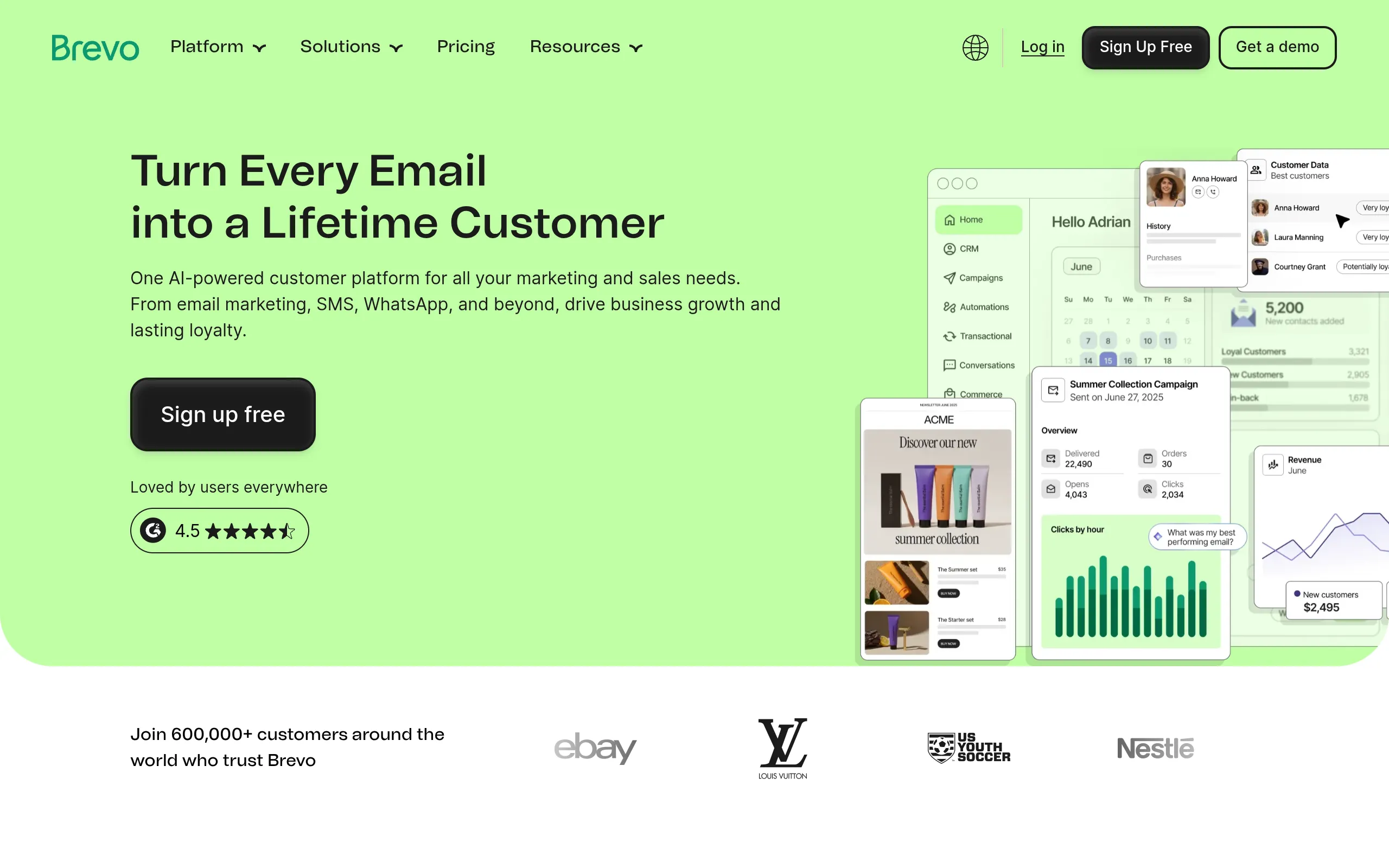
Brevo Suits marketing teams that want CRM contact management bundled with real email sending and multichannel outreach. Instead of storing contacts and stopping there, it lets you run campaigns and track deals from the same place.
Compared with HubSpot, Brevo Is more email-sending-centric and more generous on daily sends, though it trades away some CRM polish to get there. You get 300 free email sends a day and multichannel capabilities on the entry tier. The catch is rough edges: the interface can feel unrefined, free-plan emails carry Brevo branding, and the free tier limits you to one pipeline and 50 open deals.
- Best for: Marketing teams that want CRM plus email and multichannel outreach
- Standout feature: 300 free email sends per day with multichannel capabilities
- Starting price: Free plan; Standard from $17 per month, plus a $31 Sales Essentials add-on for one user
- Free tier: Yes
6. Salesmate: Best for Customization
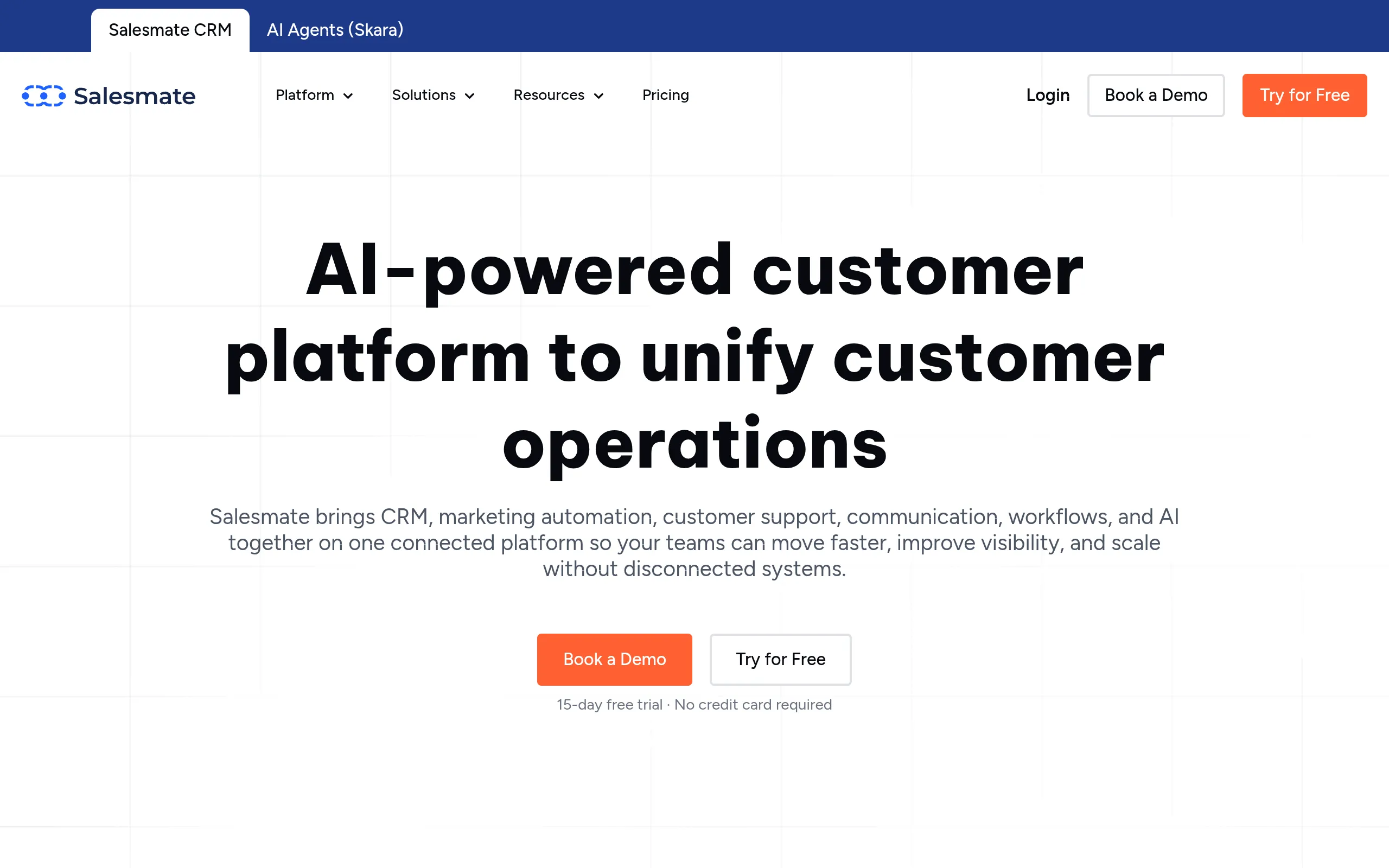
Salesmate Is the pick for teams that need the CRM to bend around their process instead of the other way around. Its customization tools let you shape the workspace, fields, and workflows to mirror how your team actually sells.
Where Pipedrive keeps a fixed pipeline-first shape, Salesmate hands you the controls to build your own operating model into the tool. The honest tradeoff is access and cost: there is no free plan, and lower tiers come with limited storage and lighter marketing tools. If your team has a defined playbook and wants software that matches it, that is a fair price.
- Best for: Teams that need to tailor the CRM interface and workflows to their process
- Standout feature: A customization tool that builds a workspace around your exact needs
- Starting price: From $29 per user per month
- Free tier: No
7. Microsoft Dynamics CRM: Best for Microsoft Users
Microsoft Dynamics CRM Is the natural choice for organizations already living in Outlook, Teams, and Excel. It runs CRM sales workflows inside the Microsoft ecosystem, with pipelines, automated lead qualifying, AI-assisted customer communication, and sales forecasting.
Against Salesforce, Dynamics wins when your team is Microsoft-native, because the tight integration removes the friction of jumping between disconnected tools. The honest limitation is cost and depth: the entry plan runs $65 per user per month billed annually, the basic tier is light on features, and AI credits can cost extra on lower plans. There is no free plan, only a 30-day trial.
- Best for: Organizations already standardized on Outlook, Teams, Excel, and Microsoft 365
- Standout feature: Tight Microsoft integration plus pipelines, lead qualifying, and forecasting
- Starting price: $65 per user per month billed annually
- Free tier: 30-day free trial only
Best CRM Software for Free Plans, Beginners, AI, and Enterprise Scale
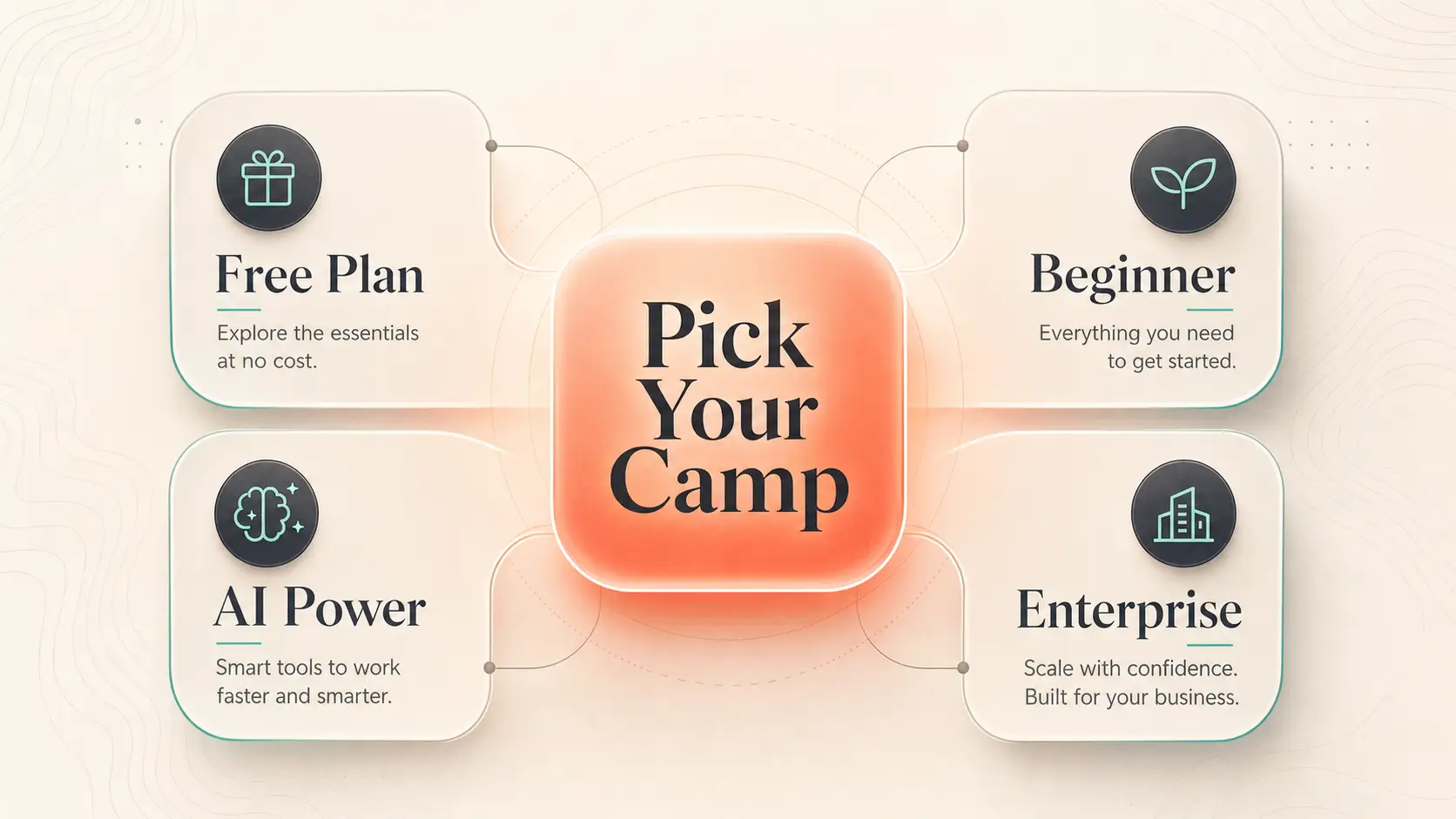
The last four solve the biggest single decision points: the strongest free plan, the easiest tool to adopt, the deepest AI automation, and the platform built for scale. Most readers fall into one of these four camps.
8. Bitrix24: Best Free CRM
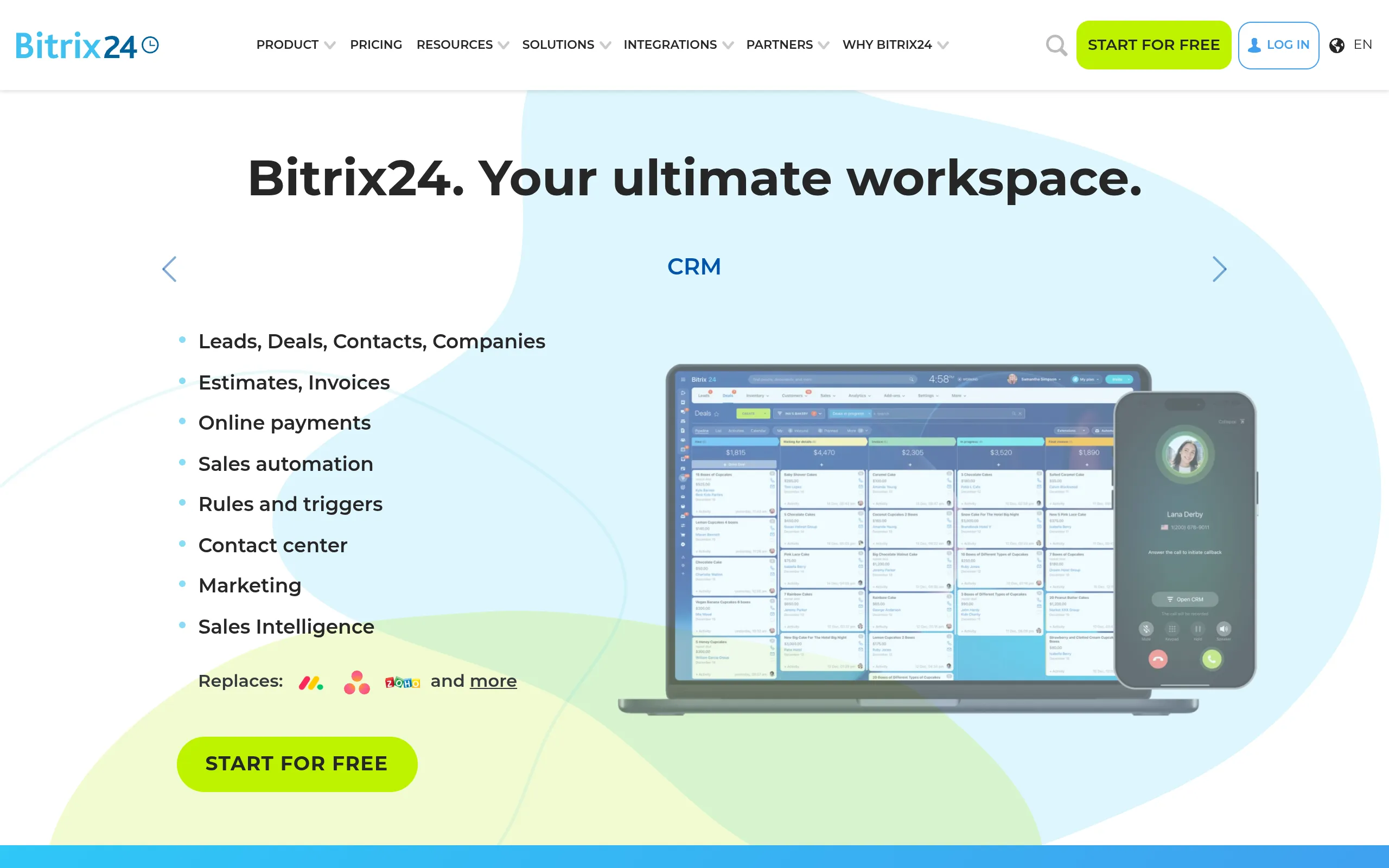
Bitrix24 Offers the strongest free plan if you want CRM plus a full workspace at no cost. The free tier supports unlimited users and contacts, and bundles in project management, collaboration, HR, website building, eCommerce, eSign, and an AI assistant.
Against monday CRM, Bitrix24 is the far broader all-in-one suite, which makes it the better fit if you want non-CRM work tools in the same place. The honest catch is the learning curve: setup can take time, and the sheer breadth can feel overwhelming in the first weeks. For a budget-conscious team that wants a usable free workspace and will invest the setup hours, few free plans go this deep.
- Best for: Teams wanting the strongest free all-in-one CRM and workspace
- Standout feature: Unlimited users and contacts on free, plus project management, eCommerce, and an AI assistant
- Starting price: Free plan; Basic from $49 per month for five users
- Free tier: Yes
9. Monday CRM: Best for Beginners
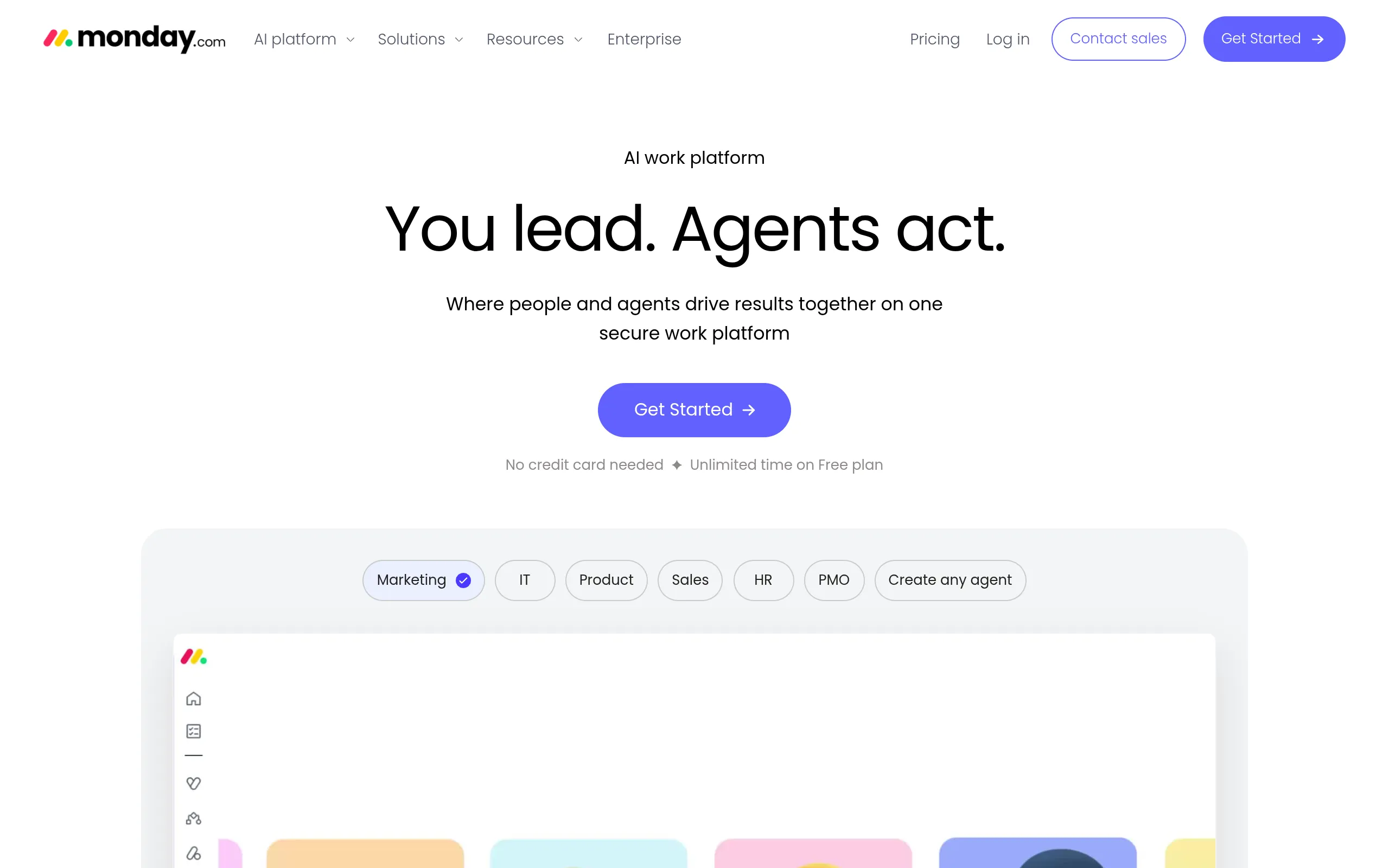
Monday CRM Is the easiest tool here for beginners, startups, and new teams. It organizes deals and contacts in visual boards and templates, so you can set up a working pipeline without much admin overhead.
Compared with Bitrix24, monday CRM is simpler and faster to learn, though it gives up some of that broader all-in-one depth in exchange. Templates and Kanban boards mean a non-technical team can get moving in an afternoon. The honest limitation: it carries fewer bespoke CRM features than dedicated platforms, and the free plan is limited. If quick adoption matters more than feature density, that is the right trade.
- Best for: Beginners, startups, and new teams that want a simple visual workflow
- Standout feature: Templates and Kanban boards for fast, low-friction setup
- Starting price: Free plan; paid plans from $15 per user per month
- Free tier: Yes
10. Creatio CRM: Best for Advanced Automation and AI
Creatio CRM Is the pick for teams that want advanced AI and intelligent workflow automation at the center of the CRM. It uses AI to orchestrate tasks and customer interactions rather than treating automation as an afterthought.
Against Salesforce, Creatio is the more AI-forward workflow platform, while Salesforce remains the broader enterprise foundation. The standout is its depth of AI tooling, which can cut a lot of manual follow-up and prioritization. The honest limitation is price: it starts at $40 per month and skews toward mature teams that can justify the spend, making it a tougher fit for budget-conscious buyers.
- Best for: Teams that want advanced AI tools and intelligent CRM workflows
- Standout feature: Some of the most advanced AI automation in the category
- Starting price: From $40 per month
11. Salesforce Sales Cloud: Best for Enterprise and Larger Teams
Salesforce Sales Cloud Is built for larger teams and enterprises that need a scalable CRM foundation. It handles lead routing, contact management, sales flows, and marketing inside a platform designed to stretch across complex operations.
Where Microsoft Dynamics wins for Microsoft-native shops, Salesforce is the broader, more flexible enterprise base for organizations that want a CRM to grow into for years. It offers dynamic email marketing tools, sales flows, and lead routing, with a free plan for two users to start. The honest limitation is the learning curve, which runs steeper than the simpler tools on this list, so plan for admin capacity before rollout.
- Best for: Larger teams and enterprises that need a scalable CRM foundation
- Standout feature: Dynamic email marketing, sales flows, and lead routing at scale
- Starting price: Free plan for two users; Starter Suite $25 per person; Pro Suite $100
- Free tier: Yes
CRM Software Comparison Summary
Use this table to compare all 10 tools at a glance by best-for category, starting price, free access, and the one thing each does best.
| CRM | Best For | Starting Price | Free Tier or Trial | Standout Feature | Primary Limitation |
|---|---|---|---|---|---|
| HubSpot CRM | Best overall | Free; from $10/user/mo | Free plan | AI marketing plus 1,000-plus integrations | Free plan caps at two users; confusing hub structure |
| Zoho CRM | Small businesses | Free; from $14/user/mo | Free plan | Email and telephony plus 1,000-plus integrations | Free plan limited to three users; low storage |
| Pipedrive | Sales teams | Verify pricing | No | Visual pipeline and AI-assisted selling | No free plan; can run pricier than rivals |
| Brevo | Marketing | Free; from $17/mo | Free plan | 300 free email sends per day | Rough interface; branded free emails |
| Salesmate | Customization | From $29/user/mo | No | Deep interface and workflow customization | No free plan; lighter low-tier marketing |
| Microsoft Dynamics CRM | Microsoft users | $65/user/mo annual | 30-day trial | Tight Microsoft 365 integration | High entry price; thin basic tier |
| Bitrix24 | Free plan | Free; from $49/mo (5 users) | Free plan | Unlimited users plus full workspace | Steep setup and learning curve |
| Monday CRM | Beginners | Free; from $15/user/mo | Free plan | Templates and Kanban boards | Fewer bespoke CRM features; limited free plan |
| Creatio CRM | AI automation | From $40/mo | Verify | Advanced AI workflow automation | High price for budget buyers |
| Salesforce Sales Cloud | Enterprise | Free; Starter $25; Pro $100 | Free plan | Lead routing and sales flows at scale | Steeper learning curve |
We picked these tools because each owns a clear use case, shows transparent pricing or free-tier signals, and gives enough detail to compare automation, reporting, integrations, support, and mobile access. We prioritized products that let you decide by team size, budget, and workflow rather than stacking the list with near-identical options. For a wider field, see our Roundup of 30-plus CRM software options.
Matching the Right CRM to Your Team
The best CRM is the one that removes admin work and fits how your team already operates with the least friction. If you want a free starting point with room to grow, HubSpot or Bitrix24 fit. Small teams on a budget lean toward Zoho, sales-first teams toward Pipedrive, and marketing-heavy teams toward Brevo. Microsoft shops should look at Dynamics, beginners at monday CRM, automation-heavy teams at Creatio, and enterprises at Salesforce.
The honest reality is that no CRM is perfect, and the right call depends on your team size, budget, current stack, and whether your priority is sales, marketing, automation, or scale. Shortlist two or three, then start with the free tiers or trials before you commit a cent. Once you have your pipeline running, compare the rest of our Lead generation software picks To keep it full.
For businesses looking to improve event-based prospecting, an event attendees list can help sales teams identify relevant professionals and potential customers. BizProspex also provides B2B data solutions for targeted outreach and lead generation.
Frequently Asked Questions
What is the #1 CRM software?
HubSpot CRM is the best overall pick for most teams because it combines a usable free plan, strong AI-powered marketing tools, and a near-1,000 native integration library. That said, “number one” depends on your job: Salesforce leads for enterprise scale, Zoho for small-business value, and Pipedrive for pure sales pipeline focus. The right answer is the tool that matches your team and budget, not the most famous name.
Which CRM is best for small business?
Zoho CRM is the strongest fit for small businesses thanks to its low $14 per user starting price, built-in email and telephony, and more than 1,000 integrations. Say you run a five-person services firm and want call handling without buying a separate phone tool: Zoho covers that in one place. HubSpot’s free plan is also a solid small-business starting point if marketing matters more than telephony.
Is there a truly free CRM?
Yes. Bitrix24 offers the deepest free plan, with unlimited users and contacts plus project management, collaboration, and an AI assistant. HubSpot, Zoho, monday CRM, Brevo, and Salesforce all run free tiers too, though each caps something, usually user count, pipelines, or storage. Read the limits before you commit, because a free plan that blocks your core workflow is not actually free for you.
What CRM is easiest for beginners?
Monday CRM is the easiest to learn, built around visual boards and ready-made templates that let a non-technical team set up a pipeline quickly. It keeps admin overhead low, which matters most when no one on the team has run a CRM before. The tradeoff is fewer specialized CRM features than dedicated sales platforms, so heavier teams may outgrow it.
What CRM works best with Microsoft 365?
Microsoft Dynamics CRM is the best fit if your team already runs Outlook, Teams, and Excel, because it lives inside the Microsoft ecosystem and removes the friction of switching between disconnected tools. It bundles pipelines, lead qualifying, AI-assisted communication, and forecasting. The catch is cost, starting at $65 per user per month billed annually, with a basic tier that is light on features.
Compare the top CRM picks above, then start with the one that fits your team size, budget, and workflow, and run your real use case through its free tier or trial before you pay. For more software shortlists, browse our Best email marketing software guide Next.


