
If your team is still juggling tasks in spreadsheets, chat threads, and email, the right project management software can save hours every week. This is a buyer’s guide, not a definition page. The best project management software depends on your team size, workflow style, budget, and how much complexity you can actually manage, so the goal here is to compare ten strong options and match each to the job it does best. You’ll get a short, honest review of every tool, a side-by-side table, and a clear pick for common scenarios like small teams, agile squads, agencies, and enterprise planning.
Project management software is a tool that helps a team plan work, assign tasks, track progress, and report on results in one shared place. If you want the broader background first, start with this primer on What project management involves, then come back to compare tools.
How We Chose the Best Project Management Software
This is a comparison guide built around the decisions buyers actually make, not a ranking of the most famous brands. A tool earns its spot here by fitting a real job: simple team coordination, deep planning, agile delivery, or client work.
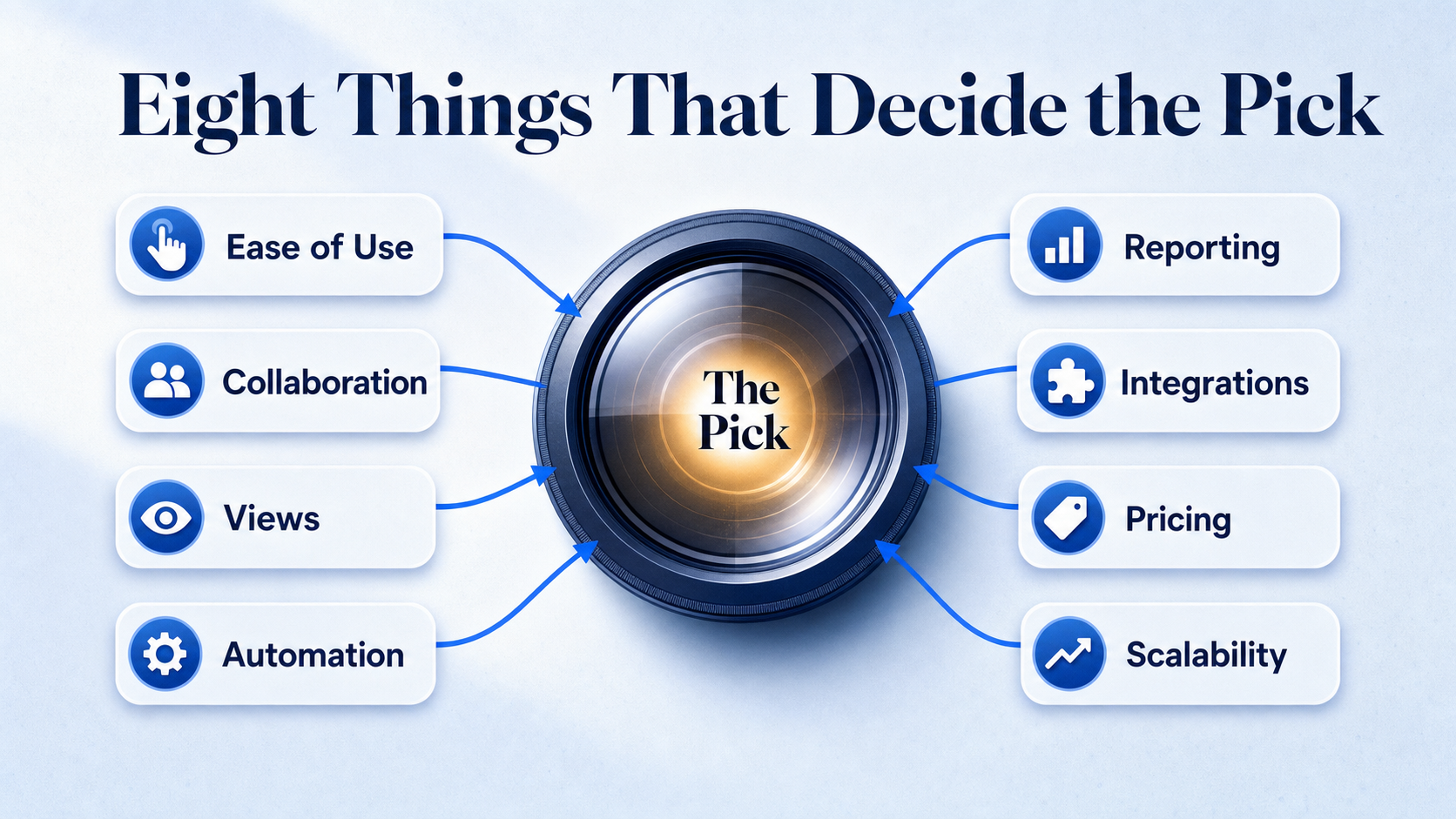
The lens is the same for every entry. Each tool was judged on how easy it is to start using, how well teams collaborate inside it, the project and task views it offers, its automation, its reporting, the integrations it connects to, and the value of its free or starting plan as the team scales.
One honest observation before the list: buyers usually overvalue feature count and undervalue setup friction. The platform with the longest feature list is often the one your team quietly abandons two weeks in. Adoption matters more than raw capability.
Pricing and free-plan details change often. Check the current numbers on each vendor’s site at the time you read this, because plan tiers and limits move faster than any article can track.
The 10 Best Project Management Software Options in 2026
Each tool below gets the same quick treatment: what it is, why it earns a place, its standout benefit, who it fits, and one real tradeoff. Teams often start with the simplest option and outgrow it once projects need more views, tighter permissions, or heavier automation, so read the “best for” line as carefully as the praise.
1. Monday.com
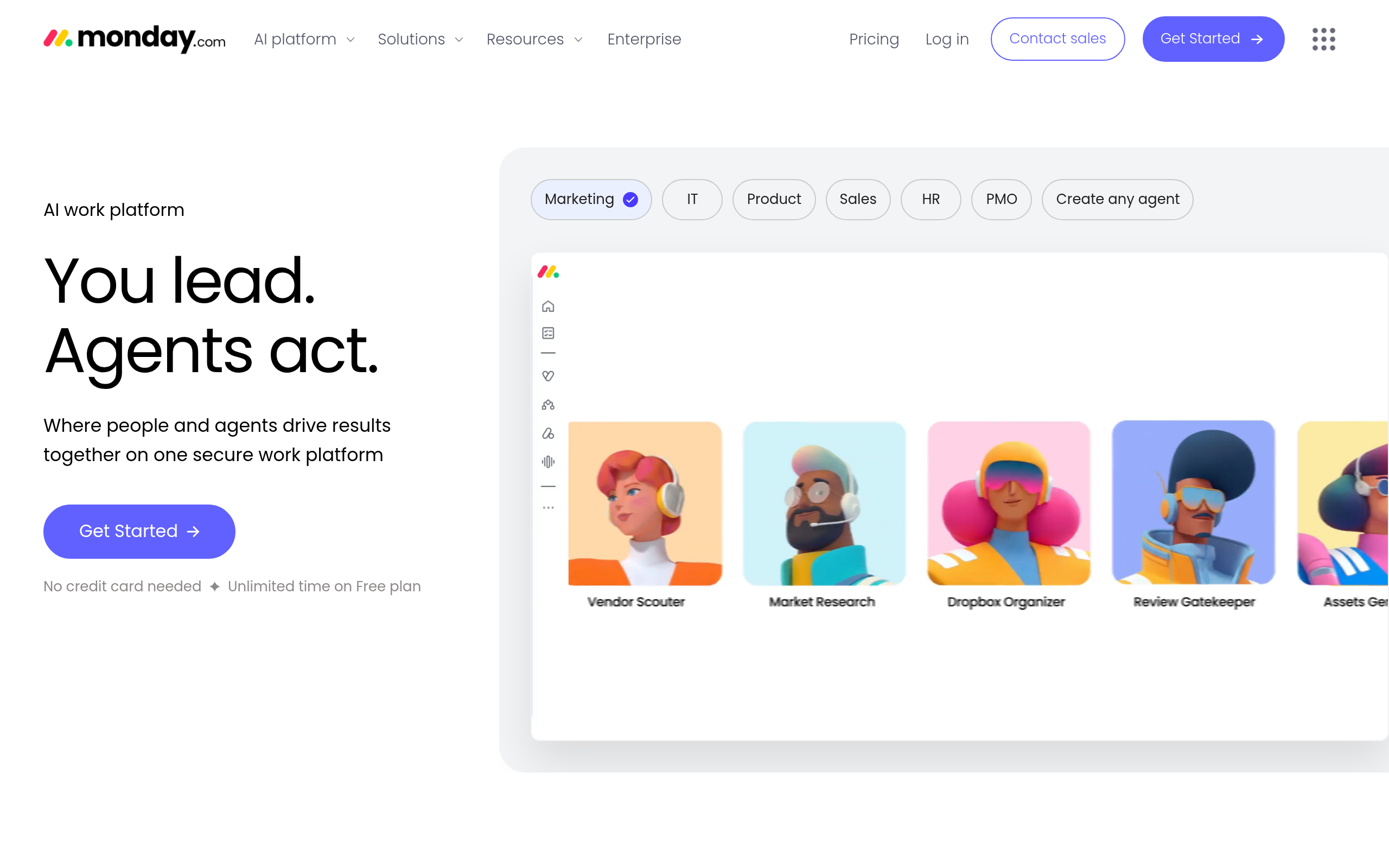
Monday.com is a visual work management platform built around colorful boards, timelines, and workflow automations. It earns the top spot because project status becomes visible at a glance, which is exactly what gets non-technical teams to actually use a tool instead of reverting to email. The balance of simplicity, flexible views, and team visibility is hard to beat for general use.
Its key benefit is approachability without feeling thin: you can run a marketing calendar, a hiring pipeline, and a product launch on the same setup. The tradeoff is cost. As you add seats and want advanced automations or dashboards, the per-user price climbs, and the cheapest paid tier caps how far the automation goes.
2. ClickUp
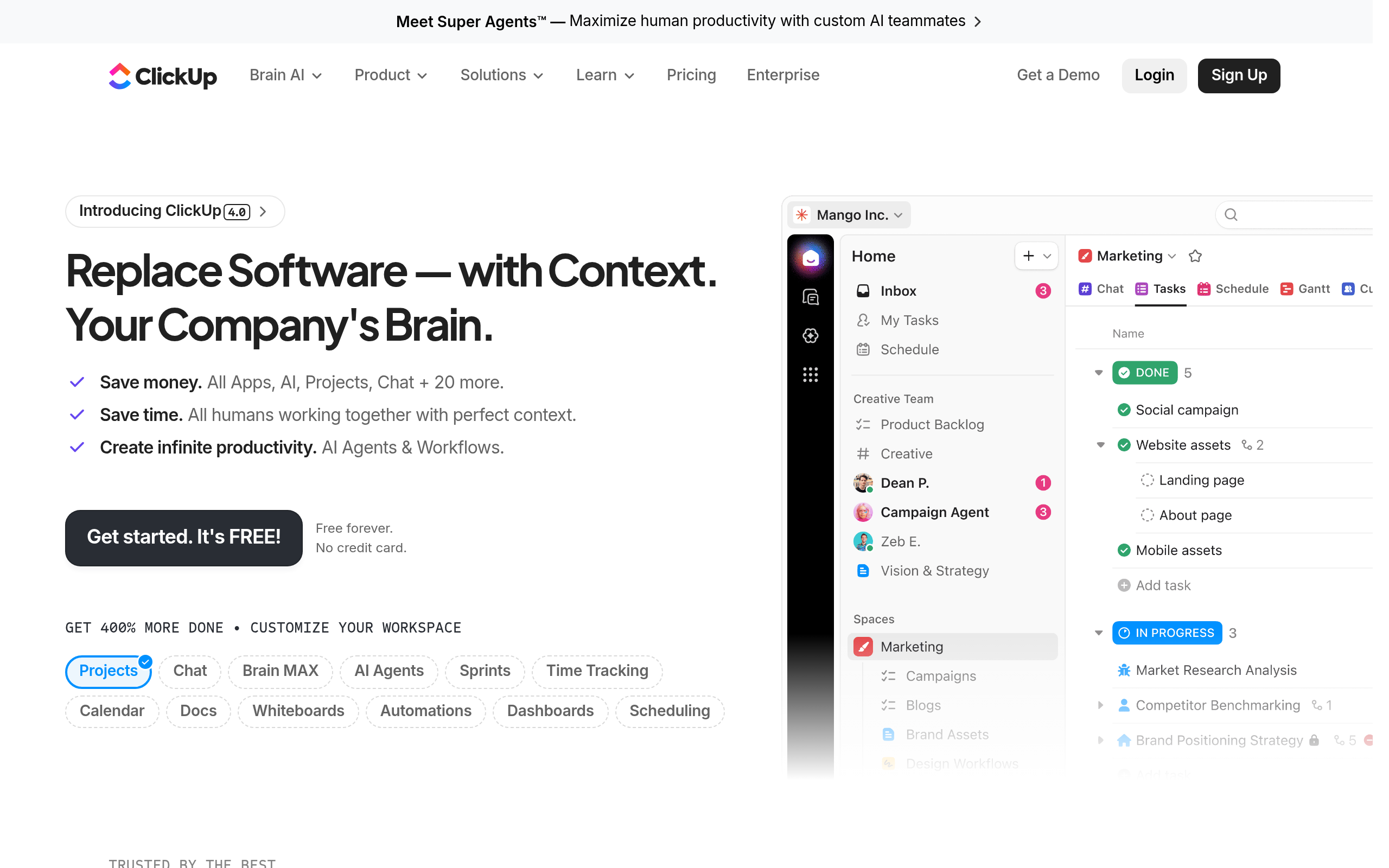
ClickUp is a highly customizable all-in-one workspace covering tasks, docs, goals, and automations. It suits teams that would rather shape the tool around their process than force their process into a fixed template, and its free plan is generous enough to run real work. That depth is why power users keep coming back to it.
The benefit is breadth: one platform absorbs task tracking, documents, and goal-setting that would otherwise need three apps. The tradeoff is the flip side of the same coin. So many options and settings mean the first hour can feel overwhelming, and small teams sometimes spend more time configuring than working.
3. Trello
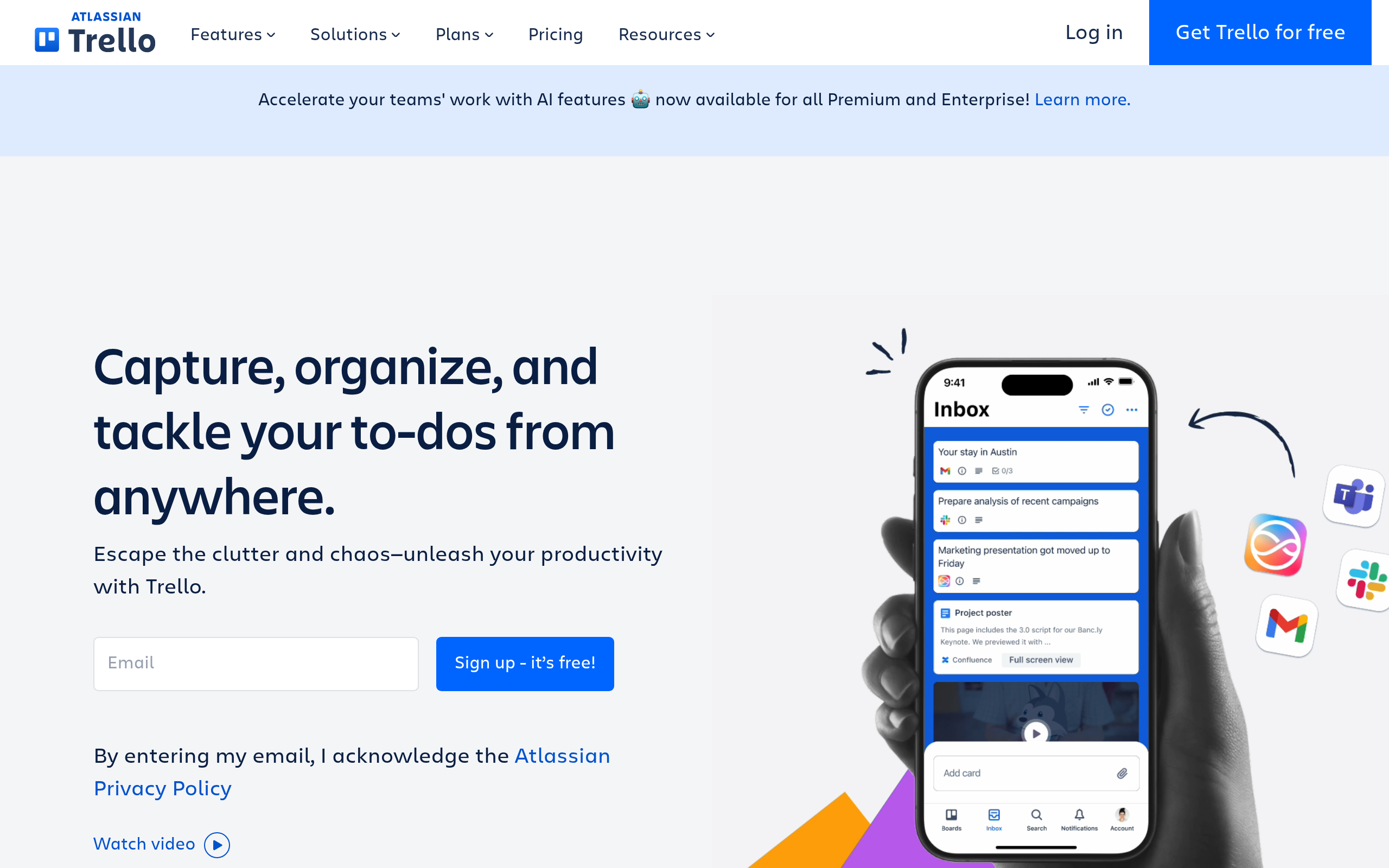
Trello is a simple task manager built on the Kanban approach Of cards, lists, and boards. It earns its place as the easiest tool to learn and the quickest to adopt, with a free plan that handles light workflows without nagging you to upgrade. For anyone who just wants to see what’s to do, doing, and done, it’s the cleanest answer.
The benefit is true lightweight clarity: drag a card, move the work forward, done. The tradeoff is depth. Once you need cross-project reporting, resource planning, or complex dependencies, Trello starts to feel cramped and you’ll outgrow it.
4. Asana
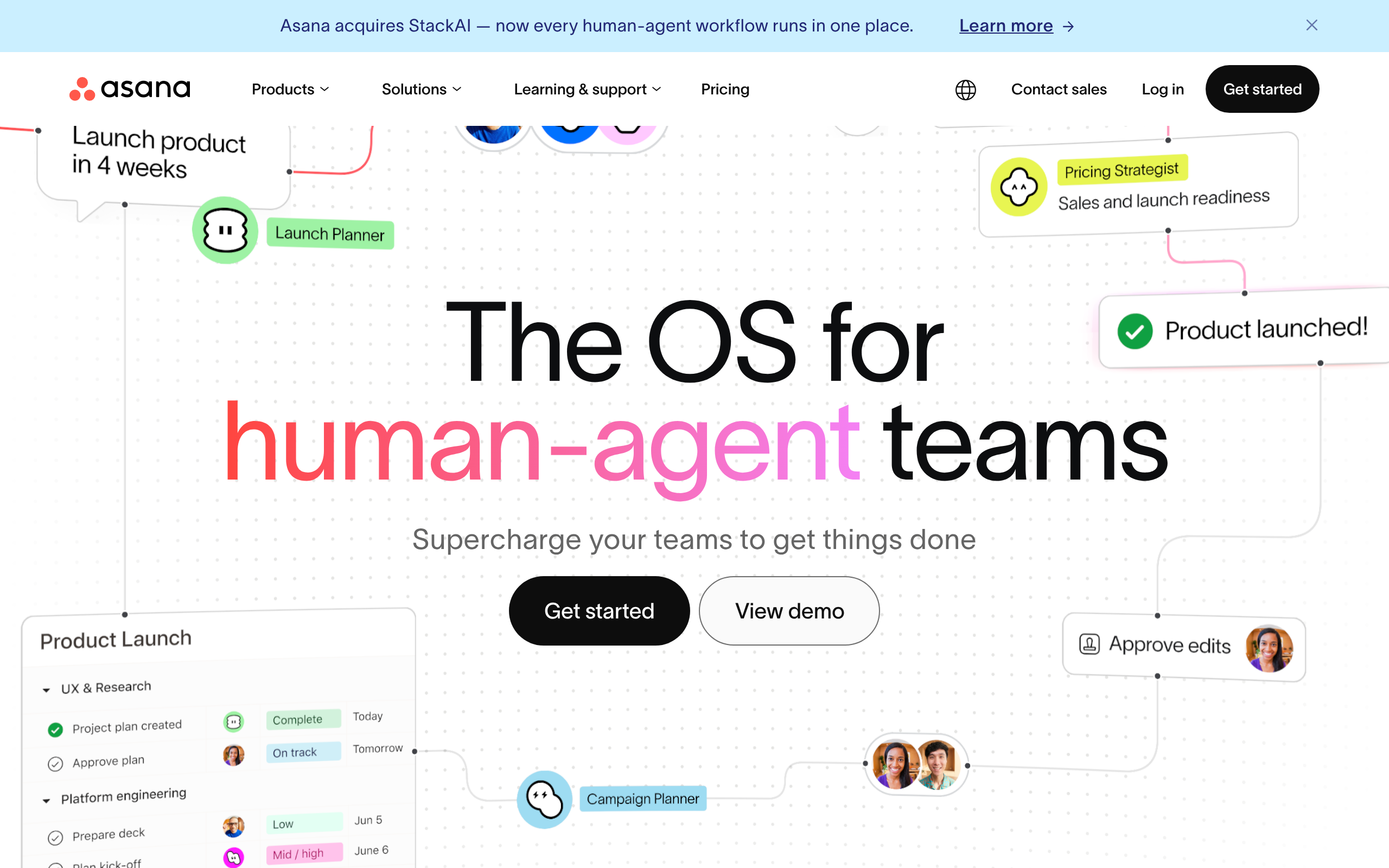
Asana is a collaboration-first tool for assigning work, tracking deadlines, and coordinating across departments. It earns a spot because ownership and due dates stay clear without heavy setup, which keeps cross-functional projects from drifting. Non-technical teams tend to find their footing fast.
Its benefit is clean task coordination: every task has an owner, a date, and a place in a shared plan. The tradeoff is that Asana leans toward task tracking over financial or billing features, so teams needing invoicing or time-based billing will have to bolt on another tool.
5. Jira
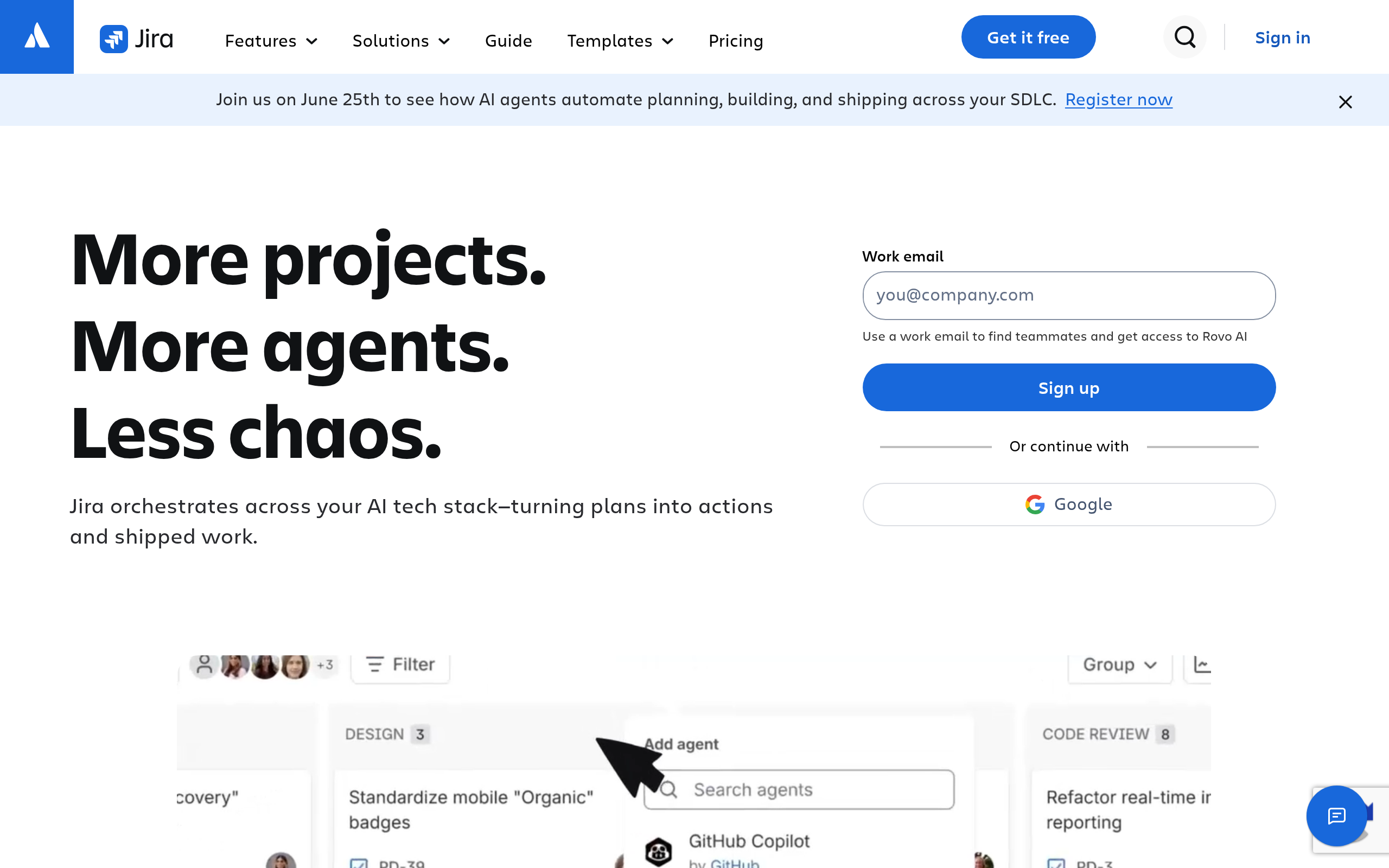
Jira is a project and issue tracking platform built for software delivery and Agile project management. It supports sprint planning, backlog grooming, and developer workflows far better than general-purpose tools, which is why engineering and product teams rely on it. The structure fits how software actually gets shipped.
The benefit is depth for technical teams: sprints, story points, and release tracking all live where developers already work. The tradeoff is that same specialization. For a marketing or operations team, Jira feels heavy and over-engineered, and the learning curve rarely pays off outside dev work.
6. Wrike
Wrike is a work management tool designed for complex projects, structured approvals, and resource coordination. It handles heavier workflows well when many contributors or departments need shared visibility, so it scales past the point where lighter tools start to crack. Larger teams gravitate to it for that reason.
Its benefit is control over messy, multi-stage work: approvals, proofing, and resource allocation hold together at scale. The tradeoff is that a small team rarely needs that machinery, and the interface can feel dense until you’re managing enough work to justify it.
7. Notion
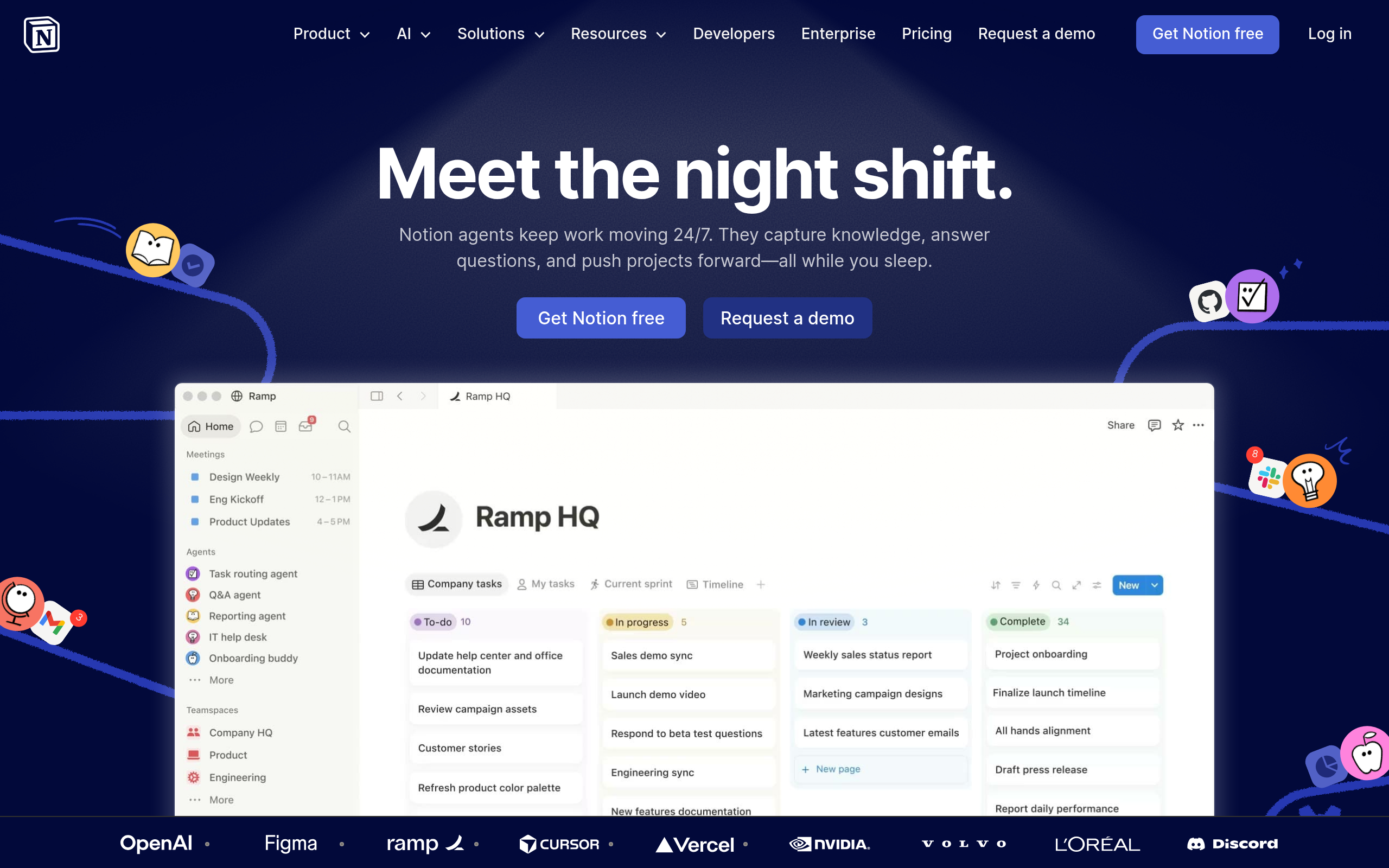
Notion is a docs-and-database workspace that doubles as lightweight project management. It earns its place when a team values documentation, notes, and task tracking living in one flexible system instead of scattered across tools. Startups and content teams especially like keeping knowledge and work together.
The benefit is one home for both your wiki and your task list, which cuts down on app-switching. The tradeoff is that Notion is a workspace first and a project tracker second, so it lacks the dependency tracking, workload views, and reporting that dedicated tools build in.
8. Smartsheet
Smartsheet is a spreadsheet-style project and portfolio management platform with strong reporting and tracking. It appeals to teams that think in grids but need more structure than a plain spreadsheet, including Gantt-style timeline views And rollup reports. For reporting-heavy work, it bridges familiar and powerful.
The benefit is spreadsheet comfort with project muscle: rows and columns you already understand, plus automation and portfolio reporting on top. The tradeoff is that the grid-first design feels less intuitive for visual or board-based workflows, and casual users may find it stiff.
9. Teamwork.com
Teamwork.com is a project platform built with client work, billing, and service delivery in mind. It earns a place because it ties projects to billable time, client access, and service deadlines, which matters when the work is for external clients rather than internal teams. Agencies and consultancies find it speaks their language.
The benefit is the client-services fit: time tracking, billing, and project profitability sit inside the same tool. The tradeoff is that teams without billable client work pay for features they’ll never touch, so it’s overkill for purely internal projects.
10. Microsoft Project
Microsoft Project is a classic enterprise planning tool built for timelines, dependencies, and portfolio-level scheduling. It remains one of the strongest options when project structure, governance, and scheduling depth are non-negotiable. Large organizations and formal project offices lean on it for exactly that rigor.
Its benefit is strong planning for complex, large-scale work: detailed dependencies, resource leveling, and roadmap views across programs. The tradeoff is steep. The learning curve is real, the licensing can get confusing, and it’s far more than a small or mid-size team usually needs.
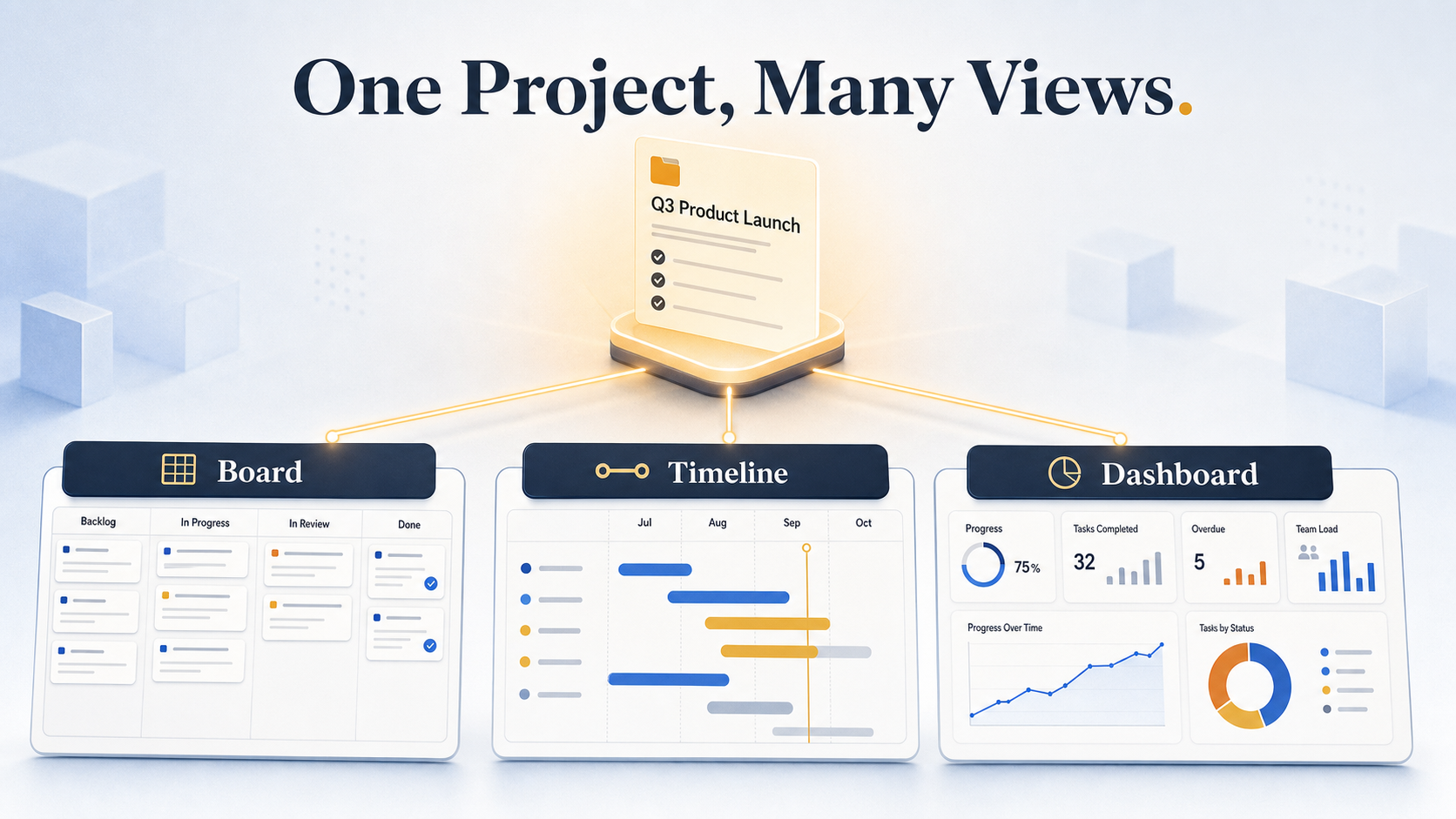
Project Management Software Comparison Table
When the reviews start to blur, this is where to look. The table compares all ten tools on the factors that drive a decision, with the standout strength called out so you can scan in seconds.
| Tool | Best For | Pricing Model | Standout Strength | Biggest Tradeoff | Ideal Team Type |
|---|---|---|---|---|---|
| Monday.com | Visual planning, all-around use | Free tier plus paid plans | Easy adoption, strong visibility | Cost climbs with seats and automation | Non-technical, mixed teams |
| ClickUp | Customization, all-in-one work | Generous free plan | Deep customization and breadth | Steep setup, can overwhelm | Power users, budget-conscious teams |
| Trello | Simple Kanban, free use | Free plan plus paid tiers | Easiest to learn and adopt | Thin on reporting and dependencies | Small teams, solo operators |
| Asana | Cross-functional collaboration | Free tier plus paid plans | Clean task and deadline clarity | No native billing or invoicing | Coordination-focused teams |
| Jira | Agile software delivery | Free for small teams | Sprint and backlog depth | Overkill outside dev work | Engineering, product teams |
| Wrike | Complex, resource-heavy work | Free tier plus paid plans | Approvals and resource control | Dense for small teams | Larger teams, operations |
| Notion | Docs-first, lightweight PM | Free plan plus paid tiers | Docs and tasks in one place | Limited project tracking depth | Startups, content teams |
| Smartsheet | Spreadsheet-style reporting | Paid plans, trial available | Grid control plus reporting | Less intuitive for board fans | Reporting and portfolio teams |
| Teamwork.com | Agencies, client services | Free tier plus paid plans | Billing and client coordination | Overkill for internal-only work | Agencies, consultancies |
| Microsoft Project | Enterprise scheduling | Paid plans by tier | Deep scheduling and governance | Steep curve, complex licensing | Enterprise teams, project offices |
Which Project Management Software Is Best For Your Team
Most buyers don’t need the most powerful tool. They need the one that fits how their team already works. Here’s the short version by scenario.
- Best overall: Monday.com, for teams that want visual planning, flexible views, and easy adoption across mixed roles.
- Best for small teams: Asana, for clear ownership and quick collaboration without heavy setup.
- Best for agile teams: Jira, for sprint planning, backlogs, and developer-style workflows.
- Best for visual planning: Trello, for the simplest possible board-based workflow.
- Best free option: Trello for very light work, or ClickUp when you need more customization on no budget.
- Best for reporting or enterprise: Smartsheet for spreadsheet-style control, or Microsoft Project for formal scheduling and governance.
- Best for agencies: Teamwork.com, for client-facing projects, billable time, and service deadlines.
If your needs sit closer to lightweight task tracking than full project planning, it’s worth comparing a few dedicated Task management options Before committing to a heavier platform.
How to Shortlist and Test Before You Commit
The best choice still comes down to team size, workflow style, budget, and complexity. Don’t try to compare all ten endlessly. Narrow to two or three that match your scenario above, then test them properly.
Run one real project through each shortlisted tool, not a demo script the vendor hands you. A staged demo hides the friction that shows up in week two. A real project surfaces it on day one.
During the trial, watch these specifics:
- How long setup takes before the team can actually work
- Whether the task and project views match how you think
- How much the automation removes manual busywork
- How easily teammates collaborate without training
- Whether the reporting answers the questions your boss asks
- How quickly people adopt it without being told twice
If two tools tie on features, the one your team adopts faster wins. For broader context on building the plan before you pick a tool, this guide on Project planning software and methods Pairs well with the trial.
Frequently Asked Questions
What is the best project management software for small teams?
Asana is the strongest pick for most small teams. It keeps task ownership and deadlines clear without a heavy setup, so a five-person team can be productive on day one. Trello is a close alternative if your work is simple enough to live on a single Kanban board, and ClickUp fits small teams that want more customization without paying for it. The deciding factor is usually how much structure your work needs, not the number of people.
What is the best free project management software?
Trello offers the cleanest genuinely free experience for light, board-based workflows. If you need more views, docs, and customization at no cost, ClickUp’s free plan goes further while staying usable. Most free plans cap users, automations, or advanced views, so confirm the current limits on the vendor’s site before you build your whole process around the free tier.
How do I choose the right project management tool?
Start with your workflow, not the feature list. Write down the two or three problems you actually need solved, like missed deadlines or scattered files, then map those to features and shortlist tools that cover them. Test the shortlist with one real project, and pick the tool your team adopts fastest. The most powerful platform is worthless if people quietly stop using it.
Is project management software worth it?
For any team running work across more than a couple of people, yes. The moment tasks, files, and updates scatter across email and chat, you lose time finding things and re-asking questions. Project management software puts the plan, the work, and the status in one place, which cuts that friction. A solo user with a short to-do list may not need more than a simple board.
Which project management software is best for agile teams?
Jira is the standard choice for agile software teams. It’s built around sprints, backlogs, and story points, and it fits how developers already work. If your agile team is non-technical, a lighter tool like Monday.com or ClickUp can run a sprint board without Jira’s complexity, but for engineering and product delivery, Jira’s depth is the reason it dominates that space.
Picking the Tool That Matches Your Workflow
There’s no single best project management software, only the one that fits your team’s workflow and budget. The flashy feature list rarely decides it. The tool people actually keep using does. Shortlist two or three from this guide, start a free trial on each, and run one real project through them before you commit. The friction you find in that first week will tell you more than any comparison table, including this one.