
Free Trial

Smartsheet

Work management at enterprise scale, from a spreadsheet grid up to portfolio dashboards.

4.2 Productivity
4.2 Very good 4.2

Bottom line: Smartsheet is a strong productivity tool, best known for grid, Gantt, Kanban and dashboard views.

The spreadsheet grid gets adoption where project tools fail Per-member pricing with a three-member minimum on Business
Reviewed by Challenging Voice Editorial · Updated Aug 2026 How we rate
PricingFree Trial
Free planNo
CompanySmartsheet Inc.
PlatformsAPI, Web
Best forProductivity
Visits15
Last reviewedAug 2026
UpdatedAug 2026
Ask AI about Smartsheet ChatGPT Claude Perplexity

Overview

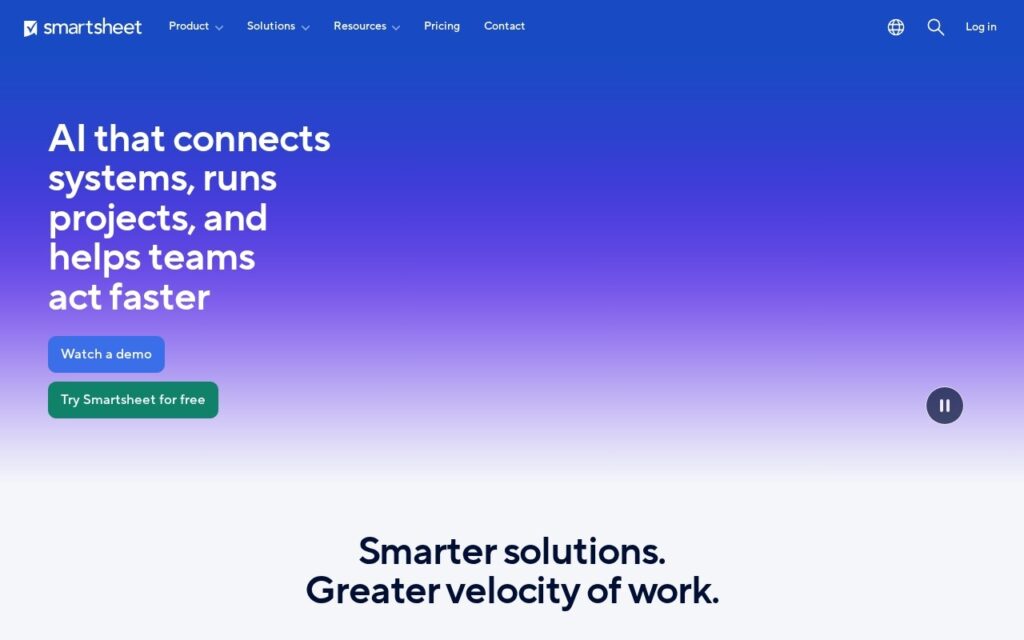
Smartsheet is project and portfolio management built on a familiar grid. Gantt charts, Kanban boards, dashboards, milestone and dependency tracking, resource planning and workload balancing sit on top of it, with WorkApps for building no-code applications and Dynamic Views for sharing requests without exposing the underlying sheet.

The grid is the reason it spread. Anyone who can use a spreadsheet can start, which is why it reaches teams that would never adopt a dedicated project tool, and the dependency tracking and portfolio rollups are there when the work outgrows what a spreadsheet can hold. Smartsheet AI adds analysis over that data.

It integrates with Salesforce, Jira, Microsoft, Workday, SAP, Tableau and the rest, across government, construction, healthcare and higher education. A 30-day trial runs without a card; paid tiers are per member with a three-member minimum on Business and Enterprise on quote. Per-member pricing with seat minimums adds up, the spreadsheet metaphor becomes a constraint at real complexity, and governance matters once every team is building its own sheets.

Key features

  • Grid, Gantt, Kanban and dashboard views
  • Milestone and dependency tracking
  • Resource planning and workload balancing
  • WorkApps no-code applications
  • Dynamic Views for secure request sharing

Screenshots & demo

Smartsheet screenshot 1

Pricing

Visit the Smartsheet website for current plans and pricing.

  • Pricing modelFree Trial
  • Starting priceCustom
  • Free planNo
Visit Smartsheet

Pricing is provided as a guide. Check the official site for the latest plans.

Pros & cons

Pros

  • The spreadsheet grid gets adoption where project tools fail
  • Portfolio rollups when the work outgrows a spreadsheet
  • 30-day trial with no card

Cons

  • Per-member pricing with a three-member minimum on Business
  • The spreadsheet metaphor becomes a constraint at real complexity
  • Needs governance once every team builds its own sheets

How it compares

ToolRatingFreeFromBest known for
Smartsheet (this tool)4.2NoGrid, Gantt, Kanban and dashboard views
Obsidian4.6Yes$4/moNotes stored as local, plain Markdown text files
Google Translate4.6YesFreeGemini-powered text translation that captures idioms and context, not literal word substitution
Fireflies.ai4.5Yes$10/moExtensive integration ecosystem with CRM and project tools

Our verdict

4.2 / 5 4.2

Smartsheet is a strong productivity tool, best known for grid, Gantt, Kanban and dashboard views.

What makes it different: Smartsheet stands out for grid, Gantt, Kanban and dashboard views.

How we score it
Overall 4.2
Value for money 4.2
Feature depth 4.9
Popularity 4.0
Best for ProfessionalsTeamsFoundersFreelancers

Frequently asked questions

What is Smartsheet?
Smartsheet is a productivity tool listed in the Challenging Voice directory. Work management at enterprise scale, from a spreadsheet grid up to portfolio dashboards.
Is Smartsheet free?
Smartsheet does not offer a free plan.
What are the best Smartsheet alternatives?
Popular alternatives to Smartsheet include iGPT, HandtextAI, and ZenAion. Browse them all in the Productivity category.
Is Smartsheet any good?
Smartsheet scores 4.2 out of 5 based on our editorial review.

Reviews

4.2 No reviews yet

Write a review

Similar tools you might like