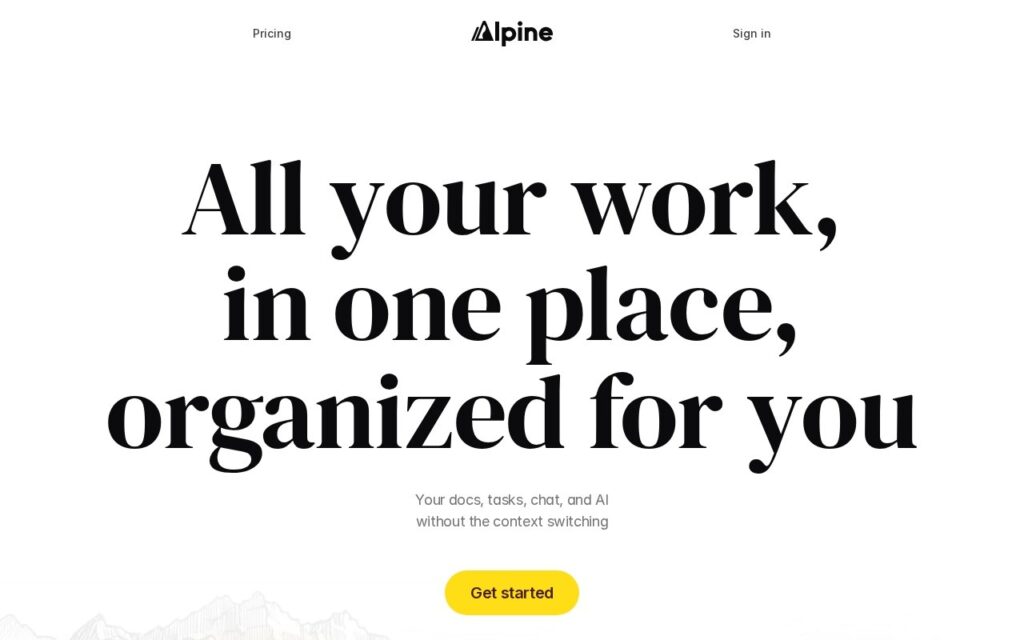
Alpine puts documents, tasks, team chat, a forum and a feed in a single workspace, with AI running across all of it. The argument is the cost of switching: most teams keep notes in one product, tasks in another and discussion in a third, then spend real time moving context between them.
The organising is meant to happen without anyone maintaining it. Rather than asking people to file things into the right project, the workspace sorts its own structure, which is the part that usually decays first in shared tools.
There is a free tier to start on. It is a young product competing against deeply entrenched suites, so consolidating onto it means moving existing documents and tasks across, and the limits of the free tier are not spelled out publicly.
Key features
Documents, tasks and chat in one workspace
Forum and activity feed for team discussion
AI available across every surface
Self-organising structure
Free tier to start
Screenshots & demo
Pricing
Alpine offers a free plan, with paid upgrades for higher limits and more features.
Pricing is provided as a guide. Check the official site for the latest plans.
Is Alpine expensive?
Alpine has no advertised paid tier. Among the 124 priced tools we list in Productivity, the median entry price is $12 a month.
71% of Productivity tools in the directory offer a free tier, and this is one of them.
Compared against every priced listing in Productivity, recalculated as the catalogue changes. Method and the full market breakdown are in our AI tool pricing study.
Pros & cons
Pros
Replaces several separate tools with one workspace
Free tier means you can try it without a card
Structure maintains itself rather than needing filing discipline
Cons
Young product against entrenched competitors
Consolidating means migrating existing docs and tasks