
List your tool
Freemium

DebuggAI

Walks your signup and checkout on every commit and replays the failure on video.

4.1 Coding
4.1 Very good 4.1
Targets end-to-end coverage, the tests teams reliably skip Generated tests treat existing bugs as expected behaviour
Reviewed by Challenging Voice Editorial · Updated Aug 2026 How we rate
PricingFrom $20/mo
Free planYes
CompanyDebuggAI
PlatformsWeb
CategoryCoding
Last reviewedAug 2026

Is this your tool?

  • Claim this listing. Sign in with an email at debugg.ai to manage it. Claim DebuggAI
  • Get into the top 5 of Coding. 5 of 5 spots open, from $159/month. See positions
  • Something out of date? Owners can request edits from My listings; anyone can tell us.
Ask AI about DebuggAI ChatGPT Claude Perplexity

Overview

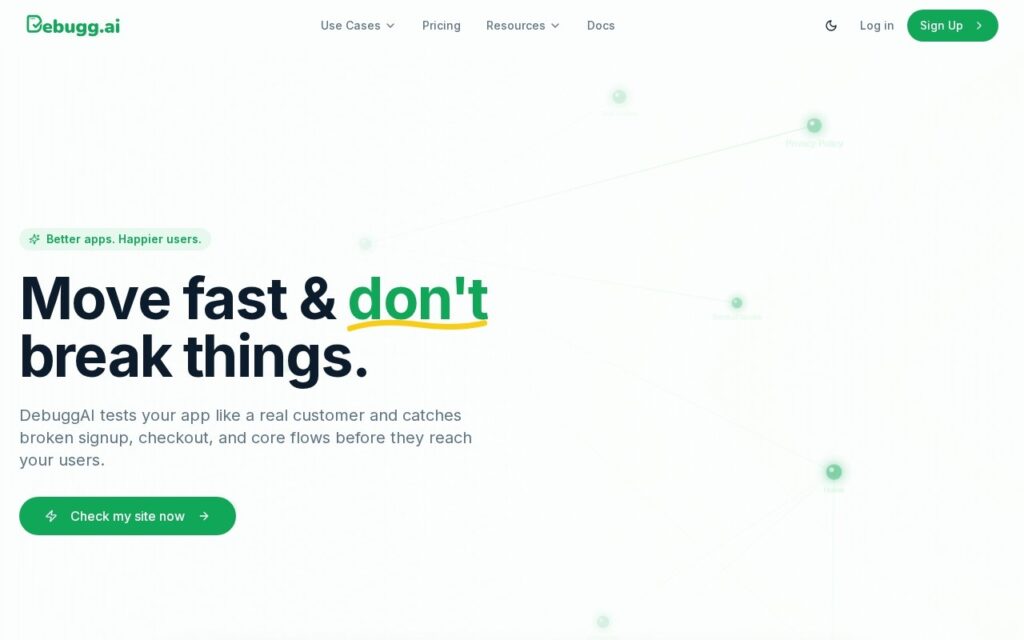
DebuggAI runs end-to-end tests without anyone writing test scripts. It explores the application the way a customer would, exercises the flows that matter – signup, login, checkout – and re-runs them on every code change, reporting pass or fail into the pull request with screenshots and a video replay of whatever broke. Setup is a one-click GitHub connection, claimed at two minutes.

The choice of target is what makes this worth attention. End-to-end tests are the ones teams genuinely do not write: they are slow to author, brittle to maintain, and the first thing dropped under deadline, which is why broken checkout flows reach production at companies with otherwise good unit coverage. A tool that produces them from exploration rather than from a specification is attacking the gap that actually exists. Video replay in the pull request is the right output too – a failed assertion tells you a test broke, a recording tells you what the user would have seen.

Two limits worth knowing before you rely on it. Generated tests assert what the application currently does, so a bug present when the tests were generated becomes the expected behaviour – this catches regressions well and existing defects not at all. And the free tier covers public repositories only, which for most commercial teams means the real entry point is Pro at $20 a month for 1,000 tests, or Grow at $40 for 5,000. No credit card is required to start.

Key features

  • End-to-end tests generated without writing scripts
  • Runs automatically on every code change
  • Screenshots and video replay of failures
  • Results reported into pull requests
  • One-click GitHub integration

Screenshots & demo

Demo video

Screenshots

DebuggAI screenshot 1

Pricing

DebuggAI has a free plan, and paid plans start at $20/mo.

  • Pricing modelFreemium
  • Starting priceFrom $20/mo
  • Free planYes
Visit DebuggAI

Pricing is provided as a guide. Check the official site for the latest plans.

Is DebuggAI expensive?

DebuggAI starts at $20, which is right at the Coding median of $20 a month across the 100 priced tools we list in that category.

The cheapest paid option in Coding starts at $1 and the most expensive at $1,500.

64% of Coding tools in the directory offer a free tier, and this is one of them.

Compared against every priced listing in Coding, recalculated as the catalogue changes. Method and the full market breakdown are in our AI tool pricing study.

Pros & cons

Pros

  • Targets end-to-end coverage, the tests teams reliably skip
  • Video replay shows what a user would have seen, not just a failed assertion
  • Clear published tiers and no card required to start

Cons

  • Generated tests treat existing bugs as expected behaviour
  • Free tier is public repositories only
  • Exploration-based coverage still needs a human to confirm what matters

How it compares

ToolRatingFreeFromBest known for
DebuggAI (this tool)4.1Yes$20/moEnd-to-end tests generated without writing scripts
Bugster3.9Yes$20/moAutomatic end-to-end test generation from captured user flows
Pie4.1No—Reads pull requests and tests the changed code
Refraction3.9YesFreeUnit test generation from pasted code

Alternatives to DebuggAI

4 tools matched to DebuggAI on what they do, their category and their price.

Bugster

3.9

Watches user flows in a live application and regenerates end-to-end tests automatically when the UI changes.

Freemium Coding

Pie

4.1

Reads your pull request, tests the app like a user would, and opens a PR with the fix.

Contact for Pricing Coding

Morph

3.6

End-to-end engineering task automation – takes a feature request, bug description or stack trace and returns code tested against your own suite.

Contact for Pricing Coding

Frequently asked questions

What is DebuggAI?
DebuggAI runs end-to-end tests without anyone writing test scripts.
Is DebuggAI free?
Yes, DebuggAI offers a free plan. Paid plans unlock more features and higher usage limits, starting at $20/month.
How much does DebuggAI cost?
DebuggAI starts at $20 per month. See the pricing plans above for full details.
What are the best DebuggAI alternatives?
The closest matches in the directory are Bugster, Pie, and Refraction, compared side by side above.

Reviews

4.1 Editorial rating No reviews yet

Write a review

More tools like DebuggAI

Fume

3.9

AI QA agent that turns screen recordings into maintained Playwright test suites.

Free Trial Coding

Hyperlint

3.8

Puts documentation maintenance on autopilot – monitors your API/CLI for changes and opens automated pull requests to keep docs current.

Freemium Coding

Alloy

3.9

Prototypes changes against your real codebase, and Harvey and Amazon are named users.

Freemium Coding

Appium

3.7

Self-healing tests detect UI changes and auto-repair broken scripts using computer vision – plus generative AI that turns plain-English scenarios into working test code.

Free Coding