
If you want an AI development tool and you write code for a living, Cursor is the highest-rated in our catalogue at $20 a month. Aider is the one to try first if you’d rather stay in a terminal and pay nothing for the tool itself.
The phrase means two things, so this list picks one. These are tools that help you build software, not tools for building AI applications, which live in our infrastructure catalogue instead.
How this list is ordered, and what it leaves out
These ten are ordered by our editorial rating, then by whether a free plan exists, then by starting price. That rating comes from comparing features, pricing and positioning against the rest of our coding tools catalogue, which holds 132 listings.
We don’t build the same project with all ten and compare the output, so you won’t find a benchmark from us. Every price and limitation comes from that product’s listing, and each listing carries its own last-reviewed date.
No-code app builders are excluded on purpose. They’re a different buyer with a different job, and our roundup of no-code AI platforms covers nine of them already.
| Tool | Rating | Free plan | From | Where it works |
|---|---|---|---|---|
| Cursor | 4.7 | Yes | $20 | Its own editor |
| Aider | 4.6 | Yes | Free | Terminal |
| GitHub Copilot | 4.6 | Yes | $10 | Most editors |
| Claude Code | 4.6 | No | $20 | Terminal |
| Cline | 4.5 | Yes | Free | Editor, terminal, embedded |
| Postman | 4.5 | Yes | $9 | Its own app |
| Zed | 4.5 | Yes | $10 | Its own editor |
| CodeRabbit | 4.5 | Yes | $24 | Pull requests |
| Mintlify | 4.5 | Yes | $250 | Documentation |
| Antithesis | 4.5 | No | On request | Testing |
1. Cursor
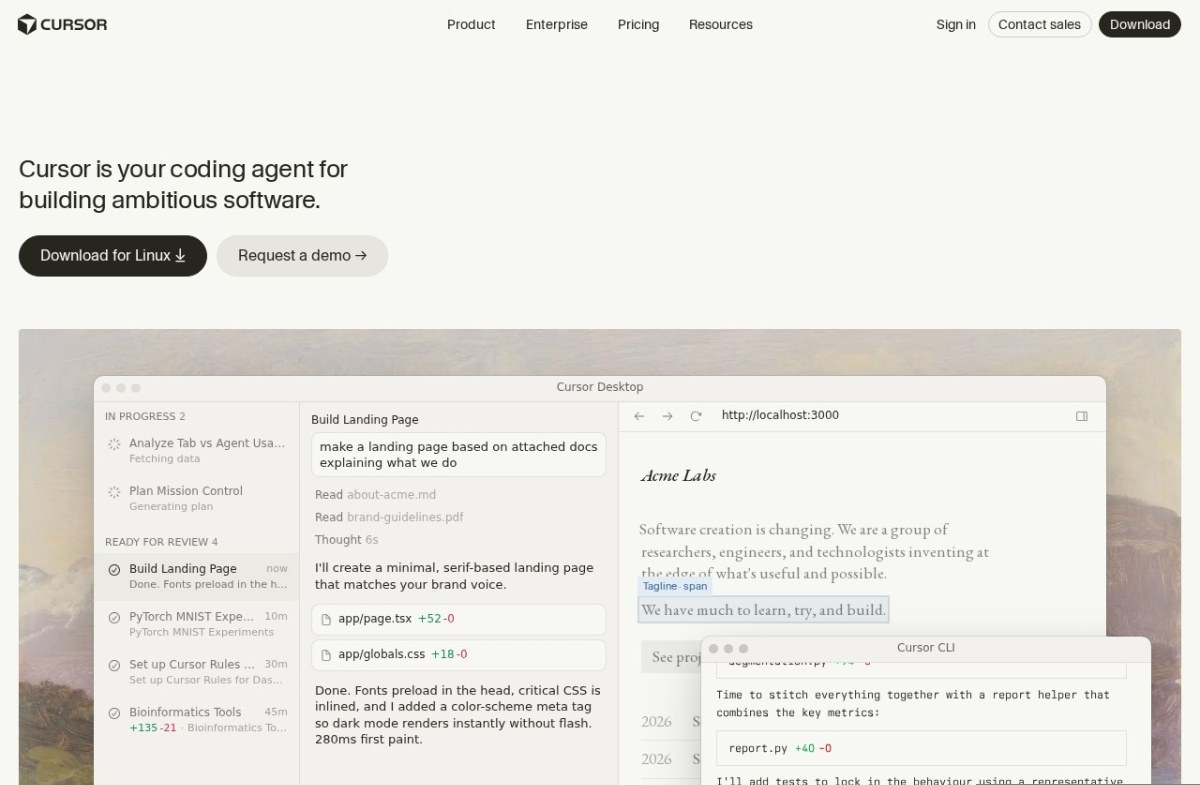
Cursor is a code editor built around AI rather than an editor with AI added, and it’s the product most competitors get measured against. It started in 2022.
Its own site now calls it a coding agent rather than an editor, which our listing hasn’t caught up with. Composer handles genuinely multi-file work, and you can pick which model runs behind it rather than being tied to one provider.
A free tier exists and paid plans start at $20 a month, though heavier use reaches the paid tier quickly.
Two costs worth knowing. It’s a fork of VS Code, so adopting it means migrating your settings and extensions, and its pricing changes have drawn public pushback from long-standing users.
2. Aider
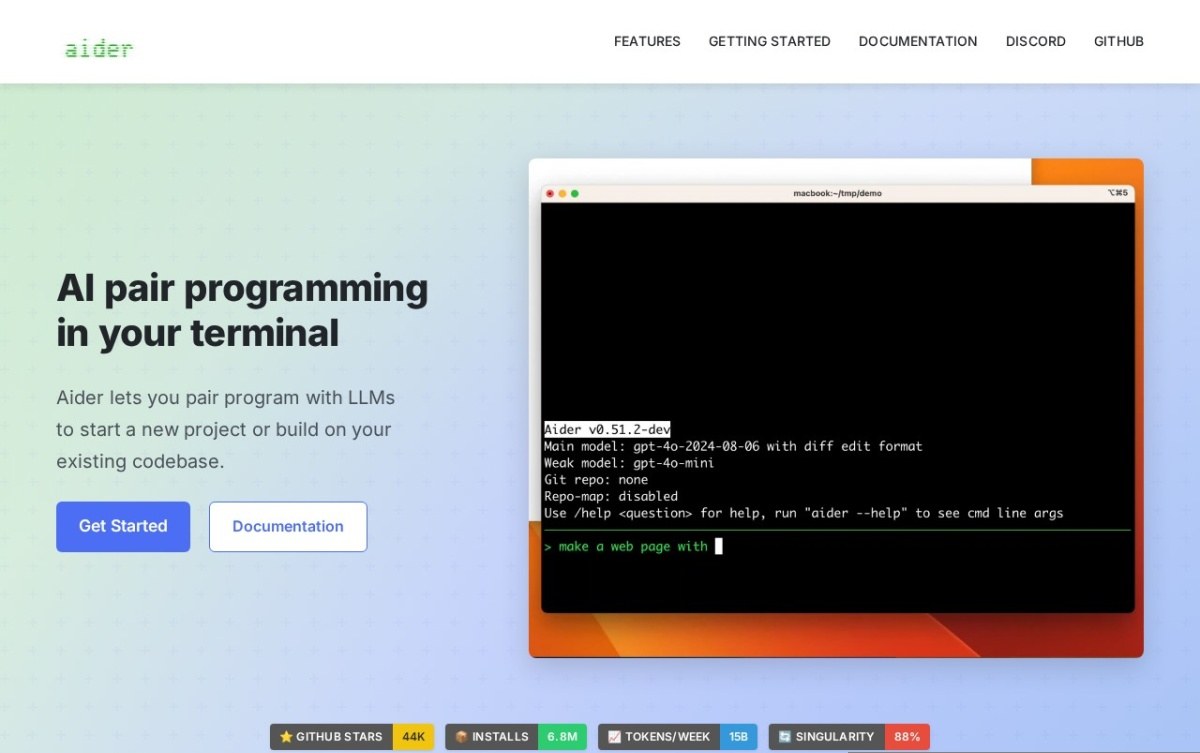
Aider pairs with you from the terminal and commits its own changes to git as it works. The history stays readable rather than arriving as one enormous diff.
Automatic commits are the feature that matters. You can read what it did one change at a time, and revert a single step without unpicking everything around it.
The tool is free and open source. You bring your own model access, so the running cost is whatever that provider charges rather than a subscription here.
There’s no graphical interface at all, so it suits people already comfortable at a command line. It also sees less of your project than an editor-integrated tool does.
3. GitHub Copilot
GitHub Copilot launched in 2021 and started this entire category. It has since grown well past autocomplete into agentic work, and it runs in most editors people already use.
Its advantage is where it lives. The integration with GitHub itself is deeper than anything a third party can build, which matters if your issues, reviews and actions are already there.
A free tier exists and paid plans start at $10 a month, the cheapest paid entry on this list.
The free tier’s completion and chat limits are restrictive for daily professional use. Newer specialists also move faster on agentic features than the incumbent does.
4. Claude Code
Claude Code is Anthropic’s agentic command-line tool, released in 2025. It reads your codebase, runs commands, and tracks what it changed through git.
Running the tests is the part that separates it from suggestion tools. It can check its own work by executing it and reading the result rather than handing you code that looks plausible.
There’s no free tier. It needs a paid Claude subscription or direct model access, and our listing records $20 a month as the entry point.
Two honest costs. The terminal workflow takes adjustment if you’ve only used graphical tools. A broader task scope also means larger changes to review, which is real work rather than a formality.
5. Cline
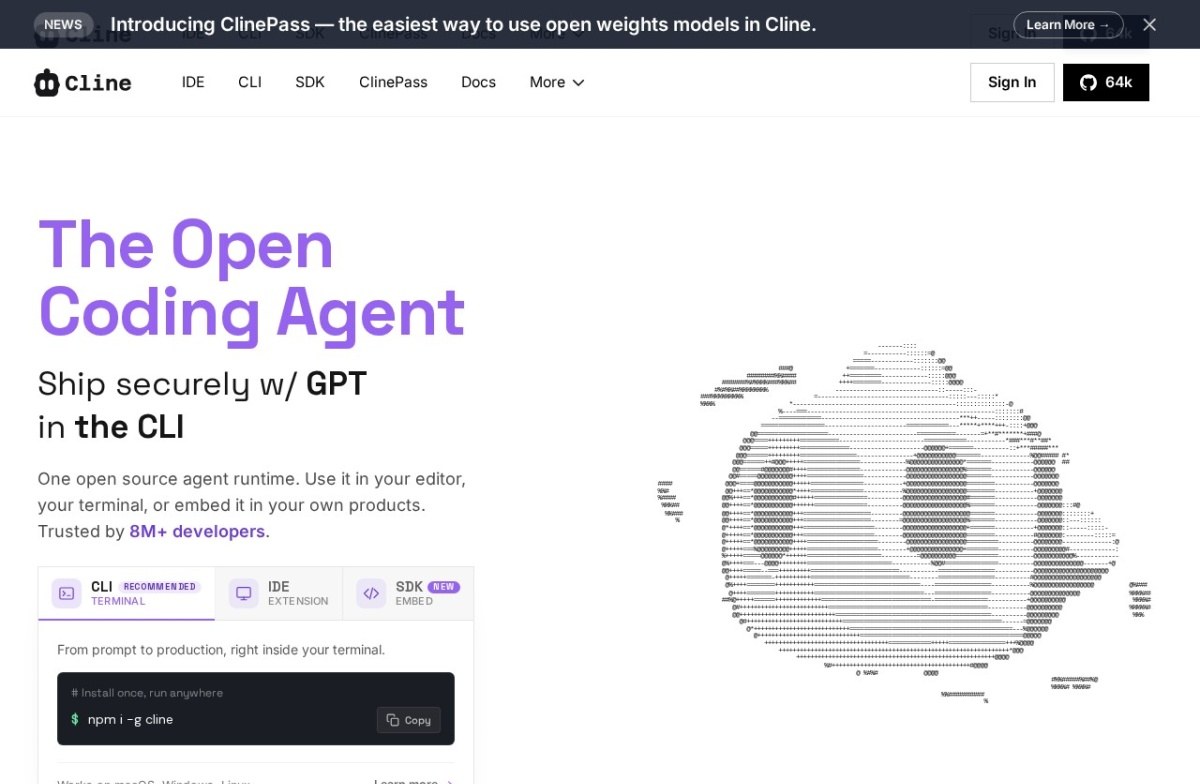
Cline shows you exactly what it intends to change and waits for approval before touching anything. It’s free, open source, and works with whichever model you point it at.
That approval step is the whole product. Seeing the diff before it lands is what makes an agent trustworthy on a codebase you care about, and it costs you a click each time.
Its own site now offers a command-line tool and an embeddable kit alongside the editor extension, which is broader than our listing’s note that it’s an extension only.
Model costs apply separately, as with Aider. The approve-first workflow is also slower than letting a fully autonomous agent run, which is the trade you’re making deliberately.
6. Postman
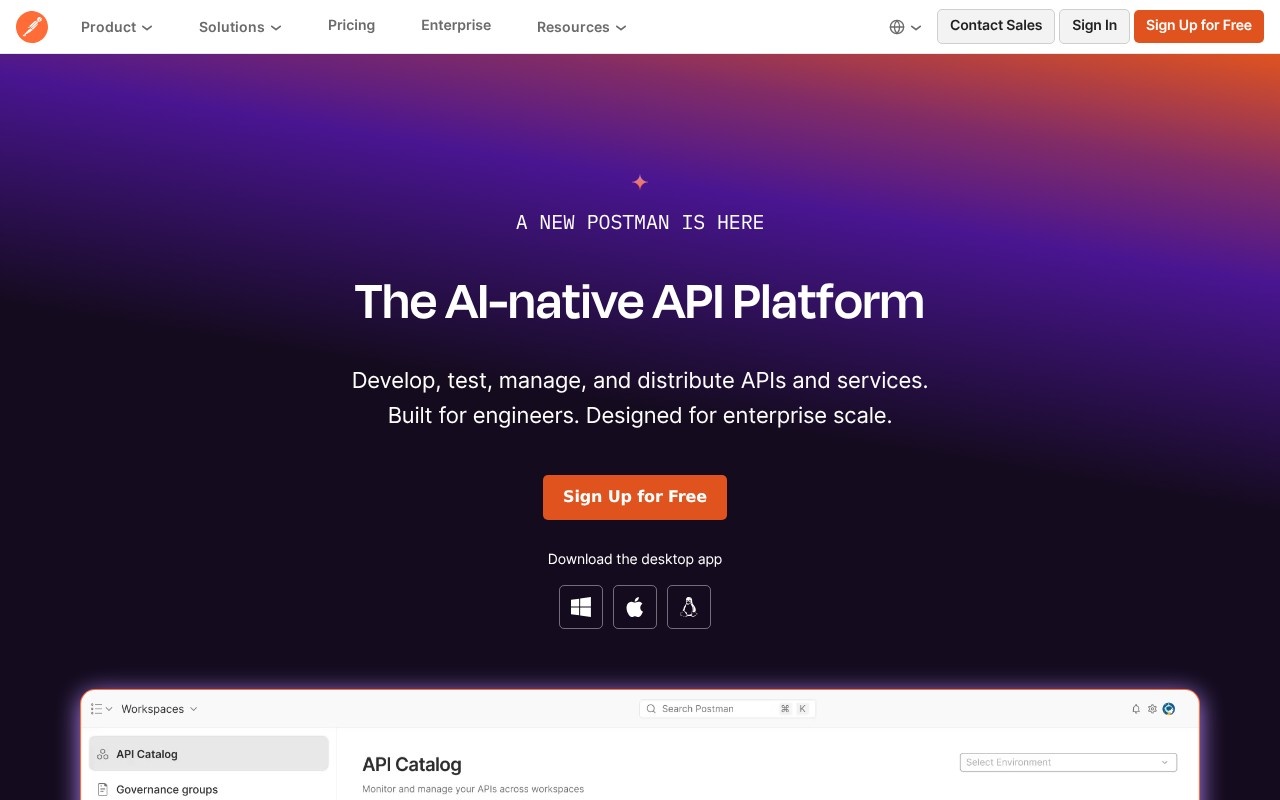
Postman is the default tool for working with web services, and it now carries an assistant that builds, tests and maintains them rather than only sending requests.
It earns a place here because the work is unglamorous and constant. Its connector gives external agents real context about your services, which is how an agent stops guessing at endpoints.
The free tier is genuinely usable for an individual, and paid plans start at $9 a month per user.
It’s broad enough that newcomers meet plenty of interface before they meet the useful part. Per-user pricing scales with headcount rather than usage, and shared collections hit free limits quickly.
7. Zed
Zed was built by the people who made Atom, written in Rust rather than wrapped around a browser, and it shows in how quickly it responds.
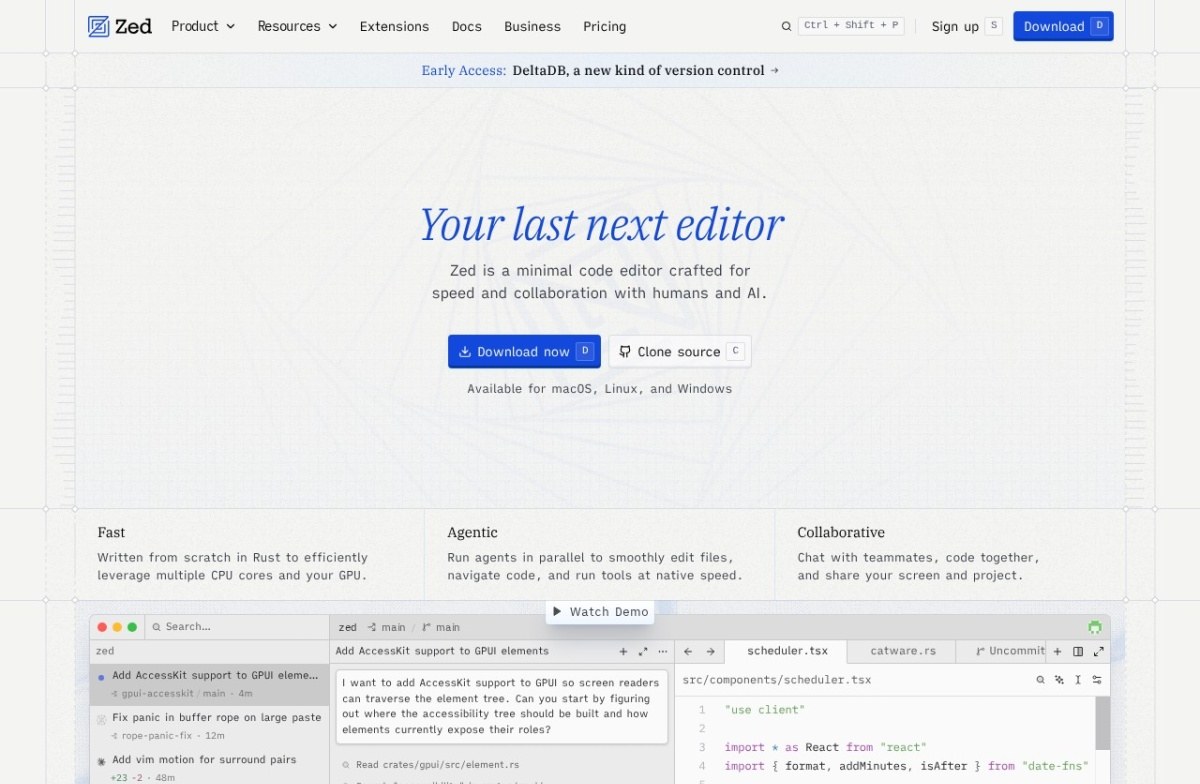
Speed is a real feature rather than a talking point on a large project. It also runs agents in parallel and has multiplayer editing built into the core, not bolted on through an extension.
A free tier exists and paid plans start at $10 a month. It runs on macOS, Linux and Windows.
The extension ecosystem is much smaller than anything built on VS Code. Moving here means giving up extensions you rely on, which is a bigger ask than changing a setting.
8. CodeRabbit
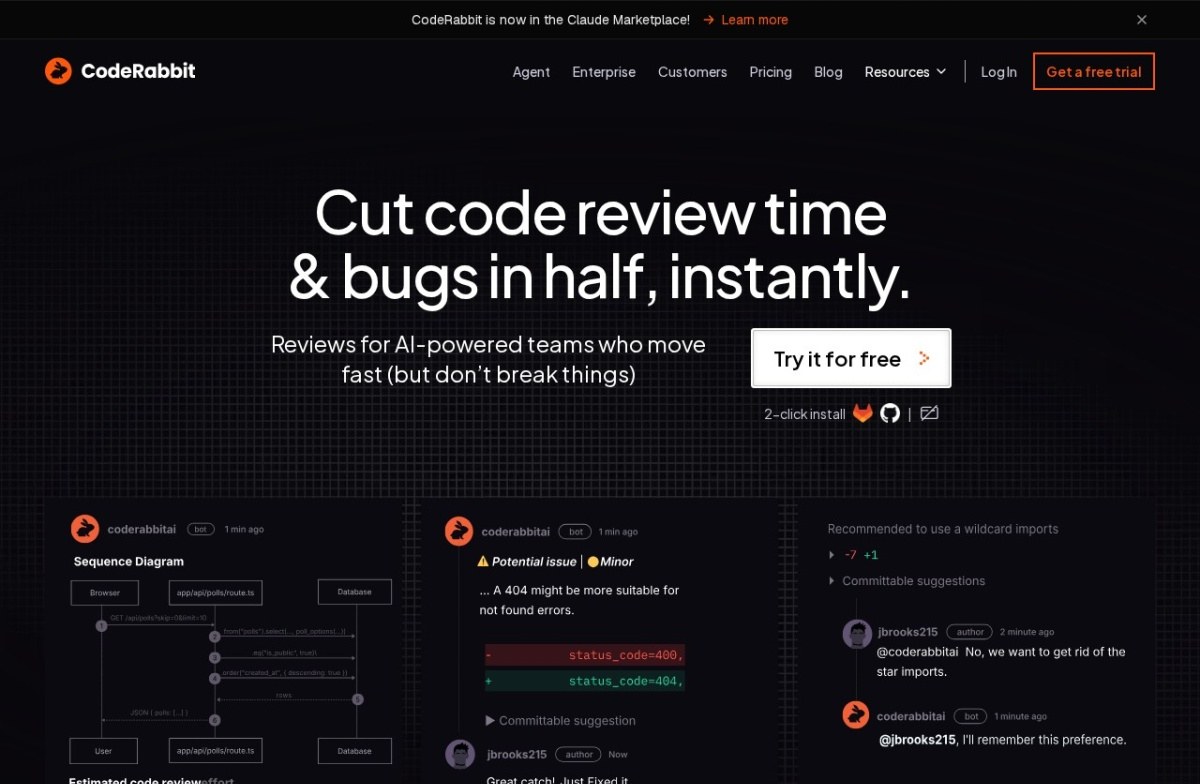
CodeRabbit reviews pull requests and leaves inline comments before a human opens them, and it learns a team’s preferences over time.
Reviewing is a different job from writing, and almost nothing else here does it. Catching the obvious problems first means human review time goes on judgement rather than on style and typos.
The free tier supports open-source maintainers directly, and paid plans start at $24 a month per developer for private repositories.
It’s scoped to review and won’t write the code for you, which is the point but also the limit. Nuanced judgement calls still need a person.
9. Mintlify
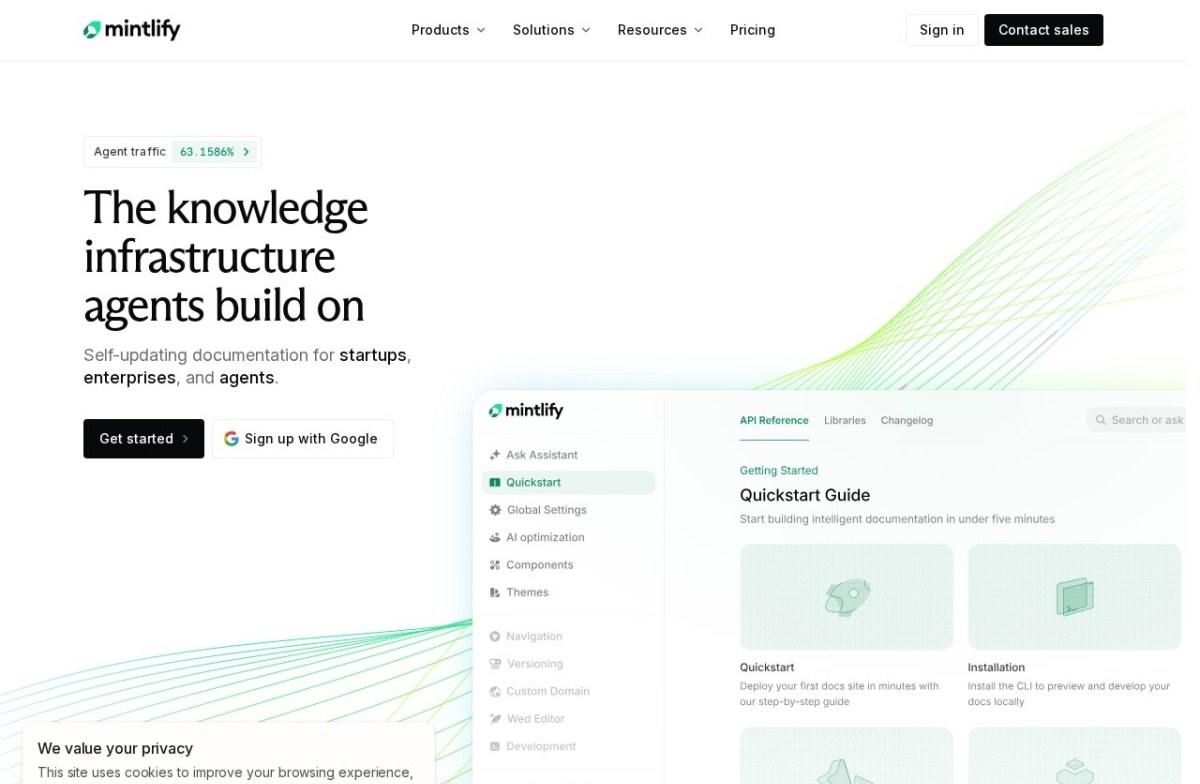
Mintlify writes and maintains developer documentation, hosts it, and flags when the docs have drifted from the code they describe.
Drift detection is the useful half. Documentation rots quietly and nobody notices until a reader hits the gap, which is exactly the kind of maintenance work that never reaches a sprint.
Its positioning has moved. The site now leads with knowledge infrastructure that agents build on, aimed at machine readers as much as human ones, which our listing describes more narrowly.
A free tier exists, but team pricing starts at $250 a month, by far the biggest jump on this list. It also does nothing about writing or reviewing code.
10. Antithesis
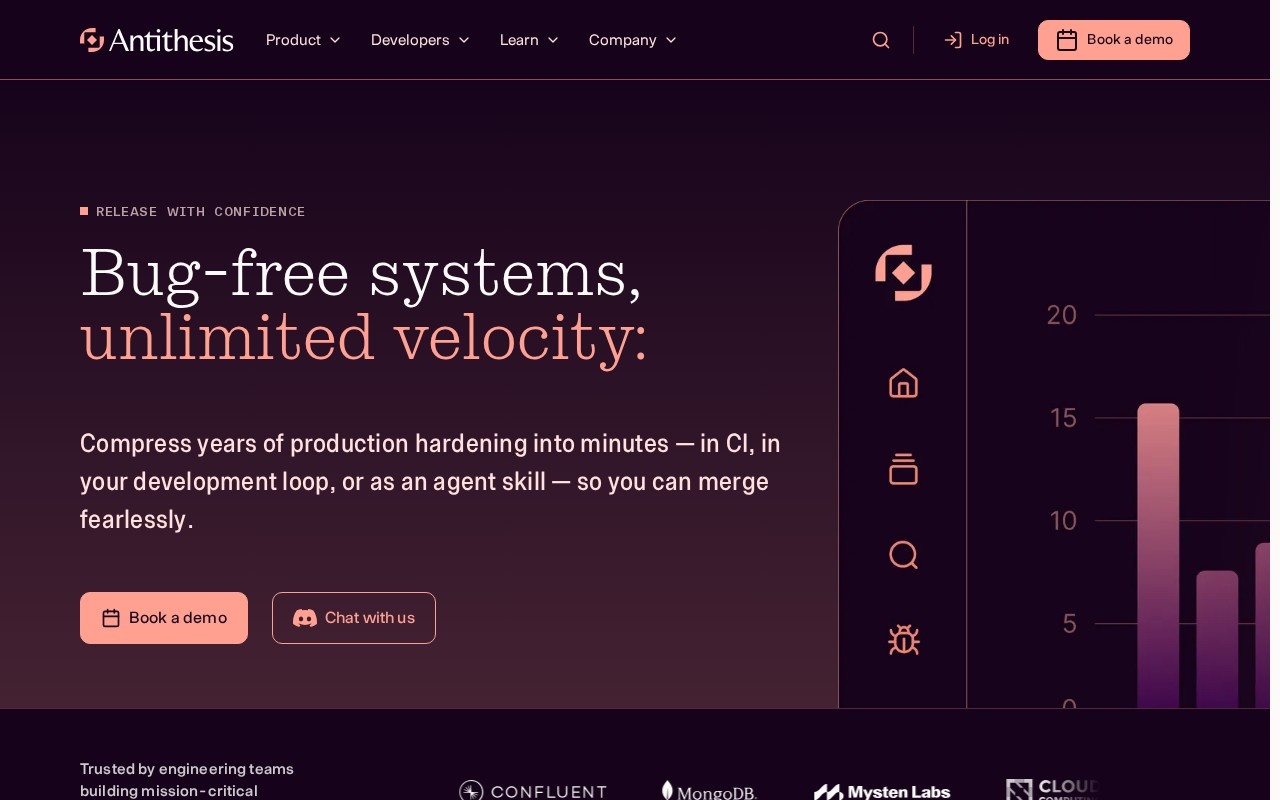
Antithesis hunts for bugs in distributed systems by simulating them deterministically, and the same bug reproduces identically every time it’s found.
Anyone who has chased an intermittent failure knows why that matters. A bug you can reproduce on demand is a bug you can fix, and one you can’t is a week of guessing.
It comes from the team behind FoundationDB, later acquired by Apple, and its listing names Palantir and MongoDB among its users. Pricing is usage-based and quoted rather than published.
Usage-based pricing can scale unpredictably with test complexity. It’s also built for large distributed systems and overkill for a small application, and the concepts take learning.
How we rate these
Our rating comes from comparing published features, pricing and positioning against the rest of the catalogue. It isn’t a lab score, and we don’t build one project ten times to produce it.
What would be worth measuring is how much of the generated code survives review a month later. Every vendor implies that number is high and none publishes it.
Three of these have moved past what their listing says: Cursor now calls itself an agent, Cline ships beyond an editor extension, and Mintlify targets machine readers. We’ve said so in each entry rather than repeating the older description.
What to check before you buy
- Job: writing, reviewing, testing or documenting are four purchases, not one.
- Home: your existing editor, a new editor, or a terminal.
- Model costs: separate from the tool price on the open-source options.
- Autonomy: suggests a line, or changes files and commits them.
- Review load: a bigger task scope means a bigger diff to read.
- Migration: what you lose by leaving the editor you have.
How to choose between them
Start with where you already work. Staying in your current editor points at GitHub Copilot or Cline. Moving editors points at Cursor or Zed, and living in a terminal points at Aider or Claude Code.
Then decide how much rope to give it. Suggesting the next line and rewriting six files are different risks. Cline exists specifically for people who want the second with a checkpoint.
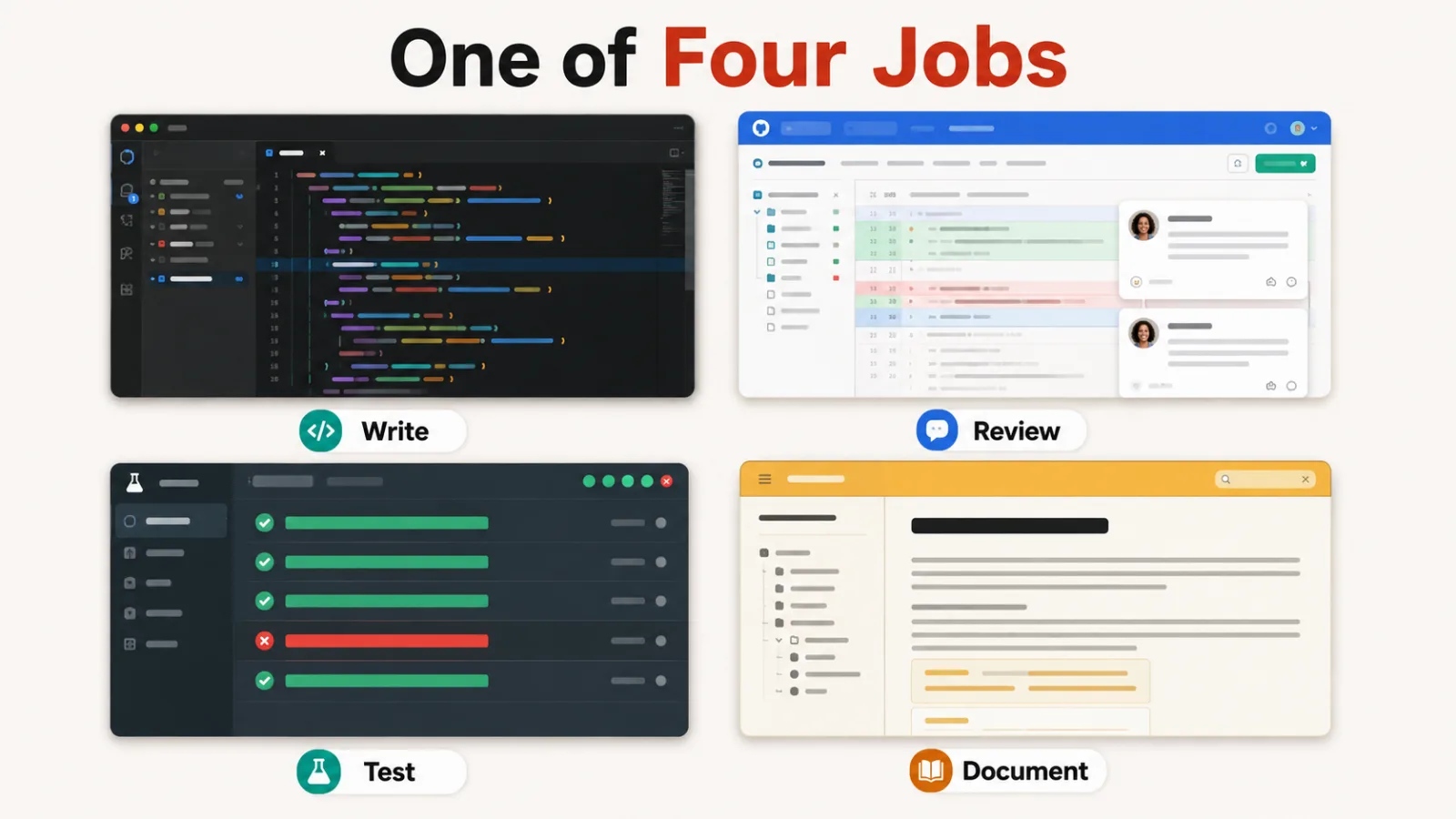
Writing is only one of four jobs. Nothing here writes, reviews, tests and documents well at once, so most teams end up with an assistant plus one of CodeRabbit, Antithesis or Mintlify.
Our roundup of AI agents covers the broader agent landscape these belong to, and AI testing tools goes deeper on the testing side.
Questions buyers ask
What is an AI development tool?
An AI development tool uses a model to take over part of building software: writing code, reviewing it, testing it or documenting it. The phrase also gets used for tools that help you build AI applications, which is a different category entirely.
Which of these are free?
Aider and Cline are free and open source, though you pay your model provider separately. Cursor, GitHub Copilot, Postman, Zed, CodeRabbit and Mintlify all have free tiers. Claude Code and Antithesis do not.
Do these replace developers?
No, and the listings don’t claim it. They shift the work from typing to reviewing, which is why four entries here name review load as their honest cost. Deciding what to build, and whether the result is right, stays with a person.
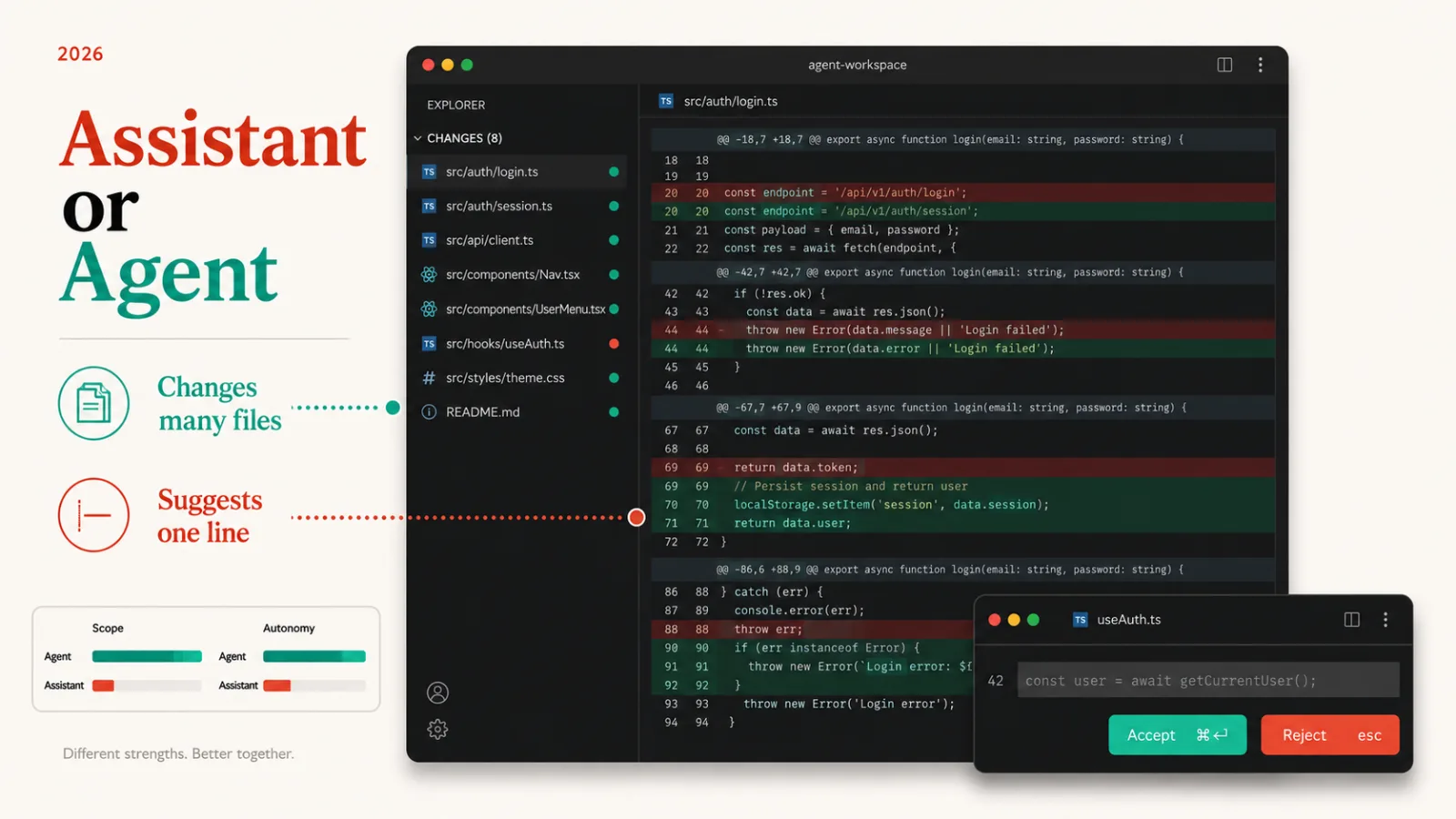
What’s the difference between an assistant and an agent?
An assistant suggests something you accept or reject, usually the next line. An agent takes a goal, edits a whole set of files in one pass, and often runs commands to check itself. The second saves more time and needs more review.
What does an AI development tool cost?
Published pricing runs from free to $250 a month, with most assistants between $10 and $24. On the open-source options the tool is free and the model usage isn’t, so budget for a provider bill that moves with how much you use it.
Can I use more than one?
Most teams do, because the jobs don’t overlap. An assistant in the editor plus an automated reviewer on pull requests is the common pairing, and neither one does the other’s work.