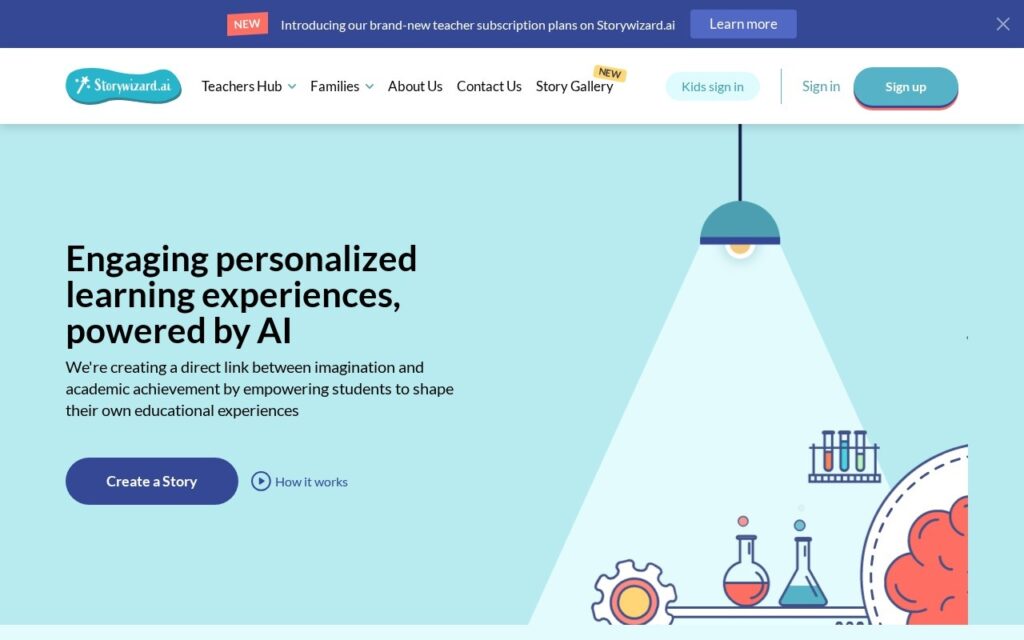
Storywizard.ai is an AI tool that writes illustrated stories for the classroom. You give it the topic you’re teaching and the reading level of your group, and it produces a picture-led story that fits both. It suits primary and early-years teachers who need fresh reading material faster than they can write it.
The need is specific. You want a story about volcanoes, or sharing, or the water cycle, pitched at the level of one particular group.
That combination rarely sits in the book cupboard. Writing it yourself takes an evening, so most teachers compromise on the topic or the level.
Storywizard.ai’s useful trick is meeting both constraints at once.
Illustration matters too, since early readers lean on pictures as much as on text.
Read every story before it reaches a class. A story can be fluent and still get a fact wrong or strike the wrong tone for the age group, and you’re the last check.
If you’re also building revision material, compare options in our guide to AI study guide makers.
When Does Storywizard.ai Beat a Library Book?
Storywizard.ai wins when the topic is narrow and the level is fixed: a class-specific theme, a local event or a vocabulary set you’ve just introduced. A good library book still wins on literary quality and tested language.
| Your situation | Better choice |
|---|---|
| Topic is common and books exist at the right level | Use the book |
| Topic is niche or tied to your current unit | Generate with Storywizard.ai |
| You need several versions at different levels | Generate, then edit each |
| You want a story read aloud for years | Use a published book |
What to Check Before a Story Reaches Your Class
- Read every fact against your lesson notes.
- Check the vocabulary against the group’s reading level.
- Look at each picture for errors or odd details.
- Cut anything that feels off in tone for the age.
Teachers who package stories into wider lessons can see more options in our roundup of AI tools for online course content, or browse the full AI tools directory A to Z.